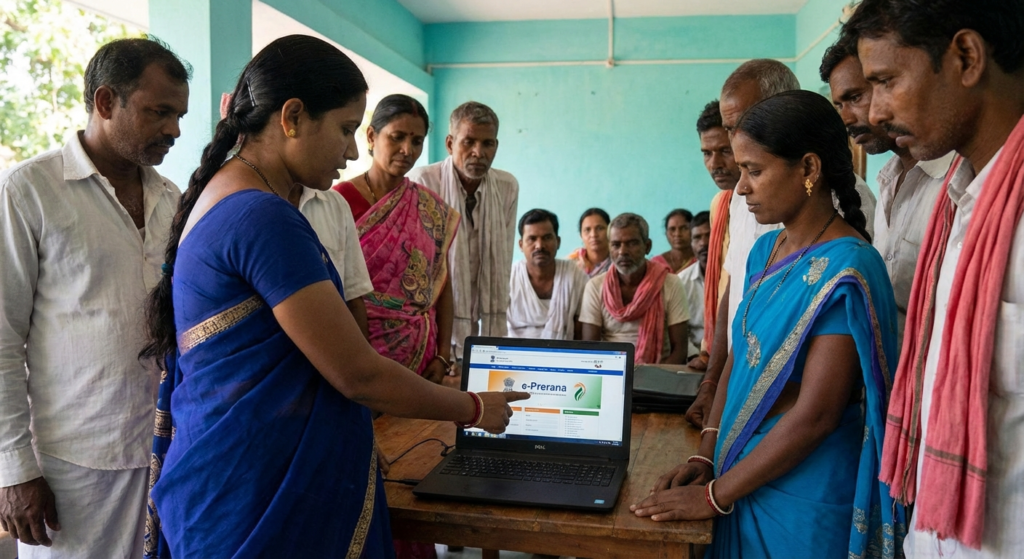
Look, nobody starts a business because they love filing government paperwork. But if you are running an establishment in Gujarat in 2026, ignoring labour compliance isn’t just risky—it’s a ticking time bomb for your operations.
Remember the old days? Standing in long queues at the Labour Commissioner’s office, dealing with “middlemen,” and wondering if your file actually made it to the right desk. Those days are largely behind us, thanks to the E Prerana portal.
In the last few years, the Gujarat Labour & Employment Department has aggressively digitized its workflow. The E Prerana system is the centerpiece of this shift. It’s no longer just a digital filing cabinet; it’s a dynamic compliance engine that integrates with other state and central databases.
Whether you’re a contractor managing 50 workers or a startup founder with a small team, this guide cuts through the bureaucratic jargon. We’re going to show you exactly how to navigate the portal, avoid common rejection triggers, and keep your business on the right side of the law.
🎯 Key Takeaway
The E Prerana portal is now the mandatory single-window system for Gujarat labour compliance. In 2026, manual applications are virtually obsolete. Mastering this dashboard is essential for obtaining your Labour Identification Number (LIN) and avoiding heavy penalties during automated audits.
What is the E Prerana Portal?
At its simplest, the E Prerana portal is the digital interface between your business and the Gujarat Labour and Employment Department. But in 2026, it’s evolved into something much more robust.
Think of it as the “GST portal” but for your workforce. It handles everything from the Building and Other Construction Workers (BOCW) registration to Contract Labour Act licenses. The government’s objective here is clear: Minimum Government, Maximum Governance.
By centralizing data, the state ensures that worker welfare reaches the right people while employers get a transparent, time-bound mechanism for approvals. No more “lost files.” Every action leaves a digital footprint.
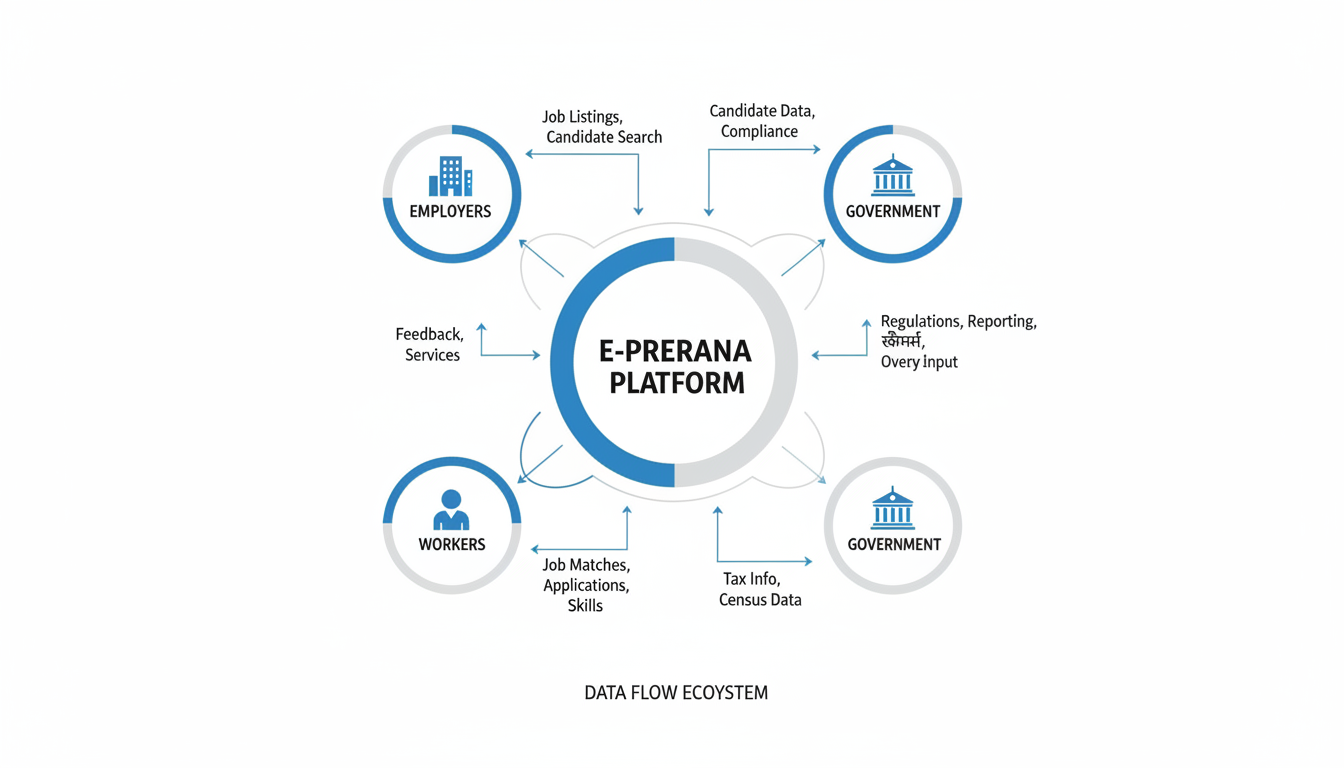
The Shift: Manual vs. Digital Compliance
If you’re still holding onto physical ledgers, you need to see the stark difference. We’ve broken down how the landscape has changed.
| Feature | Old Manual System | E Prerana Portal (2026) |
|---|---|---|
| Application Speed | Weeks to Months | 3-14 Days (Standard) |
| Transparency | Zero (Dependent on officials) | 100% (Real-time status tracking) |
| Documentation | Physical copies (prone to loss) | Secure Cloud Uploads |
| Inspections | Random, often arbitrary | Computerized risk-based selection |
| Payment | Challans/Cash at counters | Integrated Online Payment Gateway |
Step-by-Step Guide: Registering on E Prerana
Navigating government websites can sometimes feel like solving a puzzle. We’ve tested the process repeatedly to give you the most efficient path forward. Here is the exact workflow you need to follow.
Step 1: User Profile Creation
Head over to the official portal. You’ll need to create a “New User” profile. This isn’t your business registration yet; it’s just your login credentials.
You will need:
- A valid email address (use a dedicated admin email, not a personal one).
- An active mobile number for OTP verification.
💡 Pro Tip
Do not use a consultant’s email address or phone number for the primary registration. In our experience, business owners lose control of their accounts when they switch consultants. Always use an internal company email (e.g., compliance@yourcompany.com) to retain ownership.
Step 2: Establishment Profiling
Once you log in, the dashboard will ask for “Establishment Details.” This is where accuracy is critical. You will need to input:
- Name of Establishment: Must match your PAN card exactly.
- Nature of Business: Be specific (e.g., “Civil Construction” rather than just “Construction”).
- Workforce Count: This determines your fee slab.
Step 3: Document Uploads
This is where 40% of applications get rejected. The E Prerana portal has strict validation rules for uploads.
Required Documents Checklist:
- ID Proof: Aadhar Card or PAN of the proprietor/partners/directors.
- Address Proof: Recent electricity bill or Rent Agreement (not older than 3 months).
- Constitution of Business: Partnership Deed, MOA/AOA, or Shop Act License.
- Local Authority License: Gumasta Dhara or Municipal Corporation certificate.
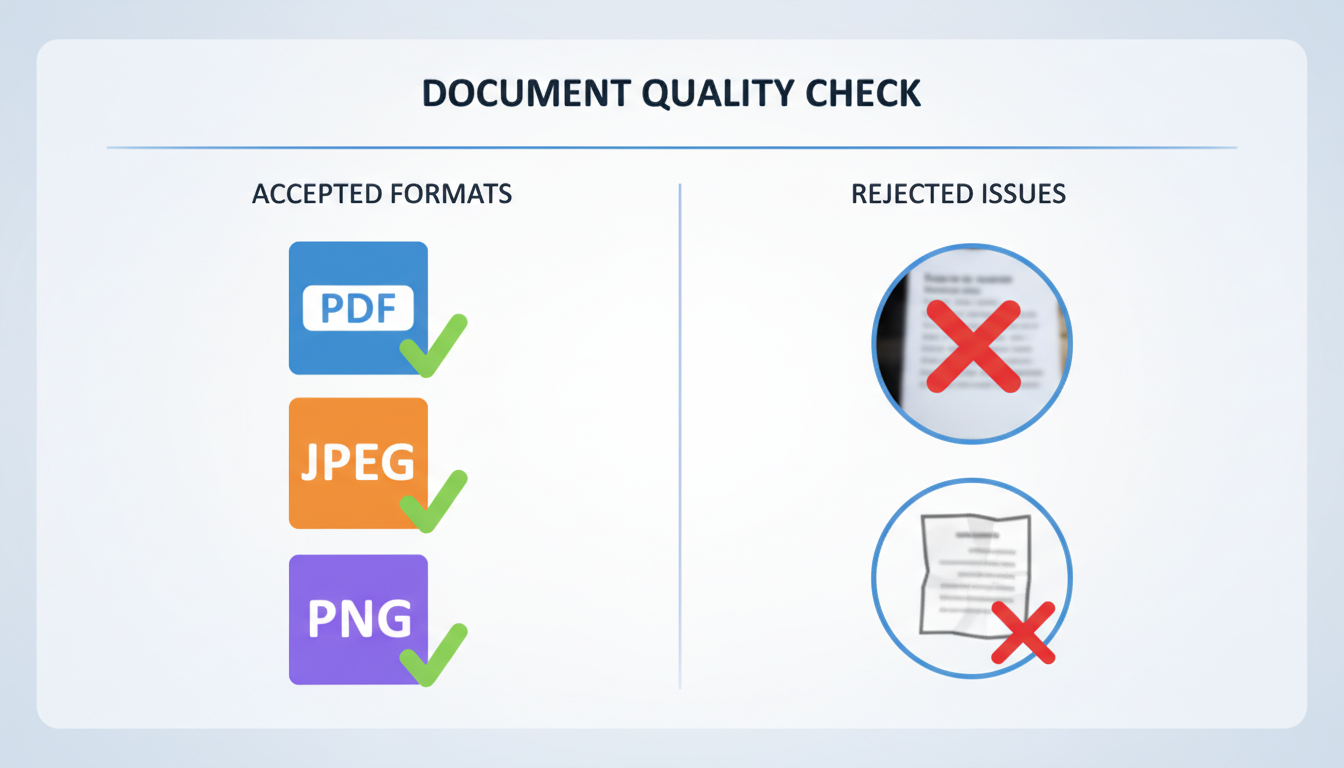
⚠️ Watch Out
File size matters. Most government portals in 2026 still have a cap (usually 2MB per file). If your scanned PDF is 5MB, the upload will fail without a clear error message. Compress your PDFs before you start the application process to save yourself a headache.
Step 4: Fee Payment & Submission
After uploading, you’ll be directed to the payment gateway. The fees are statutory and vary based on the number of employees you declared. Once paid, you will generate a temporary reference number. Save this immediately.
Troubleshooting: When Things Go Wrong
Let’s be real—technology isn’t perfect. Even in 2026, users face glitches. Here is how to handle the most common issues we see. Apply for PAN Card Online and Offline: Easy Guide
The “OTP Not Received” Loop
This happens frequently during peak hours (10 AM – 12 PM). If you don’t get an OTP within 2 minutes, do not spam the “Resend” button. Wait 10 minutes. If you spam it, your IP might get temporarily blocked for suspicious activity. Extension of Due Date for Form 10B/10BB and ITR-7: CBDT Circular No. 16/2023
Java & Browser Compatibility
While modern portals are HTML5 compliant, some legacy features for digital signatures (DSC) still rely on specific browser settings. We recommend using the latest version of Chrome or Edge. If you are using a Digital Signature Certificate (DSC) for signing, ensure your emSigner utility is running in the background before you open the browser.
Compliance Timeline & Penalties
Registration is just the first step. Staying compliant is an ongoing process. Here is a quick reference table for what you need to do and when.
| Activity | Timeline / Due Date | Risk of Non-Compliance |
|---|---|---|
| New Registration | Within 30 days of starting business | Heavy fines + Legal notice |
| License Renewal | 30 days before expiry (usually Dec 31st) | Double fees + Loss of license |
| Annual Returns | Typically by Feb 1st of the next year | Audit trigger |
| Change in Staff Count | Update within 15 days | Discrepancy in inspection |
Why This Matters for Your Workers
It’s easy to view the E Prerana portal as just another compliance hurdle, but for the workforce, it’s a lifeline. In the unorganized sector, this digital registration is often the only proof of employment a worker has.
When you register your workers correctly:
- They get insurance: Access to state-sponsored health and accident cover.
- Education grants: Their children often become eligible for scholarships under the Labour Welfare Board.
- Housing aid: Construction workers (BOCW) can access housing schemes.
According to the Ministry of Labour & Employment, digital integration is the primary driver for delivering social security benefits directly to bank accounts (DBT), cutting out corruption.

The Future: Integration with Tax & GST
Here is where things get interesting. The government is moving toward a “Unified Business ID.” In 2026, we are seeing the early stages where your Labour data talks to your GST and Income Tax data.
If you declare 50 employees in your Tax Audit to claim salary expenses, but only register 10 employees on the E Prerana portal to save on labour cess, the system will flag the discrepancy automatically. This cross-referencing is becoming standard practice.
⚠️ Watch Out
Consistency is key. Ensure the employee count you declare on E Prerana matches what you file in your PF/ESIC returns and your Income Tax audit reports. Discrepancies here are the #1 trigger for “scrutiny notices” in 2026.
Conclusion
The E Prerana portal is a powerful tool that has modernized labour compliance in Gujarat. While the learning curve can be steep for first-time users, the benefits of transparency, speed, and legal safety are undeniable.
Don’t wait for a labour inspector to knock on your door. Take control of your compliance today. By following the steps outlined above—securing your documents, maintaining consistent data, and adhering to timelines—you turn compliance from a business risk into a business asset.
For more details on state-specific regulations, you can always refer to the Labour and Employment Department, Gujarat or check the broader context of digital governance on the Digital India website.
❓ Frequently Asked Questions
Is E Prerana registration mandatory for all businesses?
It depends on your employee count and nature of business. Generally, if you fall under the Shops and Establishments Act or employ contract labour, registration is mandatory. Ignoring this can lead to penalties under the Gujarat Labour Laws.
How long does it take to get the license approved?
In 2026, if all documents are correct, approvals typically take between 3 to 14 working days. However, if a query is raised by the inspector, the clock stops until you respond.
Can I edit my application after submission?
Once submitted and fees are paid, you cannot directly edit the form. However, if the officer raises a query (sends it back for correction), you can then edit the specific fields requested.
What is the validity of the registration certificate?
Most registrations, like the Shops & Establishment registration, are now lifetime validities in many zones, provided you pay the periodic trade expense or renewal fees as applicable. However, Contract Labour licenses usually need annual or biennial renewal.
I forgot my password and the ‘Forgot Password’ link isn’t working. What do I do?
This is a common glitch. Try clearing your browser cache or using “Incognito Mode.” If that fails, you will need to email the helpdesk with your establishment PAN and registered mobile number to request a manual reset.