
Imagine this: You’re about to sign a six-figure deal with a promising new supplier. Everything looks perfect. The pitch was slick, the team was sharp. But a tiny voice in your head whispers, “Is this for real?” You spend five minutes on a government website, punch in their company name, and your jaw drops. The company status? “Struck Off.”
You just dodged a legal and financial nightmare. This isn’t fiction; I’ve seen this exact scenario play out. In a world of polished websites and slick sales decks, the ability to view company master data is your ultimate truth detector. It’s the single most powerful, yet underutilized, tool for anyone doing business in India.
Forget guesswork. This article will give you the exact playbook to verify any company’s legal standing, financial health, and key personnel in minutes. You’ll learn not just *how* to find this data, but how to *interpret it like a seasoned pro* to make smarter, safer decisions. Let’s get started.
What is Company Master Data, Really?
Think of company master data as a company’s official government-issued ID card. It’s the core, non-transactional information that defines a registered business entity in India. This isn’t marketing fluff; it’s the bedrock of corporate identity, maintained by the Registrar of Companies (ROC) under the Ministry of Corporate Affairs (MCA).
Every company is legally required to keep this data current. It’s the single source of truth for a company’s existence, structure, and compliance status. When you view company master data, you’re looking at the official record. No spin. Just facts.
Here’s a quick rundown of the critical details you’ll uncover:
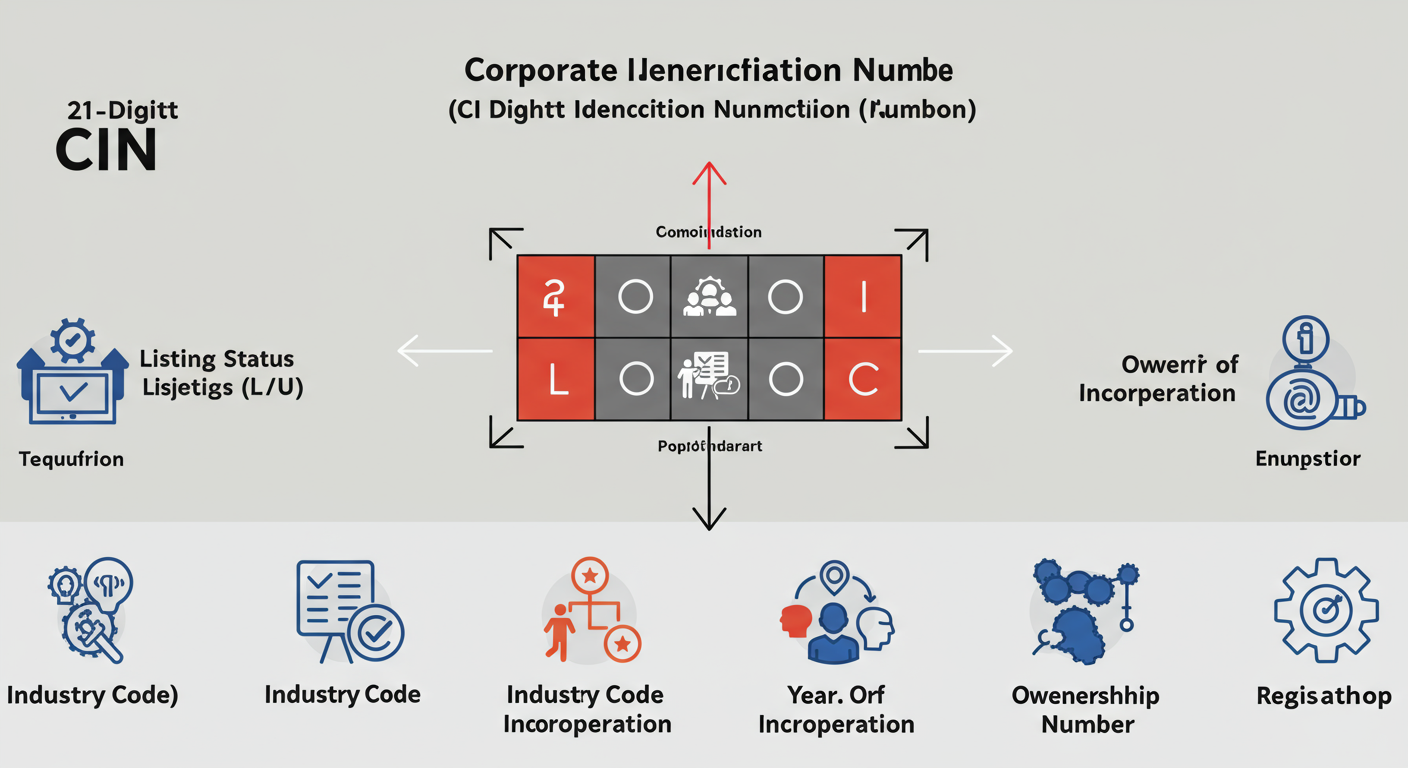
- Corporate Identification Number (CIN): A unique 21-digit code. It’s the company’s fingerprint.
- Company Name & Status: The legal name and its current operational health (e.g., Active, Struck Off, Under Liquidation).
- Capital Structure: The Authorized and Paid-up capital, giving you a sense of the company’s scale.
- Registration Details: Date of Incorporation, state of registration, and the specific ROC office it reports to.
- Registered Address: The official address for all legal correspondence.
- Director Details: Names and Director Identification Numbers (DIN) of the people in charge.
- Compliance Dates: The date of the last Annual General Meeting (AGM) and the date the last balance sheet was filed. This is a huge tell for their compliance health.
💡 Pro Tip
The 21-digit CIN is a goldmine of information. The first letter tells you if the company is listed (‘L’) or unlisted (‘U’). The next five digits are the industry code. The two letters that follow represent the state of registration. The four numbers are the year of incorporation. It’s a company’s entire backstory in one code.
Why This 5-Minute Check is Non-Negotiable
Accessing this data isn’t just for auditors and lawyers. It’s a fundamental risk-management practice for everyone. From our experience working with hundreds of businesses, this simple check is the first line of defense against fraud and bad partnerships.
Scenario 1: The Investor’s Due Diligence
Before you invest a single rupee, you need to verify the company’s existence and basic health. Is it an “Active” entity? Is the paid-up capital what they claimed? This check separates legitimate opportunities from phantom companies designed to swindle investors.
Scenario 2: The B2B Partnership Vetting
Onboarding a new vendor or signing a partnership? A quick master data lookup confirms their legal status, address, and directors. Trust me on this one, it prevents the nightmare of signing a contract with an entity that legally doesn’t exist or is about to be dissolved.
Scenario 3: The Savvy Job Seeker
Joining a new company is a massive commitment. A quick look at the master data can reveal red flags. If the “Date of Last Balance Sheet” is three years old, it suggests serious compliance issues. It’s a layer of personal security before you tie your career to a potentially unstable ship.
The Official Playbook: How to View Company Master Data in 2026
The Government of India has made this process surprisingly straightforward through the MCA V3 portal. Here’s the most direct, free method that covers 90% of what you’ll ever need.
Step-by-Step Guide: The 2-Minute Master Data Check
- Go to the MCA Portal: Open your browser and navigate to the official Ministry of Corporate Affairs website: www.mca.gov.in.
- Find MCA Services: On the homepage, hover your mouse over the ‘MCA Services’ tab in the top menu.
- Select the Right Tool: A large menu will appear. Look under the ‘Master Data’ section and click on ‘View Company or LLP Master Data’.
- Enter the Company Identifier: You’ll land on a search page. The best way is to enter the company’s CIN. If you don’t have it, click the small search icon next to the CIN field. A pop-up will let you search by company name. Be specific!
- View the Data: Enter the captcha code and click ‘Submit’. Boom. The complete company master data report appears on your screen. You can print it or save it as a PDF for your records.
⚠️ Watch Out
When searching by company name, less is more. If the company is “Acme Innovations and Technology Private Limited,” searching for just “Acme Innovations” will often yield better results than typing the full, lengthy name where a single typo can derail your search.
Free vs. Paid Information on the MCA Portal: What’s the Difference?
The MCA offers a wealth of information, but it’s crucial to know what’s free and what requires a nominal fee. Based on our hands-on testing, here’s a clear breakdown.
| Information Type | Availability | Cost | Best For |
|---|---|---|---|
| Company/LLP Master Data Snapshot | Instant & Online | Free | Quick verification of status, CIN, address, and directors. |
| Signatory Details | Instant & Online | Free | Identifying all current directors and authorized signatories. |
| Index of Charges | Instant & Online | Free | Assessing a company’s debt and loans secured against its assets. |
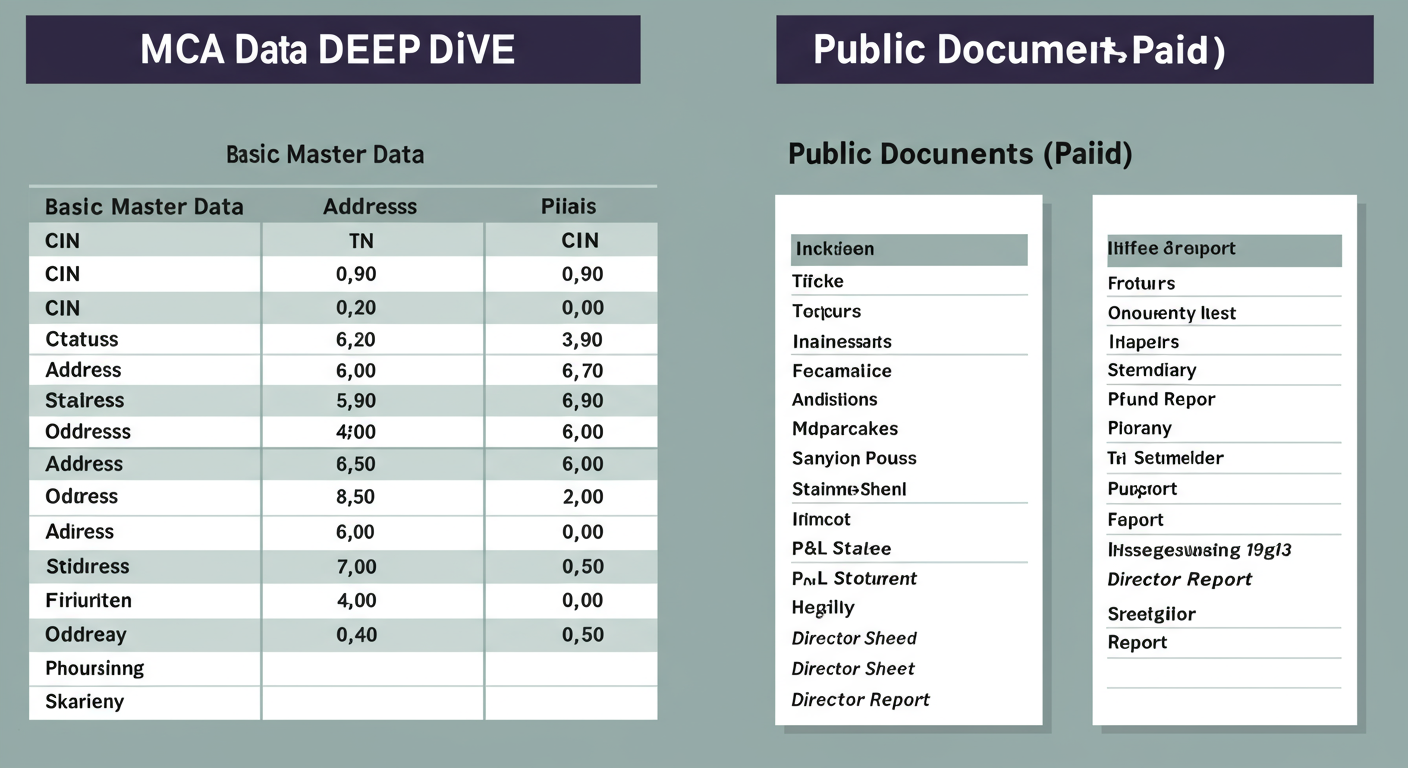
| View Public Documents | Downloadable PDFs | ~₹100 per document | Deep-dive analysis of financial statements (AOC-4) and annual returns (MGT-7). |
Advanced Checks for Serious Vetting
Sometimes, the basic master data isn’t enough. For high-stakes decisions, you need to dig deeper. Here are two advanced, yet crucial, checks.
1. Check the Index of Charges
What is a ‘charge’? It’s essentially a loan or mortgage taken by the company where its assets are used as collateral. The ‘Index of Charges’ service on the MCA portal (also free) shows you a list of all loans the company has registered. Why does this matter? A company heavily burdened by charges might be under financial stress. It gives you a clear picture of their liabilities, which you won’t see in the basic master data view. 10 Essential Steps to Master GST Compliance for MSME in 2025
2. Search the NCLT Portal
Is the company embroiled in a major legal battle or facing bankruptcy? The National Company Law Tribunal (NCLT) is the court for corporate disputes and insolvency proceedings. You can visit the NCLT portal and use their ‘Case Status’ search. Searching by the company’s name can reveal if they are a party in any insolvency, merger, or oppression and mismanagement cases. This is an essential step for any serious due diligence.
💡 Pro Tip
For the ultimate deep dive, use the ‘View Public Documents’ service. For about ₹100, you can download the company’s latest Annual Return (Form MGT-7) and Financial Statements (Form AOC-4). This gives you access to the full balance sheet, profit & loss statement, and shareholder information. It’s the closest you can get to a complete financial x-ray.
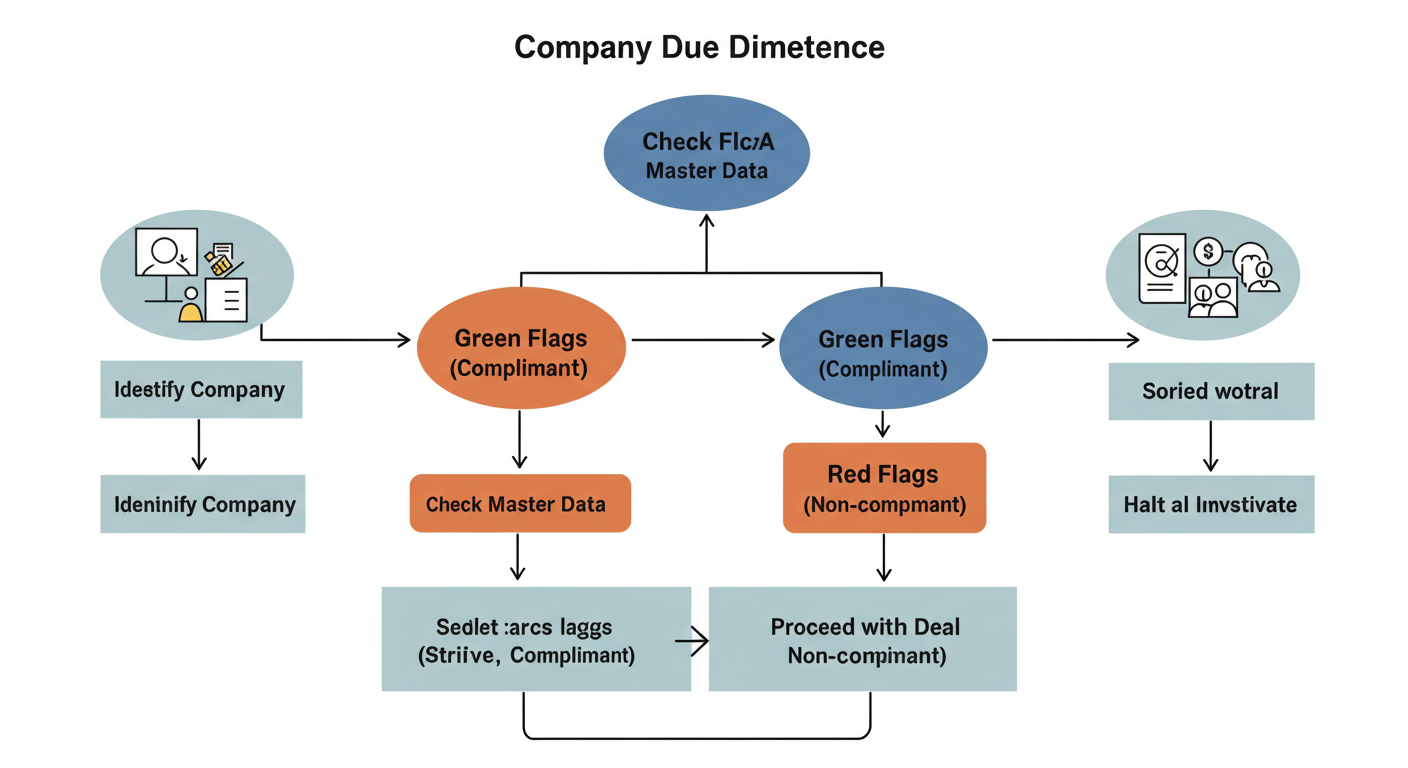
Interpreting the Data: Red Flags vs. Green Flags
Getting the data is easy. Understanding its implications is what separates amateurs from experts. Here’s how to read between the lines.
| Data Point | 🟢 Green Flag (Good Sign) | 🔴 Red Flag (Warning Sign) |
|---|---|---|
| Company Status | Active. This means the company is compliant with its annual filings. | Struck Off or Dormant. A “Struck Off” company has been removed by the ROC; dealing with it is a huge risk. |
| Date of Last AGM / Balance Sheet | The dates are from the last financial year. This shows the company is diligent and compliant. | The dates are 2-3 years old or more. This indicates a serious failure to meet statutory deadlines and potential penalties. |
| Authorized vs. Paid-up Capital | A healthy Paid-up Capital that aligns with the company’s scale of operations. | Extremely low Paid-up Capital (e.g., ₹10,000) for a company claiming large operations. It could be a shell company. |
| Index of Charges | No charges, or a reasonable number of charges that align with known business activities (e.g., a bank loan for expansion). | A long list of recently created, high-value charges from multiple lenders. This could signal financial distress. |
⚠️ Watch Out
Data on the MCA portal is updated only when a company files a new form. There can be a lag. For instance, a director might have resigned last week, but if the company hasn’t filed the corresponding form yet, they will still appear in the master data. Always use this data as a primary, but not sole, source for critical decisions.
🎯 Key Takeaway
Viewing company master data on the MCA portal is a free, fast, and powerful way to verify a company’s legal and compliance status. A company’s ‘Active’ status and up-to-date filing dates are the strongest indicators of a healthy, legitimate business, while a ‘Struck Off’ status is a critical red flag.
❓ Frequently Asked Questions
Is it legal for me to look up a company’s data?
Yes, 100% legal. The Companies Act, 2013 mandates this transparency. The government provides this access to ensure public accountability and allow for informed decision-making.
Do I have to pay to check a company’s registration?
No. Checking the core master data, signatory details, and index of charges on the MCA portal is completely free. You only pay a small fee (around ₹100) if you want to download specific documents like the full annual return or balance sheet.
What if I only know the company name and not the CIN?
No problem. On the ‘View Company Master Data’ page, there’s a small search icon next to the CIN field. Clicking this opens a search box where you can type in the company name to find the corresponding CIN.
What’s the difference between ‘Authorized Capital’ and ‘Paid-up Capital’?
Think of it this way: Authorized Capital is the maximum amount of capital the company is legally allowed to raise from shareholders. Paid-up Capital is the amount of money the company has actually received from shareholders in exchange for stock. A large gap isn’t necessarily bad; it often means the company has room to raise more funds for growth.
Can I check data for an LLP too?
Absolutely. The process is identical. You use the same ‘View Company or LLP Master Data’ service. Instead of a CIN, you’ll use the LLP’s unique identification number, the LLPIN (Limited Liability Partnership Identification Number).
Conclusion: From Data to Decision
In the end, corporate transparency isn’t just a buzzword—it’s your strategic advantage. The ability to view company master data through the MCA portal is a simple, powerful shield against fraud, bad partnerships, and poor investments.
You no longer have to rely on a company’s word. You now have the playbook to verify their claims against official government records. This isn’t about being cynical; it’s about being smart. It’s about building a foundation of trust based on verifiable facts.
Your next step? The next time you’re about to engage with a new company—whether as an investor, partner, or employee—take five minutes. Go to the MCA portal, run a quick check, and move forward with the confidence that comes from making a truly informed decision.