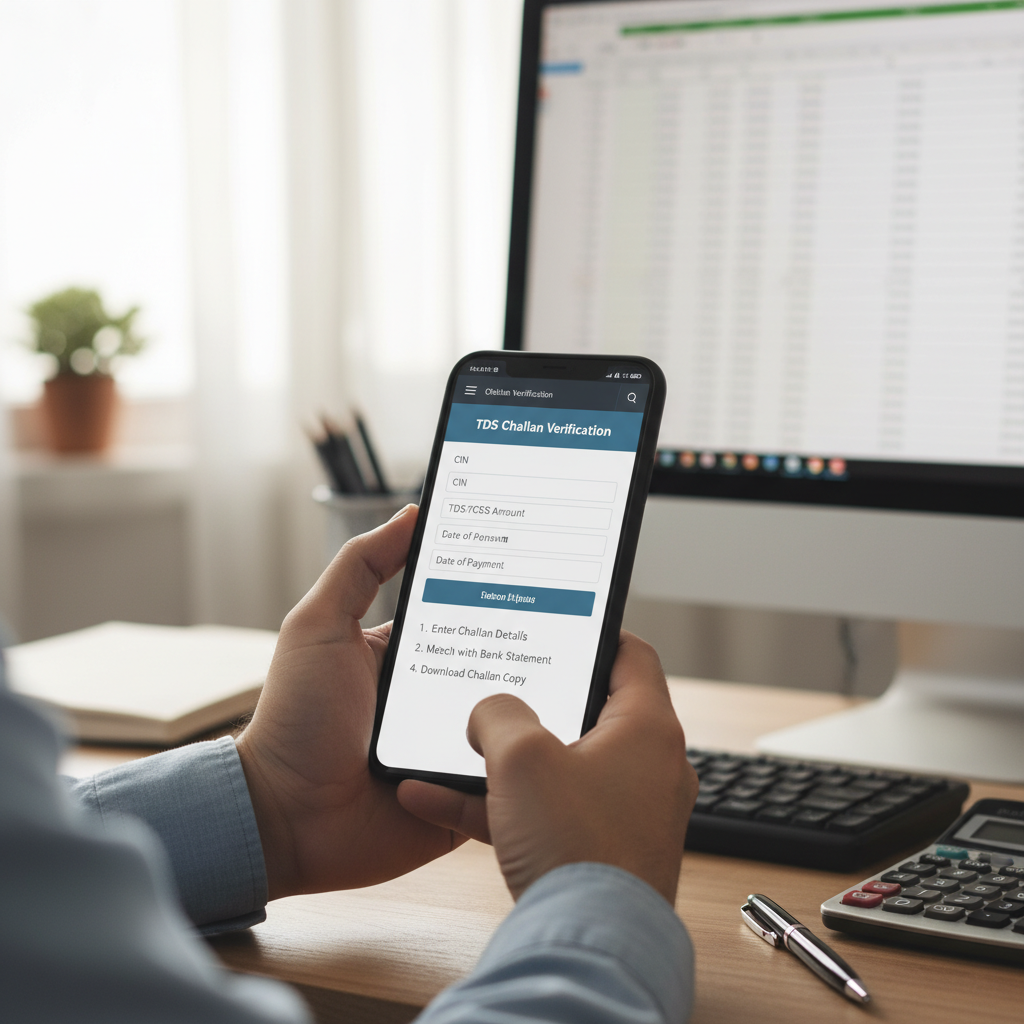
The Importance of Mastering TDS Challan Verification Steps
For any entity deducting Tax Deducted at Source (TDS), ensuring that the deducted amount is correctly deposited with the government and subsequently reconciled is not merely a formality—it is a foundational pillar of tax compliance. Errors in this process can lead to heavy penalties, disallowance of expenses, and significant administrative headaches. This is precisely why understanding the proper TDS challan verification steps is non-negotiable.
A TDS challan, specifically Challan 281, is the proof of payment made by the deductor to the government treasury. However, simply having the physical challan isn’t enough; you must verify that the details are accurately mapped against your Tax Deduction and Collection Account Number (TAN) in the government’s records. Within the first 100 words of this article, we emphasize that following the official TDS challan verification steps is the only way to safeguard your organization against future scrutiny.
“Accurate reconciliation of tax deposits is the bedrock of transparent financial reporting. Failing to verify the challan status can disrupt the entire TDS cycle, impacting both the deductor and the deductee.”
Why Mastering the Essential TDS Challan Verification Steps is Crucial
Unverified or incorrectly processed TDS payments pose significant risks. If the amount you deposited is not correctly linked to your TAN or the relevant assessment year, it will not reflect in your records, leading to a mismatch during TDS Return Filing. This ultimately affects the deductee, who relies on this credit appearing in their Form 26AS.
The Risks of Unverified TDS Payments
- Penalty Exposure: Late deposit penalties or interest levied under Section 201(1A) if the payment, though made, is not correctly traced.
- Mismatch Notices: Receiving notices from the Income Tax Department due to discrepancies between the TDS return filed and the actual tax deposited.
- Disrupted Credit Flow: The deductee (the person from whose income tax was deducted) will not receive the tax credit, leading to disputes and potential legal issues.
Understanding the Key Data Points for Verification
Before initiating the TDS challan verification steps, you must identify and understand the critical identification numbers present on the Challan 281. These details are necessary inputs for the online verification process (OLTAS).
Challan Identification Number (CIN)
This is a unique 20-digit number that acts as the primary receipt identifier. It consists of the BSR Code, the date of deposit, and the challan serial number. This is the ultimate proof of payment.
Bank Specific Reference (BSR) Code
A 7-digit code assigned by the Reserve Bank of India (RBI) to the bank branch where the tax was deposited. Essential for tracing the payment through the banking system.
TAN (Tax Deduction Account Number)
The 10-digit alphanumeric identifier of the deductor. Ensure this TAN is correctly quoted on the challan, as linking the payment to the correct TAN is vital for credit reflection.
Official TDS Challan Verification Steps via OLTAS (Online Tax Accounting System)
The most reliable method for verifying that a TDS payment has been correctly accounted for by the tax department is through the OLTAS system, managed by the Tax Information Network (TIN) of NSDL. These TDS challan verification steps provide real-time confirmation of the deposited amount.
- Access the NSDL/TIN Portal: Navigate to the official website of the TIN-NSDL (now managed under the Protean eGov Technologies umbrella) or the Income Tax e-filing portal to find the OLTAS Challan Status Inquiry link.
- Choose Verification Criteria: You will typically have two options for verification: using the TAN and the CIN, or using the TAN and the date range of deposits. For immediate, specific verification, using the CIN is recommended.
- Input Required Details (CIN Method):
- Enter your 10-digit TAN.
- Enter the BSR Code (7 digits).
- Enter the Challan Tender Date (Date of Deposit).
- Enter the Challan Serial Number (5 digits).
- Enter the exact amount paid (crucial for confirmation).
- Confirm the Verification: Upon successful submission, the system will display confirmation details. This confirms that the bank has uploaded the details to the NSDL database correctly.
- Verify the Mapping: The resulting screen should display the Major Head (e.g., 0021 for Corporation Tax or 0020 for Income Tax other than Corporation Tax), the Minor Head (200 for TDS/TCS), and most importantly, the name of the deductor associated with the TAN. If the name matches your organization, the verification is complete.
This process ensures that the payment is traceable and correctly attributed to your TAN, paving the way for accurate quarterly TDS return filing.
Advanced TDS Challan Verification Steps Using Form 26AS
While the OLTAS system confirms the banking transaction, the ultimate proof that the tax department has accepted and mapped the credit is its reflection in Form 26AS. Form 26AS is the Annual Information Statement (AIS) that consolidates all tax credits associated with a PAN or TAN.
Reconciling Challan Data with Form 26AS
For a deductor, verification through 26AS is often more comprehensive than OLTAS alone, especially when preparing for compliance checks. You need to verify the challan status under the ‘Part A1 – Details of Tax Deducted/Collected by Deductor’ section.
- Login to the e-Filing Portal: Access the Income Tax Department’s official website using your TAN credentials.
- View Form 26AS: Navigate to the ‘My Account’ or ‘Services’ section to view Form 26AS for the relevant assessment year.
- Check Part A1: Scrutinize the details of tax deposited. Each line item should correlate directly with a Challan 281 you have deposited.
- Verify the Four Key Details: Ensure that the BSR code, the date of deposit, the Challan Serial Number, and the tax amount match your physical records.
If the challan appears in 26AS, it means the TDS return you file will likely be processed without error regarding the tax payment details. If it does not appear, there is a discrepancy that must be rectified immediately, potentially requiring interaction with the bank or the Income Tax Department.
Troubleshooting Common Issues During TDS Challan Verification
Even when following all prescribed TDS challan verification steps, deductors sometimes encounter issues where the challan is either untraceable or shows conflicting information. Understanding the root cause is half the battle.
Issue 1: Challan Not Visible in OLTAS
Cause: Delay in the bank uploading the data to the NSDL central system. This typically takes 3-7 working days. If it persists beyond 10 days, contact the branch where the payment was made.
Action: Wait 5 days, re-verify. If still missing, request the bank to provide proof of upload (Scroll Report) and correct the mismatch.
Issue 2: Incorrect TAN or Assessment Year Quoted
Cause: Clerical error during the filing of Challan 281, leading to the amount being credited to the wrong account or year.
Action: File a challan correction request with the relevant bank branch. Banks are authorized to make minor corrections like TAN, Assessment Year, or minor head changes, within prescribed timelines. This is a critical step to ensure compliance.
Issue 3: Amount Mismatch in 26AS
Cause: The amount recorded by the bank differs slightly from the amount deposited, often due to transcription errors at the bank counter.
Action: Verify the amount using the OLTAS system first. If OLTAS shows the correct amount, the 26AS update may be delayed. If both OLTAS and 26AS show the incorrect amount, submit a correction request to the bank using the original counterfoil as proof.
Detailed Checklist: The Final TDS Challan Verification Steps
To ensure a watertight reconciliation process, follow this final checklist before submitting your quarterly returns. Completing these steps minimizes the chances of receiving default notices under Section 200A.
- Initial Deposit Confirmation: Verify the Challan 281 counterfoil immediately after payment. Check the TAN, the assessment year, and the amount are correctly stamped by the bank.
- OLTAS Status Check: Wait 4-5 working days and perform the OLTAS inquiry using the CIN details to confirm the payment has been uploaded to the NSDL system.
- Form 26AS Reconciliation: Log in to the Income Tax Portal and confirm the challan details reflect correctly in Part A1 of Form 26AS for the relevant period.
- Cross-Reference with Books of Accounts: Match the total TDS payable as per your general ledger with the total tax deposited and reflected in 26AS.
- Address Discrepancies: If any mismatch exists, initiate bank correction procedures immediately via a formal letter or the prescribed correction form, ensuring the correct BSR code and Challan Serial Number are updated.
By diligently following these comprehensive TDS challan verification steps, you ensure that the foundation of your TDS compliance is solid, preventing future scrutiny and providing accurate credit to your deductees. Effective compliance requires precision, and the verification process is where precision matters most.
FAQs
Generally, it takes about 7 to 10 working days for a TDS challan deposit to reflect in the NSDL/TIN system after the bank processes it. Once reflected in TIN, it usually appears in Form 26AS within a few days, provided the corresponding quarterly TDS statement (return) has not been filed yet. If the return is filed, the reflection happens after the return is processed.
If the wrong Assessment Year (AY) is quoted on the Challan 281, the amount will be credited to the incorrect period. You must apply to the bank branch where the payment was made for a correction. This application must be made within the prescribed period (usually within one year from the date of deposit) along with the original challan counterfoil.
Yes, the OLTAS system offers an alternate verification method using the TAN and the date range of deposits. If you select this option, the system will display all challans deposited under that TAN within the specified date range. However, having the full CIN (BSR Code, Date, and Serial Number) provides a faster and more specific verification.
The verification of the deductor’s name ensures that the bank correctly mapped the deposit to your specific TAN. If the TAN was quoted correctly but the name displayed belongs to another entity, it indicates a high probability of a data entry error at the bank or a mapping issue that needs immediate rectification to ensure the tax credit is received by your organization.
No, the bank counterfoil only confirms the deposit into the bank. It does not confirm that the bank accurately uploaded the details (especially the TAN and Assessment Year) to the Income Tax Department’s system. Relying solely on the counterfoil is risky. You must follow the official OLTAS and Form 26AS TDS challan verification steps to guarantee compliance and credit reflection.
Read Also:
- The Comprehensive Nil GST Return Guide: Eligibility, Steps, and Mandatory Filing Compliance
- Projected Budget 2026 Highlights: A Comprehensive Roadmap for India’s Economic Future
- Budget 2026: Analyzing the Critical Budget Impact on MSME Sector Growth and Stability
- The Ultimate Form 24Q Filing Guide: Compliance, Steps, and Accurate Salary TDS Reporting
- The Ultimate ITR Documents Checklist India: A Comprehensive Guide for Hassle-Free Filing
- Dodge the 2026 Startup Angel Tax Trap