It’s 11 PM. You’ve spent hours perfecting your company’s annual return. You hit ‘submit’, ready to be done, and then you see it: the dreaded red error message. Your Digital Signature is not registered.
Sound familiar? For countless directors and professionals across India, this isn’t a hypothetical. It’s a real, frustrating roadblock on the Ministry of Corporate Affairs (MCA) portal. But here’s the thing: registering your DSC isn’t just a technical hurdle to overcome. It’s the single most important step to validating your identity and securing your company’s legal filings.
This isn’t just another dry government tutorial. This is your definitive, battle-tested guide for 2026. I’m going to walk you through the entire process on the MCA V3 portal, from start to finish. You’ll learn not only how to do it, but also how to sidestep the common pitfalls that trip everyone else up. Let’s get you compliant.
What is a DSC, and Why Does the MCA Demand It?
Before we jump into the “how,” let’s quickly cover the “what” and “why.” A Digital Signature Certificate (DSC) isn’t just a file on a USB stick. Think of it as your high-security, government-approved digital passport and handwritten signature rolled into one. It’s a cryptographic key that proves your identity in the digital world, issued by licensed Certifying Authorities (CAs) under India’s Information Technology Act, 2000.
When you sign an MCA form with your DSC, you’re doing three critical things:
- Authentication: You’re telling the MCA system, “Yes, this is really me, the authorized director/professional, submitting this document.”
- Integrity: You’re creating a digital seal. If anyone tries to alter the document after you’ve signed it, the signature becomes invalid. This protects the integrity of your financial statements and resolutions.
- Non-Repudiation: This is the legal heavyweight. It means you can’t later deny having signed and submitted the document. It’s legally binding proof.
Without a registered DSC, you’re effectively locked out. You can’t file annual returns, appoint a director, or even incorporate a new company. It’s the non-negotiable key to the entire MCA ecosystem.
Class 3: The Only DSC That Matters for MCA in 2026
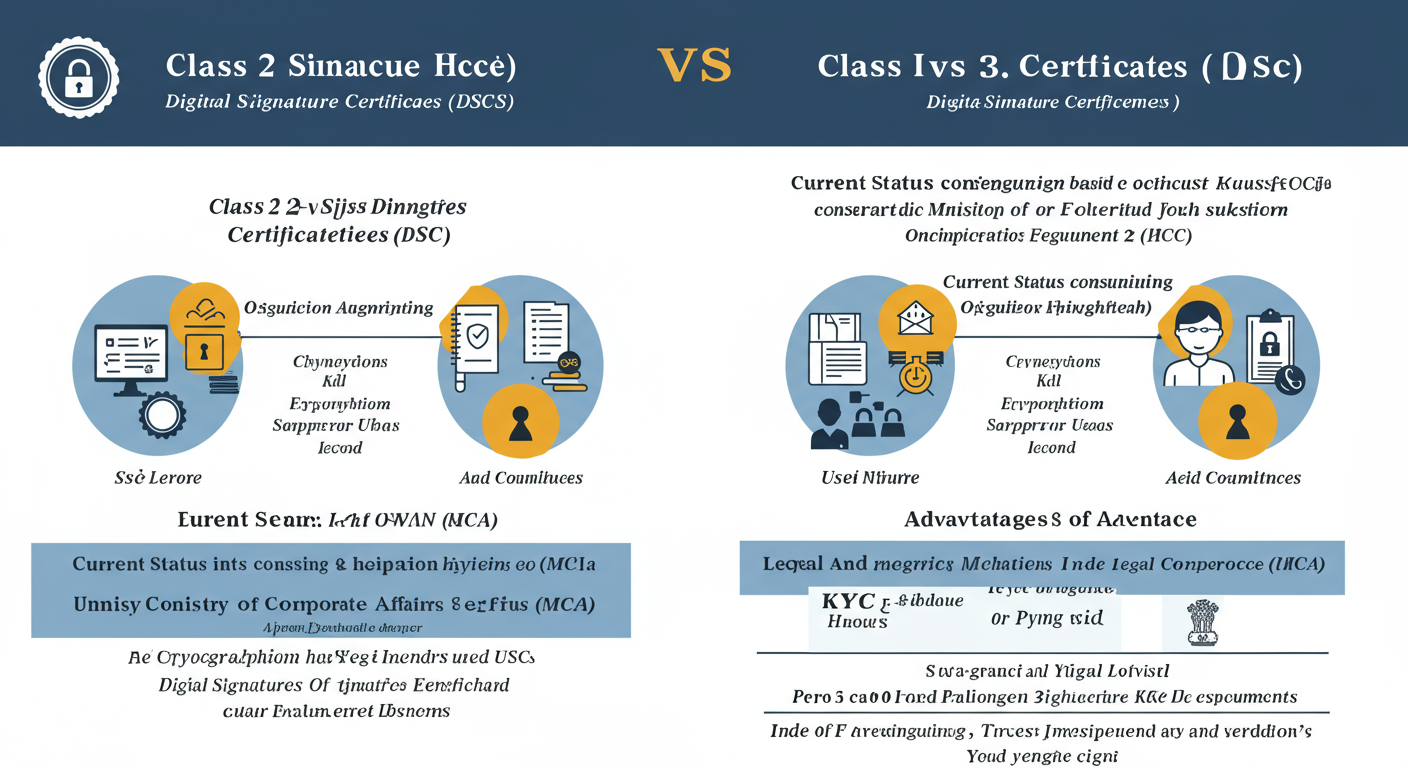
In the past, you might have heard about Class 2 DSCs. Forget them. They are history. As of 2021, the MCA and most other government platforms have standardized on Class 3 DSCs for their superior security. If you’re getting a new DSC or renewing an old one, you must get a Class 3 certificate.
Here’s a quick breakdown of why this change was so important.
| Feature | Class 2 DSC (Obsolete) | Class 3 DSC (Current Standard) |
|---|---|---|
| Verification Level | Basic identity and address verification. | Rigorous Verification: Requires in-person or video verification, making it much harder to impersonate someone. |
| Security | Moderate. Sufficient for basic signing. | Highest Security: Offers a much stronger level of assurance and trust. |
| MCA V3 Portal Use | Not accepted for new registrations or filings. | Mandatory: The only class accepted for all MCA e-filing, including ‘Associate DSC’. |
| Best For | Legacy use cases (now phased out). | All secure transactions: MCA filings, e-tendering, trademark/patent filing, high-value online transactions. |
🎯 Key Takeaway
Registering your Class 3 DSC on the MCA portal isn’t just a formality; it’s the foundational step for all legal and compliant corporate activity in India. It authenticates your identity, ensures data integrity, and makes your filings legally non-repudiable.
The Pre-Flight Checklist: What You Need Before You Start
Want to make this process painless? Don’t even think about opening your browser until you have these four things lined up. Based on our experience helping hundreds of businesses, 90% of DSC registration errors happen because of a missed step here.
- A Valid Class 3 DSC Token: This seems obvious, but you’d be surprised. Ensure you have a Class 3 DSC from a licensed Certifying Authority like eMudhra, Capricorn, or Sify. It must be in a physical USB token.
- MCA V3 Portal Account: You need a user ID on the MCA portal. This can be a ‘Registered User’ or a ‘Business User’ (Director, Professional, etc.) account. Make sure you know your login credentials.
- DSC Token Driver: Your DSC token is a piece of hardware. Your computer needs software (a driver) to talk to it. Install the driver that came with your token or download it from the CA’s website.
- emBridge Utility: This is the special software the MCA V3 portal uses to communicate with your DSC. It’s non-negotiable. You must download it directly from the MCA portal homepage, install it, and ensure it’s running before you log in.
💡 Pro Tip
Before you start, plug in your DSC token and open its management utility (e.g., ePass Token Manager). Check the expiry date of your certificate. If it’s expiring in the next 30-45 days, renew it first. There’s nothing worse than registering a DSC only to have it expire a week later.
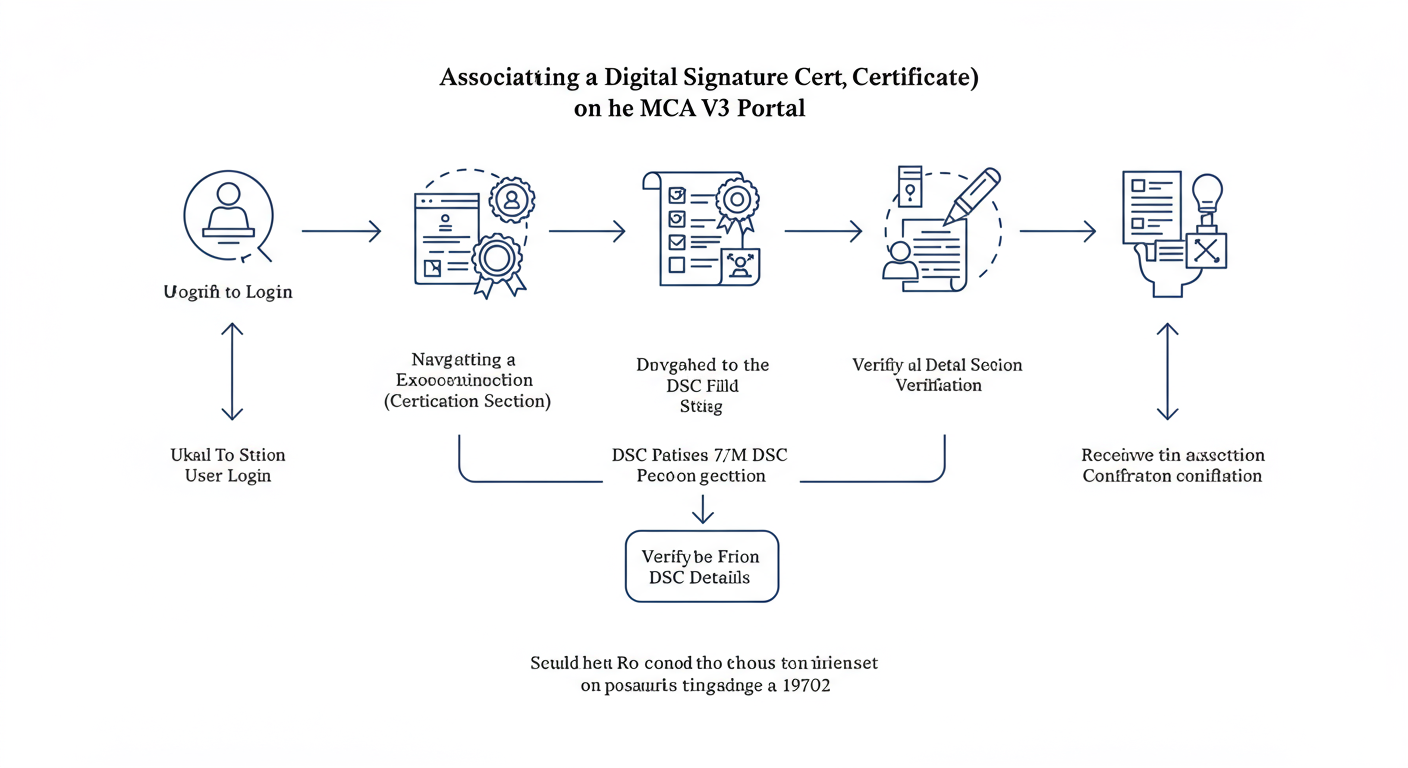
How to Register DSC on MCA: A 5-Step Walkthrough (V3 Portal)
Alright, checklist complete? emBridge running in your system tray? Let’s do this. The official term on the V3 portal is ‘Associate DSC’. Follow these steps exactly.
Step 1: Log In to the MCA Portal
Navigate to the official MCA website (mca.gov.in). Click the ‘Sign In / Sign Up’ button in the top-right corner. Enter your User ID (your email), password, and the captcha. Click ‘Sign In’.
Step 2: Navigate to ‘Associate DSC’
Once you’re on your user dashboard, look at the main navigation menu at the top.
- Hover your mouse over ‘MCA Services’.
- In the dropdown menu, find the ‘FO Services’ column.
- Click on ‘Associate DSC’. This is your destination.
Step 3: Initiate the Association
The ‘Associate DSC’ page will now load. The system will automatically try to detect the emBridge utility. If emBridge is running correctly, a pop-up window will appear. This is the crucial moment.
⚠️ Watch Out
If the pop-up doesn’t appear, your browser’s pop-up blocker is likely the culprit. You MUST allow pop-ups from the mca.gov.in website. Also, ensure no antivirus or firewall is blocking the emBridge application. This is the most common point of failure.
Step 4: Select Your Certificate and Enter Your PIN
The pop-up window will display the digital certificate(s) found on your USB token.
- Select the certificate that has your name on it. It should be the only one if you have a new token.
- The system will then prompt you to enter your token password/PIN. This is the secure password you created when you first received the DSC. It is NOT your MCA login password.
- Carefully type in the token password and click ‘Register’ (or a similar button like ‘Sign’ or ‘Associate’).
Step 5: Get Confirmation and Verify
Success! After you enter the correct PIN, the system validates the signature. You should see an on-screen confirmation message like, “DSC has been successfully associated/registered.” नया Direct Tax Code 2025: सब कुछ जानें हिन्दी में।
Don’t just trust the message. I always recommend a quick verification. Go to your profile settings or try to initiate a dummy e-form filing. If the system proceeds to the signing step without error, you’re officially good to go. GST Composition Scheme 2026: GST Composition Scheme Eligibility and Benefits Explained
Common Roadblocks & How to Smash Through Them
Even with a perfect guide, technology can have a bad day. I’ve seen every error in the book. Here are the most common ones you might face when you try to register your DSC on the MCA portal and exactly how to fix them.
| Error Message | Likely Cause | The Fix (Step-by-Step) |
|---|---|---|
| “Please start the emBridge service” | The emBridge utility isn’t running or isn’t communicating with the browser. | 1. Close your browser. 2. Search for ’emBridge’ on your PC and ‘Run as Administrator’. 3. Confirm its icon is in the system tray. 4. Clear browser cache and try again. |
| “No certificate available” or “DSC not detected” | The USB token isn’t connected properly, or its drivers are missing/corrupt. | 1. Unplug the token and plug it into a different USB port (preferably a direct one, not a hub). 2. Re-install the token driver software. 3. Open the token utility to confirm the certificate is visible there first. |
| “The certificate is already registered with another user” | This exact DSC is already linked to a different MCA user ID. | A DSC can only be linked to one account at a time. You must log in with the correct account. If you need to switch it, you must first use the ‘Disassociate DSC’ feature from the old account. |
| “Invalid PIN” or “Password incorrect” | You’re entering the wrong password for the USB token. | This is your token PIN, not your MCA login password. If you’ve forgotten it, you’re in trouble. After a few wrong attempts, the token will lock. You may need to contact your DSC provider to reset it, which often means getting a new one. |
⚠️ Watch Out
Never, ever share your DSC token or its password. Legally, any document signed with your DSC is considered signed by you. Sharing your password is like giving someone a book of pre-signed blank checks. The legal and financial liability falls squarely on you.
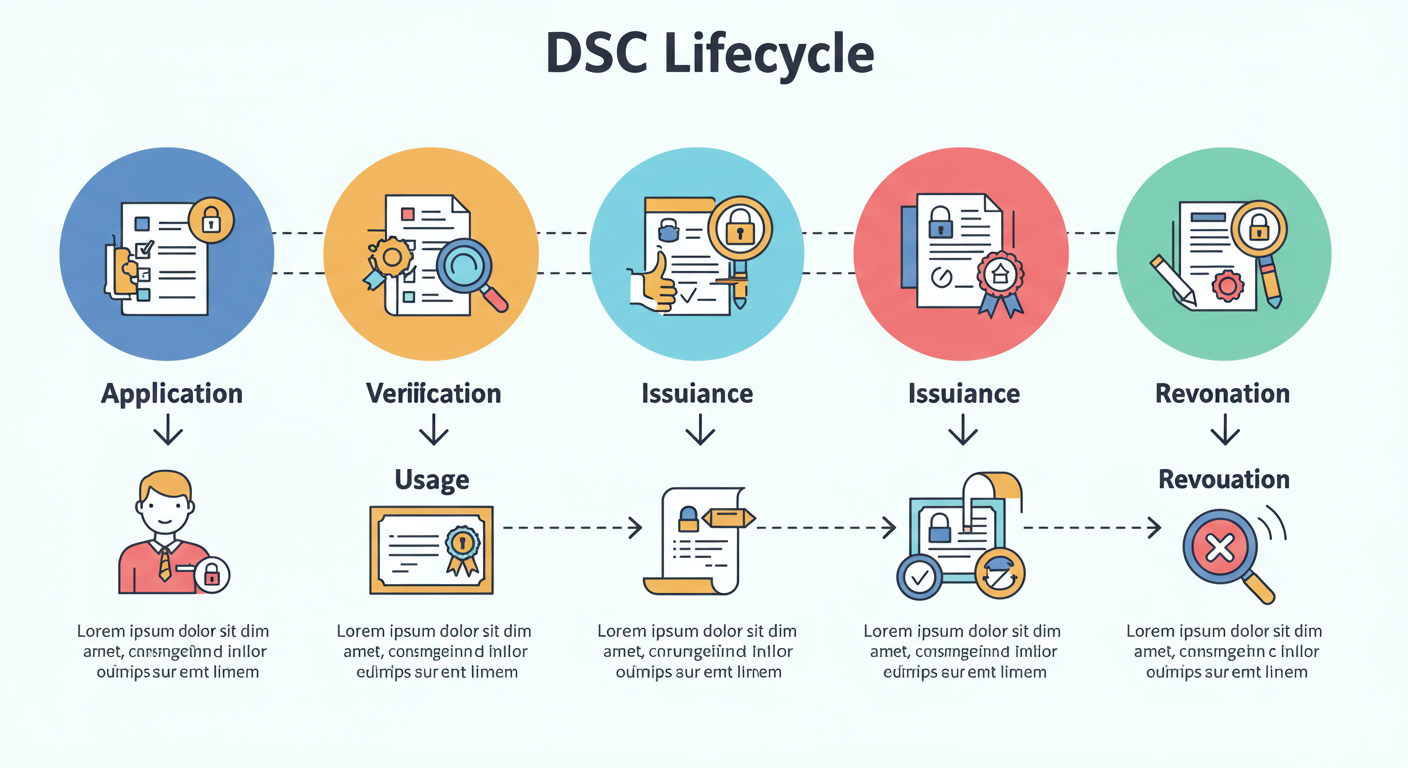
Beyond Registration: DSC Best Practices for Long-Term Success
Getting your DSC registered is just the beginning. Proper management is key to avoiding future headaches.
“A well-managed DSC is the hallmark of a diligent and compliant professional. It reflects a commitment to security and operational readiness.”
Here’s what we advise all our clients:
- Secure Storage: When not in use, keep your USB token in a secure, private location, just like you would a company credit card or office keys.
- Password Secrecy: Your token PIN is your responsibility. Do not write it on a sticky note attached to your monitor. Memorize it.
- Renewal Reminders: A DSC is typically valid for 2 or 3 years. The day you get it, set a calendar reminder for 60 days before its expiry date. Starting the renewal process early saves you from last-minute panic during a critical filing period.
💡 Pro Tip
When you get a renewed DSC, it’s a completely new certificate. The MCA portal won’t know about it automatically. You MUST repeat this ‘Associate DSC’ process to link the new certificate to your account. This de-links the old, expired one and activates the new one for all future filings.
Your Gateway to Seamless Compliance
Look, navigating government portals can feel intimidating. But mastering how to register DSC on MCA is a powerful, one-time task that puts you in control. You’ve moved from being at the mercy of a system to understanding exactly how it works.
By following this guide, you’ve not only associated your digital signature but also built a foundation of knowledge to troubleshoot issues and manage your digital identity effectively. You’re no longer just a user; you’re a prepared professional ready to handle corporate compliance with confidence.
Your next step? If you haven’t already, go log in to the MCA portal and verify your DSC association right now. Ensure you’re ready for whatever filing comes next. Don’t wait for a deadline to discover a problem.
❓ Frequently Asked Questions
What class of DSC is required for MCA filings in 2026?
For all filings on the MCA V3 portal in 2026, a Class 3 Digital Signature Certificate (DSC) is mandatory. It must be stored on a FIPS 140-2 compliant cryptographic USB token. Class 2 DSCs are no longer valid for any MCA-related activities.
How long does it take to register a DSC on the MCA portal?
The actual process of associating your DSC is instantaneous. From the moment you enter your correct token PIN and click ‘Register’, the system validates and links it in real-time. The entire process, from login to confirmation, should take less than 5 minutes if your prerequisites are in order.
My DSC is about to expire. What’s the exact procedure?
First, apply for and receive a new (renewed) Class 3 DSC from a licensed Certifying Authority. Once you have the new token, you must log in to the MCA portal and follow the exact ‘Associate DSC’ process outlined in this guide. This will register your new certificate and automatically replace the old one.
Can I use the same DSC for MCA, GST, and Income Tax?
Absolutely. A Class 3 DSC is designed to be versatile. The same certificate can be used across multiple government platforms, including the MCA portal, GST portal, Income Tax e-filing site, and for e-tendering. You just need to register it on each portal individually.
What is a public key certificate? Is that the same as a DSC?
Yes, in this context, they are effectively the same. A Digital Signature Certificate (DSC) is a specific type of public key certificate that binds a person’s identity to a public key. It’s the technology that makes digital signatures trustworthy and verifiable.
Is emBridge really mandatory for DSC registration?
Yes, 100% mandatory. The MCA V3 portal is built to interact with your hardware token via this specific software bridge. Without emBridge installed and running, your browser has no way to access the certificate on your USB token, and all DSC-related functions, including registration, will fail.