Picture this: an NGO in rural Maharashtra has a brilliant plan to provide clean drinking water to 50 villages. They have the team, the passion, and the local support. What they don’t have is funding. Their applications to government schemes go unanswered, lost in a sea of paperwork. They feel invisible.
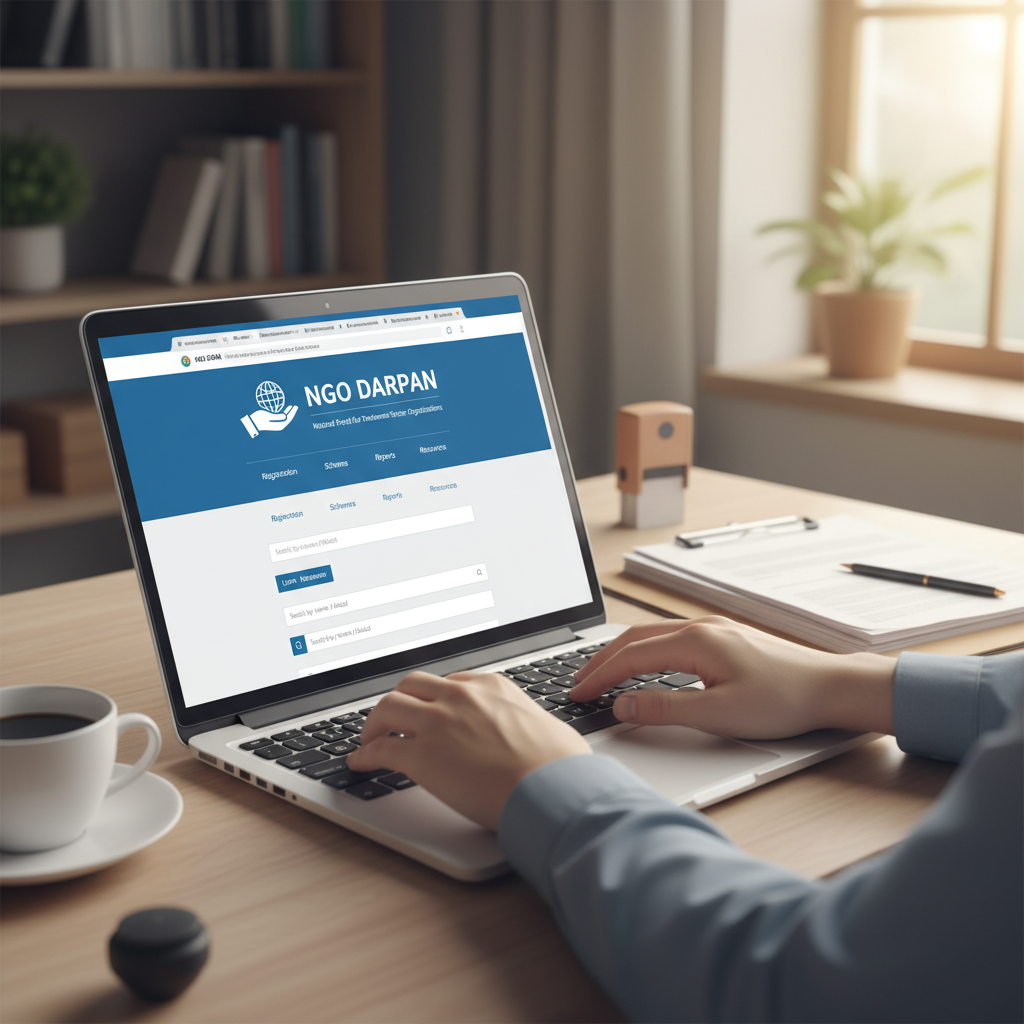
This story is all too common. But what if there was a single key to unlock the door to government grants, enhance your credibility, and make your organization visible to the right people? There is. It’s called the NGO Darpan Portal.
Getting registered isn’t just another administrative chore; it’s the single most important strategic step your NGO can take in 2026 to secure its future. In this guide, we’re not just going to walk you through the steps. We’re going to give you the insider playbook—based on our experience helping dozens of non-profits—to navigate the process flawlessly, avoid common pitfalls, and leverage your Darpan ID for maximum impact.
What is the NGO Darpan Portal, Really? (And Why It Matters More Than Ever)
Let’s get one thing straight: the NGO Darpan Portal isn’t just a government website. It’s the official, centralized database for the entire Indian social sector, managed by NITI Aayog (the National Institution for Transforming India). Think of it as the LinkedIn for non-profits, but with the power to channel crores in government funding.
Before Darpan, the system was a mess. Ministries had no unified way to vet or track the thousands of NGOs applying for grants. It was inefficient and opaque. NITI Aayog launched the portal to bring order to this chaos, creating a single, transparent interface between non-profits and the government.
Today, if you want to apply for any grant from a central government ministry, you must have a Unique ID from the NGO Darpan Portal. No ID, no application. It’s that simple.
This ID becomes your organization’s digital passport, verifying your identity and legitimacy across all government departments. It’s your ticket to the game.
The Strategic Imperative: Why Your NGO Can’t Afford to Ignore Darpan
Registering on the portal transforms your organization from an unknown entity into a verified partner. The difference is night and day. In our experience, organizations that get registered and maintain their profiles see a dramatic shift in their opportunities.
It’s not just about funding. It’s about credibility. A Darpan ID is a powerful trust signal for corporate donors, international foundations, and even individual supporters. It proves you’re a legitimate, compliant organization that has been vetted by the government.
Here’s a look at the practical transformation:
| Scenario | Before NGO Darpan Registration | After NGO Darpan Registration |
|---|---|---|
| Government Grants | Ineligible for all central government funding schemes. Applications are automatically rejected. | Eligible to apply for grants from all ministries and departments. Your primary hurdle is cleared. |
| Credibility & Trust | Relies solely on your own marketing and word-of-mouth. Donors may be hesitant. | Instantly gains a stamp of government verification. This builds trust with corporate CSR, foundations, and the public. |
| Visibility | Invisible to government bodies looking for implementation partners. Limited to your own network. | Your NGO is listed in a national database, searchable by sector and location. You become visible to new partners. |
| Compliance | Managing compliance separately with each ministry. Redundant paperwork and processes. | Centralized information hub. Update your details once, and all departments see the latest info. |
🎯 Key Takeaway
NGO Darpan registration is no longer optional—it’s a foundational business asset. It’s your direct line to government funding, a powerful badge of credibility, and the most effective way to put your organization on the national map.
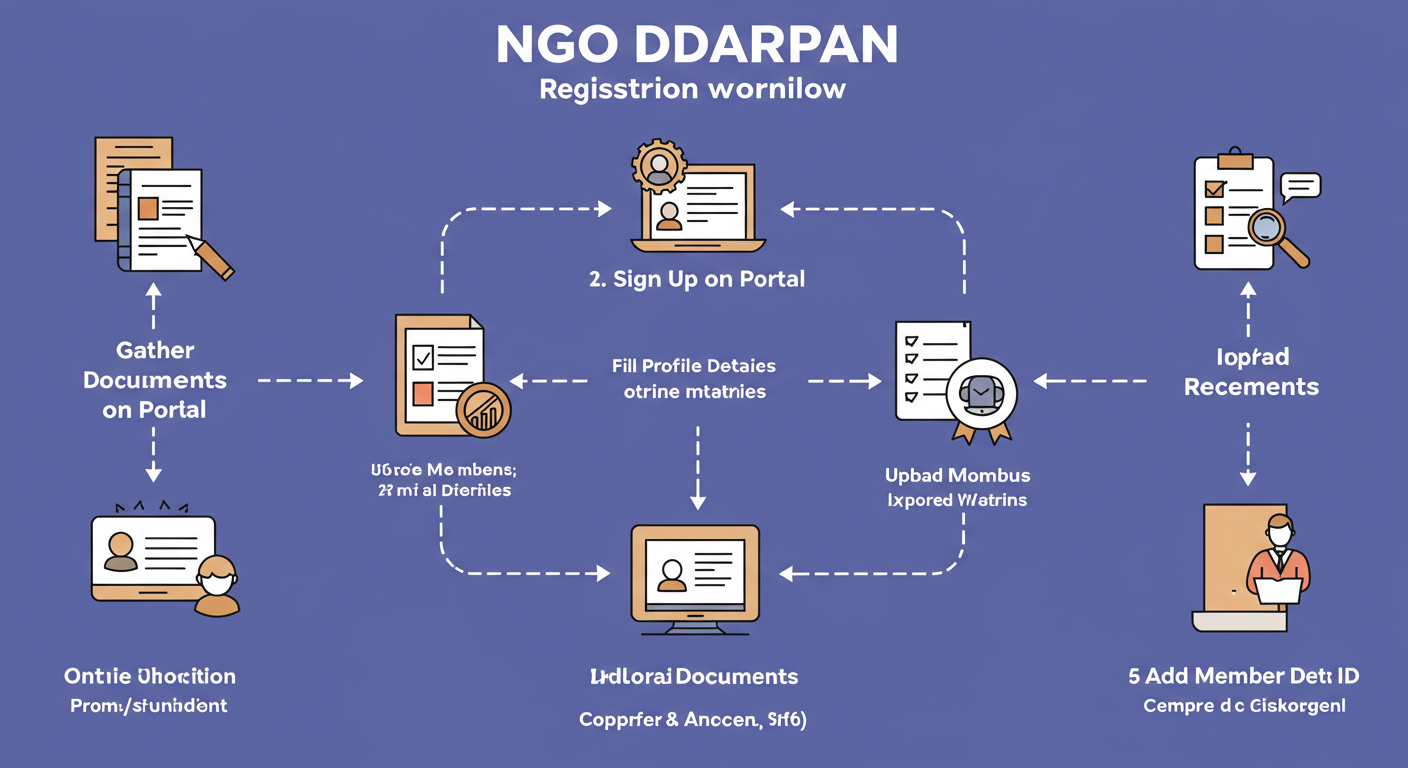
Pre-Flight Checklist: Gathering Your Documents for a Flawless Registration
The biggest mistake we see organizations make is starting the registration process unprepared. It leads to frustration, errors, and wasted time. Trust me on this one: spend 30 minutes gathering everything on this list before you even visit the website. It will make the entire process ten times smoother.
| Document/Information | Format/Requirement | Why It’s Needed |
|---|---|---|
| NGO Registration Certificate | Scanned PDF (must be a single file) | Proves your legal existence as a Trust, Society, or Section 8 Company. |
| NGO PAN Card | Scanned PDF or JPG | Verifies your organization’s tax identity. |
| PAN & Aadhaar Numbers of 3 Key Members | Numbers only (no upload needed for initial registration) | For verifying the identity of your main office bearers (e.g., President, Secretary, Treasurer). |
| Primary Contact Details | Name, Mobile Number, Email Address | Used for creating the account and receiving OTPs for verification. |
| Basic Financial Data | Details of grants received in the last 3 years (if any) | Helps build a profile of your organization’s operational history. |
💡 Pro Tip
The portal is picky about file formats and sizes (usually under 2MB). Before you start, scan your Registration Certificate and PAN card. Use a free online tool to merge any multi-page certificates into a single PDF and compress the files if they’re too large. This single step prevents the most common upload errors.
The Definitive 7-Step Guide to NGO Darpan Portal Registration in 2026
Alright, you’ve got your documents ready. Now, let’s get you registered. The process is entirely online and can be done in under an hour if you follow these steps precisely.
⚠️ Watch Out
Beware of fraudulent websites that look like the official portal. They exist to steal your information. The one and only official government portal is ngodarpan.gov.in. Double-check the URL before entering any details.
- Step 1: Go to the Official Portal & Sign Up
Navigate to the official NGO Darpan website. On the homepage, click the ‘Sign Up’ button. You’ll be asked for your NGO’s name, the contact person’s mobile number, and email. This is straightforward. - Step 2: Verify and Create Your Password
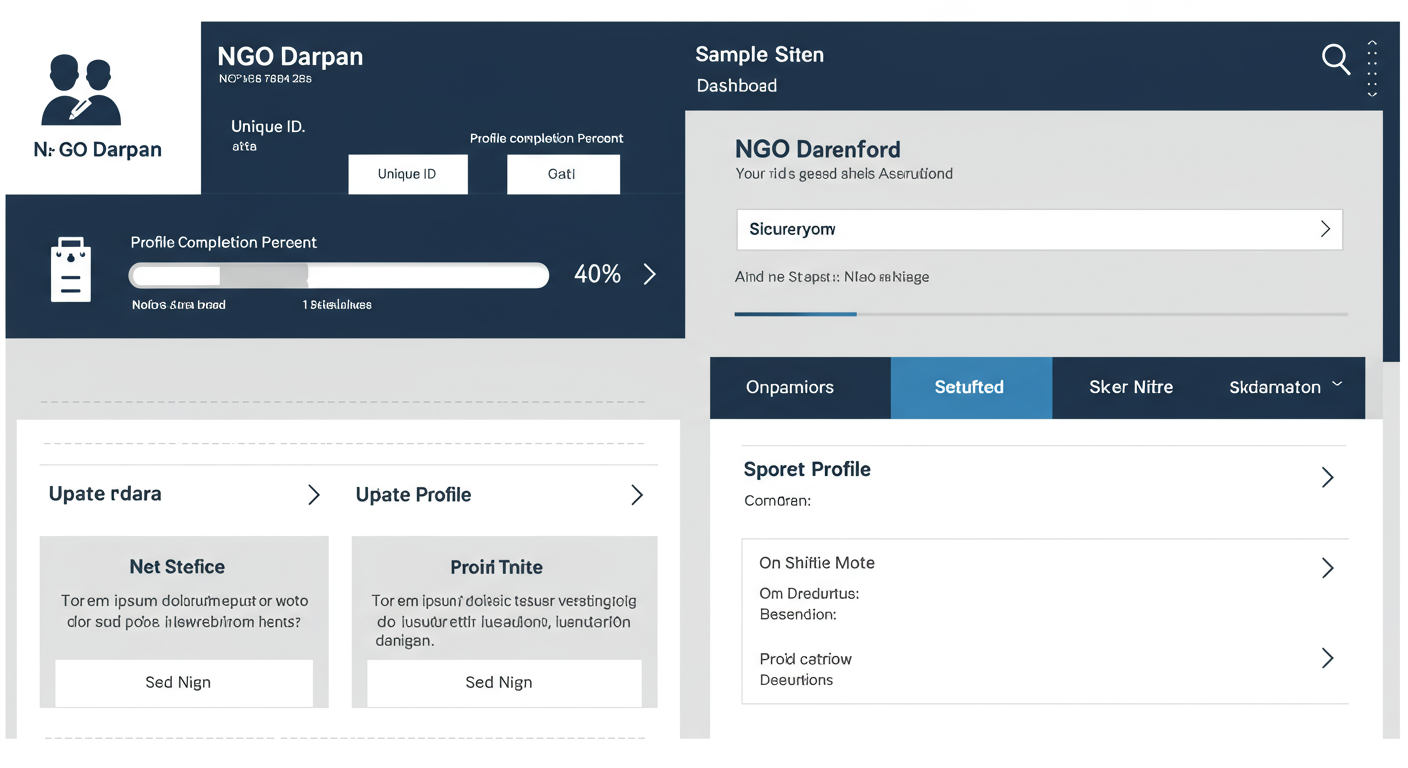
The system will send an OTP to both your mobile and email. Enter these to verify your contact details. Once verified, you’ll be prompted to create a secure password for your account. Write it down somewhere safe! - Step 3: Log In and Start Your Profile
Use your newly created credentials to log in. You’ll land on your dashboard. The first thing you need to do is provide your NGO’s registration details. This includes the Act under which you’re registered (e.g., Societies Registration Act, 1860; Indian Trusts Act, 1882; or Section 8 of the Companies Act, 2013), your registered address, and the registration number/date. - Step 4: Upload Your Core Documents
This is a critical step. You’ll be prompted to enter your NGO’s PAN number and then upload the scanned copy of the PAN card. Next, you’ll upload the scanned copy of your NGO’s Registration Certificate (as a single PDF). A clear, legible scan is non-negotiable. - Step 5: Add Your Executive Committee Details
Transparency is everything. You must provide the details of at least three key members of your board or executive committee. For each member, you’ll need to enter their Name, PAN, and Aadhaar number. Based on hands-on testing, having this information ready speeds up the process immensely. - Step 6: Detail Your Work and Funding
Now, you tell the government what you do. You’ll select the key sectors your NGO works in (e.g., Education, Health, Environment) and the specific states or districts of operation. You’ll also need to declare any funds received from government bodies in the past. Be honest and accurate. - Step 7: Review, Submit, and Get Your Unique ID!
This is the final check. Carefully review every single piece of information you’ve entered. A small typo in a PAN number can cause major headaches later. Once you’re confident everything is perfect, hit ‘Submit’. The system will process your application, and upon successful verification, your Unique ID (Darpan ID) will be generated and displayed on your dashboard. Congratulations!
💡 Pro Tip
When describing your NGO’s objectives and activities, don’t just copy-paste from your mission statement. Use clear, action-oriented language. Instead of “To foster educational opportunities,” try “We provide free after-school tutoring to 200 underprivileged children in the Seelampur district of Delhi.” This specificity makes your work tangible and impressive to officials reviewing your profile.
Common Pitfalls & How to Sidestep Them
Even with a guide, things can go wrong. I’ve seen organizations get stuck for weeks on simple issues. Here are the most common problems and how to solve them like a pro.
- The Problem: Technical Glitches. The site is slow, a button isn’t working, or you get a random error message.
The Solution: Don’t panic. First, try the classic “clear your cache and cookies.” If that doesn’t work, switch to a different browser (Google Chrome is generally the most reliable for government portals). Often, trying again during off-peak hours (like early morning or late at night) solves the issue.
- The Problem: Document Upload Failure. You keep trying to upload your registration certificate, but it fails every time.
The Solution: This is almost always a file size or format issue. As mentioned in the pro tip, ensure your file is a PDF and under 2 MB. If it’s a multi-page document, it must be merged into a single file. A quick search for “merge PDF online” or “compress PDF online” will give you plenty of free tools.
- The Problem: Information Mismatch. Your application is pending or rejected due to incorrect details.
The Solution: This usually happens with PAN or Aadhaar numbers. You must double-check every digit before submitting. The name associated with the PAN on the portal must exactly match the name on the PAN card. Any discrepancy will flag the system.
⚠️ Watch Out
Your Darpan profile is not a “set it and forget it” task. An outdated profile is a major red flag. If your board members change or you move your office, you must update your profile immediately. We’ve seen grant applications get delayed simply because the contact person listed on Darpan had left the organization a year ago.
Beyond Registration: Activating Your Darpan ID for Maximum Impact
Getting your Darpan ID is just the beginning. The real magic happens when you start using it strategically.
- Proactively Seek Grants: Regularly check the “Schemes” tab on the Darpan portal. It lists available grants from various ministries. You can filter by sector to find relevant opportunities.
- Boost Your CSR Proposals: When you approach a company for CSR funding, feature your Darpan ID prominently in your proposal. It’s an official seal of approval that gives corporates the confidence to partner with you.
- Maintain Your Profile Diligently: A complete and updated profile signals that your organization is active and well-managed. Make it a habit to log in quarterly to upload recent annual reports and update any changes. According to industry best practices, a well-maintained profile is often a tie-breaker between two otherwise similar grant applicants.
Conclusion: Your Gateway to Greater Impact
The NGO Darpan Portal has fundamentally changed the game for non-profits in India. It has leveled the playing field, replacing opaque back-channels with a transparent, digital-first system.
Registering is your first, most critical step toward unlocking a new world of funding, credibility, and partnerships. It’s the difference between being invisible and being seen.
Don’t put it off. Use this guide, gather your documents, and get your Unique ID this week. Your mission is too important to be held back by a simple administrative step. Go make the impact you were meant to make.
❓ Frequently Asked Questions
What is the cost of registering on the NGO Darpan portal?
Absolutely nothing. Registration on the official NGO Darpan portal is 100% free. Be wary of any consultant or website that asks for a fee to “process” your registration.
How long does it take to get the NGO Darpan Unique ID?
If you have all your documents and information ready as outlined in our checklist, the process is incredibly fast. After you submit the form with correct details, the Unique ID is often generated instantly or within a few hours. You can realistically go from start to finish in a single sitting.
Is NGO Darpan registration mandatory for all NGOs in India?
It is mandatory only if you want to apply for grants from the Central Government. If your NGO operates entirely on private donations and never seeks government funding, it isn’t legally required. However, given the immense credibility boost it provides, we highly recommend it for all legitimate non-profits.
Can a new NGO with no funding history register?
Yes, absolutely! The portal is for all NGOs, new and old. When you get to the section about past funding, you can simply state that you have not yet received any grants. A new organization is not penalized for this.
What if my NGO is registered but doesn’t have a PAN card yet?
You cannot complete the registration without an NGO PAN card. The PAN is a mandatory field and document upload. If your organization doesn’t have one, you must apply for a PAN card first and wait for it to be issued before you can register on the Darpan portal.
What should I do if I forget my NGO Darpan password?
It’s an easy fix. On the portal’s login page, just click the ‘Forgot Password’ link. You’ll need to enter the email address you registered with, and the system will send you a link to reset your password.