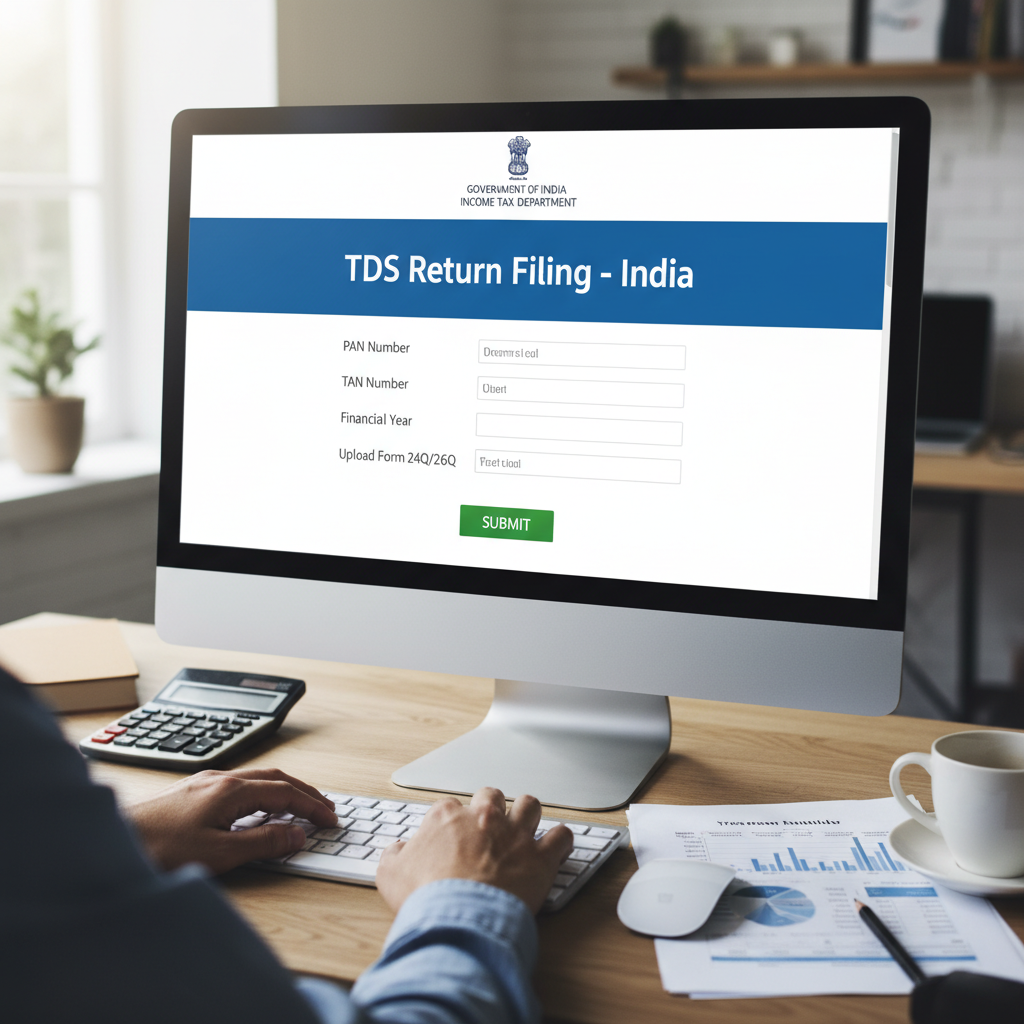
Understanding Tax Deducted at Source (TDS) Compliance
Tax Deducted at Source (TDS) is a fundamental mechanism of India’s direct tax system, requiring specific entities (deductors) to withhold tax at prescribed rates when making certain payments (like salary, rent, professional fees, or contract payments) to recipients (deductees). While deduction is the first step, the subsequent, crucial obligation is the timely deposit of this tax and the accurate submission of documentation. This documentation process is known as TDS Return Filing.
For any business or individual liable to deduct tax, mastering the process of TDS return filing online is non-negotiable. Non-compliance, delay, or errors can lead to significant interest and penalties under the Income Tax Act, 1961. This comprehensive guide breaks down the quarterly filing requirements, the necessary forms, and the step-by-step procedure to ensure flawless digital compliance.
Why Timely TDS return filing online is Essential
Timely filing does more than just satisfy the statutory requirement. It ensures that the tax credit is accurately reflected in the deductee’s Form 26AS, allowing them to claim the correct refund or calculate their final tax liability during their own ITR filing. When you choose to complete your TDS return filing online, you expedite this entire tax credit cycle, benefiting both the deductor and the deductee.
“Compliance in TDS is about accurate reconciliation. Every Rupee deducted must match the Rupee reported and deposited. The online filing system facilitates this transparency and audit trail.”
The Quarterly Cycle of TDS Return Filing Online
TDS returns are mandated to be filed quarterly. This schedule ensures that the Income Tax Department receives detailed information about deductions periodically, rather than waiting until the end of the financial year. Understanding these deadlines is the cornerstone of successful compliance.
Quarter 1: April 1 to June 30
Due Date: July 31st
Covers all deductions made during the first three months of the financial year.
Quarter 2: July 1 to September 30
Due Date: October 31st
Critical period often involving festival-related payments and heightened contractor activity.
Quarter 3: October 1 to December 31
Due Date: January 31st
Preparing for year-end adjustments and ensuring all challan payments are recorded.
Quarter 4: January 1 to March 31
Due Date: May 31st
This deadline is extended by one month to accommodate year-end closing procedures and final salary calculations.
Failure to meet these quarterly deadlines incurs a penalty of Rs. 200 per day until the return is filed, though the penalty amount cannot exceed the total TDS amount deducted.
Essential Forms for TDS Return Filing Online
The specific form required for filing depends entirely on the nature of the payment made and the status of the deductee (resident or non-resident). Choosing the correct form is the first technical requirement in the TDS return filing online process.
Form 24Q
Used for reporting TDS deducted on Salary Payments (Section 192). This form must be filed quarterly, but the details of salary structure and computation are primarily reported in the last quarter (Q4).
Form 26Q
Used for reporting TDS deducted on Non-Salary Payments made to residents (e.g., interest, commission, professional fees, rent, contracts). This is arguably the most commonly used form for businesses.
Form 27Q
Used for reporting TDS deducted on payments made to Non-Residents (excluding salary). This covers payments like interest, dividends, or other sums paid to foreign entities or individuals.
Form 27EQ
This form is separate from TDS and is used for filing returns related to Tax Collected at Source (TCS). Businesses collecting tax under Section 206C must use this form.
Step-by-Step Guide to the TDS return filing online Process
The modern method of filing TDS returns primarily utilizes the utilities provided by the Income Tax Department and the official Tax Information Network (TIN) managed by NSDL. The process is standardized and requires meticulous data preparation.
Phase 1: Preparation and Data Collation
1. Obtain and Validate TAN
A Tax Deduction and Collection Account Number (TAN) is mandatory for anyone required to deduct or collect tax. Ensure your TAN is active and correctly registered with the Income Tax Department.
2. Collect Payment Details and Challans
All tax deposited during the quarter must be referenced in the return using the Challan Identification Number (CIN). Use the OLTAS (Online Tax Accounting System) portal to verify the status of your deposited challans before filing. Any mismatch between the return and the deposited amount will lead to a “Challan Input File (CIF)” error.
3. Gather Deductee Information
You need the PAN of every deductee. It is crucial to verify the PANs before filing. If the deductee fails to provide a PAN, tax must be deducted at a higher rate (usually 20%), and this must be accurately reported in the return.
Phase 2: Data Entry and FVU File Generation
4. Download and Use the Return Preparation Utility (RPU)
The RPU software is freely available on the TIN-NSDL website. This utility allows you to input all quarterly data, including your details, challan details, and the detailed deductee list (Annexure I and II).
5. Validate Data and Generate the FVU File
Once data entry is complete, the RPU has a built-in “Validate” feature. This validation checks for structural and logical errors (e.g., incorrect date formats, missing mandatory fields, or mismatched amounts). Upon successful validation, the utility generates a “File Validation Utility” (FVU) file. This .fvu file is the final, standardized format ready for submission.
What is an FVU File?
The FVU file is a crucial component of the TDS return filing online system. It is a text file generated by the RPU that conforms to the electronic filing standards set by the Income Tax Department, ensuring consistency and machine readability across all filed returns.
Mandatory Requirement Check
Ensure the sum of all TDS amounts reported in the deductee details matches the total tax reported in the Challan details. Mismatch is the leading cause of rejection or processing delays.
Phase 3: Submission and Verification
6. Submitting the TDS Return Online
Deductors can submit the FVU file through two primary methods:
- E-Filing Portal: Deductors (especially corporate entities or government deductors) can upload the FVU file directly through the Income Tax e-Filing portal using their digital signature or EVC.
- TIN Facilitation Centres (TIN-FCs): Non-corporate deductors often prefer submitting the file (usually on a CD or USB drive) physically at any authorized TIN-FC. The FC generates a token number upon successful acceptance.
7. Verification and Token Number
Once the return is accepted, a Token Number (or Provisional Receipt Number) is issued. This number confirms the successful submission of your TDS return filing online. It is essential to retain this receipt for future reference and compliance checks.
Common Pitfalls to Avoid in TDS Compliance
Even seasoned professionals can make minor errors that trigger processing delays. Being proactive about these common issues significantly streamlines the filing process.
PAN/Name Mismatch
The name of the deductee reported in the return must exactly match the name linked to the PAN in the Income Tax database. Small spelling errors or differences in legal structure names cause immediate rejection.
Incorrect Challan Mapping
Using the same challan for two different quarters, or failing to map the correct BSR code and date of deposit, results in processing failure. Always ensure the challan details are correctly reflected in Form 26AS before using them.
Failure to File Zero Returns
If a deductor is required to file (i.e., they have a TAN) but made no payments that required deduction during a quarter, they must still file a “Nil” return. Failing to do so is considered non-compliance.
Post-Filing Responsibilities: Form 16 and Form 16A Generation
The process does not end with the successful submission of the return. The deductor has a statutory duty to furnish TDS certificates to the deductees, which they use to claim their credit.
Form 16 vs. Form 16A
Form 16 is issued for TDS deducted on salary (reported in Form 24Q). Form 16A is issued for TDS deducted on non-salary payments (reported in Form 26Q or 27Q).
These certificates must be generated from the TRACES portal (TDS Reconciliation Analysis and Correction Enabling System). The data uploaded during the TDS return filing online process feeds directly into TRACES, allowing the certificates to be generated and downloaded. This ensures that the certificates provided to the deductee are authenticated and align perfectly with the data submitted to the government.
For the quarter ending March 31st, Form 16/16A must generally be issued by June 15th of the following financial year. For the other three quarters, the deadline for issuing Form 16A is 15 days after the due date for filing the quarterly return.
Correction Mechanism for Filed TDS Returns
It is common for errors, such as incorrect PANs, incorrect amounts, or wrong challan mapping, to be discovered after the return has been filed. Fortunately, the Income Tax Department provides a robust correction mechanism.
The Online Correction Process via TRACES
Corrections are primarily handled through the TRACES portal. Deductors must register on TRACES and follow the online procedures to download the Consolidated File (Conso File), which contains the data of the previously filed return. This file is then imported back into the RPU utility, corrections are made, and a new FVU file is generated (known as a Correction Return).
The correction process allows for various changes, including:
- Updating deductee details (e.g., correcting PAN).
- Adding new deductee records that were missed.
- Modifying challan details (e.g., adjusting the amount used).
This iterative process ensures the data provided to the government is eventually accurate, protecting both the deductor from liability and the deductee’s tax credit.
The Digital Advantage in TDS Return Filing Online
The transition to mandatory online filing has streamlined compliance significantly. Using digital tools enhances accuracy and reduces manual processing errors.
Automated Error Checking
The RPU and FVU tools include automatic validation checks against predefined rules, flagging common errors before submission, which drastically reduces the chances of return rejection.
Faster Credit Processing
When data is submitted electronically, it is processed faster by the TRACES system, ensuring that tax credits are reflected quickly in the deductee’s Form 26AS, reducing delays in refunds.
Simplified Correction
Online access via TRACES simplifies the often complex correction process, allowing deductors to make necessary amendments without excessive bureaucracy, provided they have the necessary digital credentials.
For more detailed statutory guidelines regarding TDS and TCS provisions, refer to the official Income Tax Department portal. Utilizing the resources provided by the TIN-NSDL website for RPU downloads and verification is also highly recommended.
Conclusion
Successful TDS return filing online requires precision, adherence to quarterly deadlines, and a systematic approach to data management. By accurately preparing challan details, using the correct forms (24Q, 26Q, etc.), and leveraging the RPU for FVU generation, deductors can navigate the compliance landscape efficiently. Remember that timely filing is not just a legal necessity but a commitment to ensuring every taxpayer receives the appropriate credit for the tax deducted on their behalf. Maintaining thorough records and quickly addressing any errors through the TRACES correction mechanism will safeguard your business from penalties and interest.
FAQs
Form 24Q is specifically for reporting TDS deducted on salary payments (Section 192). Form 26Q is used for reporting TDS deducted on all other types of resident payments, such as rent, interest, commissions, professional fees, and contract payments.
Yes. A Tax Deduction and Collection Account Number (TAN) is mandatory for all individuals and entities who are required to deduct or collect tax at source. Without a valid TAN, you cannot deposit the tax or file the quarterly TDS returns.
If you fail to deduct TDS, you are liable to pay interest at 1% per month or part of a month from the date the tax was deductible until the date of actual deduction. If you deduct the tax but deposit it late, the interest rate increases to 1.5% per month or part of a month from the date of deduction until the date of deposit.
You can file the return, but if the deductee does not provide a PAN, you must deduct tax at a higher rate (currently 20%). The return must reflect this higher rate and the indication that the PAN was not available. Note that if the tax is deducted at the normal rate without a PAN, the department may treat the deductor as being in default.
After the deductor successfully submits the TDS return filing online (and the return is processed by the CPC-TDS), the credits usually reflect in the deductee’s Form 26AS within 7 to 15 days. This assumes the challan payments were correctly matched and verified beforehand.