
What if a simple, mandatory tax—costing just ₹2,500 a year—could land your business with compounding interest and hefty penalties if ignored? It happens more often than you think.
For millions of professionals and businesses in Maharashtra, Professional Tax (PT) is a non-negotiable part of doing business. Yet, every year, countless people overpay, underpay, or miss deadlines entirely, all because of confusion around the online payment process. It’s a costly mistake born from a simple lack of clarity.
This guide changes that. Forget dense government jargon and confusing instructions. You’re about to get a battle-tested, step-by-step walkthrough for making your maharashtra professional tax online payment in 2026. We’ll cover everything from identifying the right tax certificate to downloading your final payment receipt, ensuring you stay 100% compliant with zero stress.
What Exactly is Professional Tax (And Why You Can’t Ignore It)
Let’s cut through the noise. Professional Tax is a state-level tax levied on anyone earning a livelihood. Think of it as a tax on being a professional. It applies to salaried employees, self-employed individuals like doctors and lawyers, and business entities themselves. Governed by the Maharashtra State Tax on Professions, Trades, Callings and Employments Act, 1975, the revenue collected is used by the state for local development and welfare schemes.
Here’s the thing: it’s not optional. Compliance is mandatory. The good news? The maximum amount for any individual is capped at ₹2,500 per year. It’s a small amount, but the penalties for non-compliance aren’t. Based on our experience with clients, ignoring PT is one of the most common—and easily avoidable—financial mistakes new businesses make.
PTEC vs. PTRC: Which Certificate Do You Need?
This is the first and most critical fork in the road. Paying under the wrong category is a surefire way to create accounting headaches. Your liability and payment process depend entirely on whether you need a PTEC, a PTRC, or both.
- PTEC (Professional Tax Enrollment Certificate): This is for the business entity itself or for self-employed professionals who are their own boss. Think freelancers, doctors with their own practice, lawyers, architects, and even directors of a company. You enroll yourself and pay a fixed annual tax.
- PTRC (Professional Tax Registration Certificate): This is for employers. If you have even one employee on your payroll, you need a PTRC. You are responsible for deducting PT from your employees’ salaries and remitting it to the government.
It’s common for a business to need both. For example, a private limited company must have a PTEC for the company itself. Then, if it hires employees, it must also obtain a PTRC to handle their tax deductions.
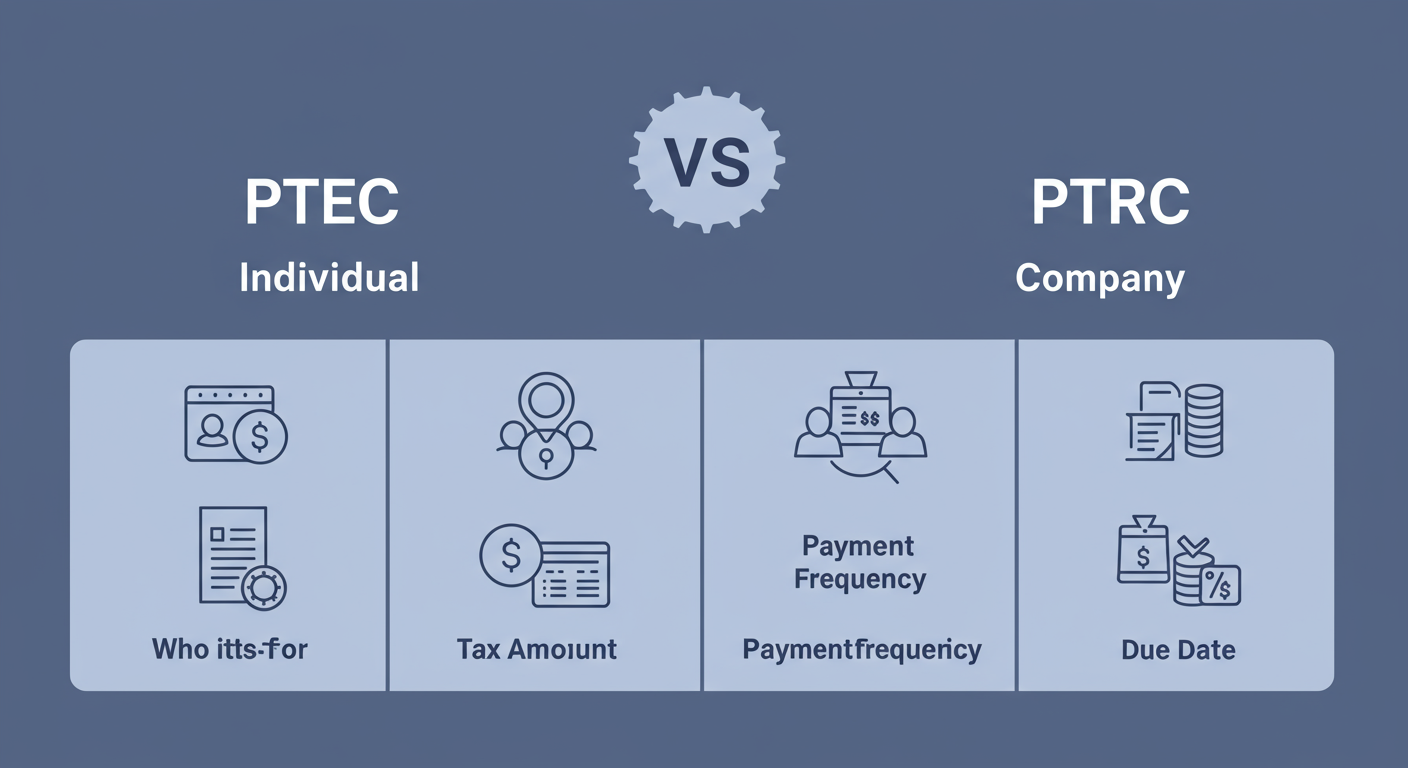
To make it crystal clear, here’s a direct comparison:
| Feature | PTEC (Enrollment) | PTRC (Registration) |
|---|---|---|
| Who It’s For | Self-employed professionals, freelancers, business entities (Pvt Ltd, LLP), and company directors. | Employers responsible for deducting PT from employee salaries. |
| Responsibility | You pay your own tax directly. | You deduct tax from employees and pay it on their behalf. |
| Tax Amount | Fixed at ₹2,500 per year. | Varies based on each employee’s salary slab. |
| Payment Frequency | Annual | Typically Monthly (or quarterly/annually for businesses with low liability). |
| Primary Due Date | 30th June of the financial year. | The last day of the month for which salary is paid. |
💡 Pro Tip
If you’re a director in multiple companies, you only need to pay PT under one PTEC. You don’t need to pay ₹2,500 for each directorship. When you get your PTEC, you can use that same number to show compliance for all your professional roles in Maharashtra.
Your Foolproof Guide to Maharashtra Professional Tax Online Payment in 2026
Ready to get this done? The entire process happens through the Maharashtra GST Department (MGSTD) portal and its payment gateway, GRAS. Grab your TIN and let’s go.
Before you start, make sure you have:
- Your TIN: This is your 11-digit PTEC or PTRC number. It’s your unique identifier.
- Payment Details: Know the exact financial year and period (e.g., April 2025, or the full year 2025-26) you’re paying for.
- Tax Amount: For PTEC, it’s ₹2,500. For PTRC, you must have the calculated total from your payroll.
- A Payment Method: Net banking, debit/credit card, or UPI.
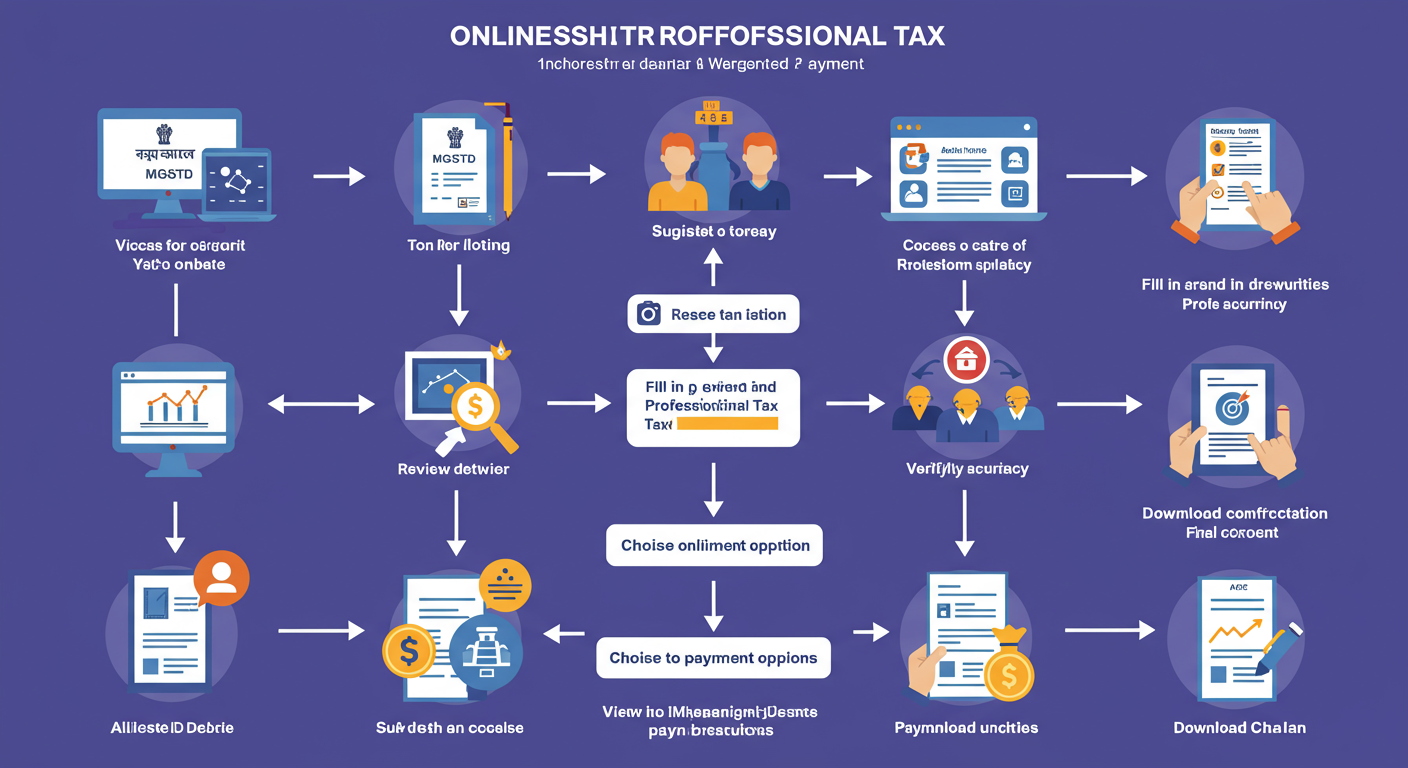
The 7-Step Payment Process
- Go to the Official Portal: Open your browser and navigate directly to the Maharashtra GST Department website. Bookmark this page. It’s the only official source.
- Find ‘e-Payments’: On the homepage, look for the “e-Payments” tab in the main menu. Hover over it and select “e-Payment – Returns and Other amounts” from the dropdown.
- Select the Right Tax: You’ll see a new screen. In the “Tax Type” section, click the radio button for ‘VAT/CST/PTRC/PTEC/LUX & Other Acts’. Then, from the ‘Act’ dropdown menu, choose either ‘PTEC’ or ‘PTRC’. This is the most important selection you’ll make.
- Enter Your Details: The form will now appear.
- Enter your 11-digit TIN.
- Select the ‘Financial Year’ you’re paying for (e.g., 2025-2026).
- Choose the ‘Period’. For PTEC, this will be ‘Annual’. For PTRC, you’ll select the specific month.
- Enter the exact tax amount. Double-check this figure.
- Enter your mobile number and click ‘Proceed for Payment’.
- Verify on GRAS: The site will redirect you to the Government Receipt Accounting System (GRAS) portal. It will pre-fill your details. Do not change anything here. Simply verify that the name and amount are correct. Scroll down and agree to the terms.
- Make the Payment: You’ll be presented with payment options. Choose your preferred method (e.g., ‘SBI e-Pay’ which supports multiple banks, cards, and UPI) and your bank. Follow the on-screen instructions from your bank’s payment gateway to complete the transaction.
- Download Your Challan (Receipt): Success! Once payment is confirmed, a challan (receipt) with a unique Bank Reference Number (BRN) will be generated. This is your proof of payment. Download it immediately as a PDF and save it in a dedicated “Tax Compliance” folder. Don’t skip this step.
⚠️ Watch Out
Choosing the wrong ‘Period’ is a common error. If you’re paying your annual PTEC for the financial year 2025-26, the due date is June 30, 2025. If you accidentally select the wrong financial year, you’ll have paid for the wrong period, and your current liability will remain outstanding, attracting penalties.
Common Mistakes and How to Sidestep Them
After testing this system and guiding clients for years, we’ve seen the same few mistakes trip people up. Here’s how to avoid them.
| Common Mistake | Best Practice (The Pro Way) |
|---|---|
| Losing Track of Due Dates | Immediately after your first payment, create a recurring calendar event for your PT due dates. For PTEC, set a reminder for June 15th. For PTRC, set a recurring monthly reminder for the 25th. |
| Payment Fails, Money Debited | Do not pay again immediately. This is a classic panic reaction. Wait 24-48 hours. Often, it’s a server delay. You can check the payment status on the GRAS portal using the “Search Challan” option. If it still shows as failed, contact your bank first, then the GRAS helpdesk. |
| Not Saving the Challan | Treat the final challan like a gold-plated receipt. Create a cloud folder (e.g., Google Drive, Dropbox) named “Financial Year 2025-26 Compliance” and save the PDF there with a clear name like “PTEC_Payment_FY25-26.pdf”. This makes audit trails and future reference effortless. |
| Using an Incorrect TIN | Always copy-paste your TIN from an official document or your password manager. A single wrong digit will either result in an error or, worse, a payment credited to someone else’s account. |
🎯 Key Takeaway
Professional Tax compliance is about two things: knowing your certificate type (PTEC vs. PTRC) and being disciplined with the online payment process. Use the official MGSTD portal, double-check every detail before payment, and religiously save your final challan. This simple discipline separates compliant businesses from those facing penalties.
⚠️ Watch Out
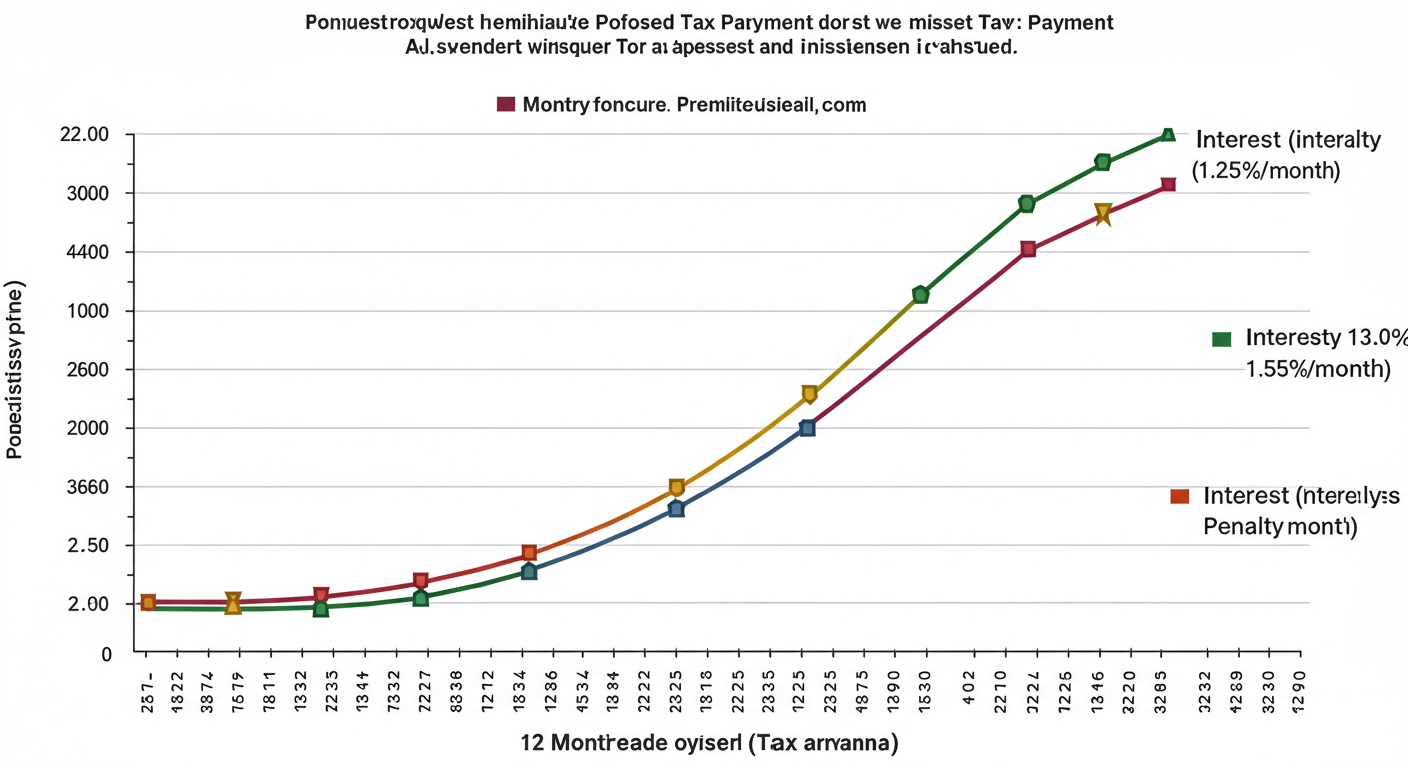
The penalty for late payment isn’t just a one-time fee. Interest is charged at 1.25% for every month of delay on the unpaid amount. On top of that, a penalty of 10% of the tax due can be levied. What starts as a ₹2,500 liability can quickly spiral. Timeliness is not just a virtue here; it’s a financial strategy.
💡 Pro Tip
Lost your TIN? Don’t panic. You can usually find it on past challans. If you’re an employee, it’s on your payslip. If you’re a business owner and can’t find it anywhere, you can use the “Know Your Taxpayer” feature on the MGSTD website or, as a last resort, contact the department’s helpdesk with your PAN. It’s retrievable.
❓ Frequently Asked Questions
What are the professional tax slabs in Maharashtra for 2026?
The slabs remain consistent. For salaried employees: no tax on monthly salaries up to ₹7,500. For salaries from ₹7,501 to ₹10,000, it’s ₹175/month. For salaries above ₹10,000, it’s ₹200 for 11 months and ₹300 in the last month (usually February), totaling ₹2,500 annually.
What happens if I miss the PT payment due date?
Late payment attracts both interest and penalties. According to the Maharashtra PT Act, interest is levied at 1.25% per month on the outstanding tax. A penalty of 10% of the tax amount can also be imposed. It’s crucial to pay on time to avoid these extra costs.
I paid, the amount was debited, but the challan wasn’t generated. What now?
First, don’t make a second payment. This is often a temporary lag between the bank and the government portal. Wait for at least 24 hours. You can check your payment status on the GRAS website using your bank reference number. If the issue persists after 48 hours, contact your bank’s support team with the transaction details.
Can I pay professional tax for multiple years at once?
No, the online system is designed for payments for specific periods within a single financial year. You cannot bundle multiple financial years into one transaction. You must make separate payments for each outstanding year, selecting the correct financial year and period for each transaction.
Is PT registration mandatory for a new startup in Maharashtra?
Absolutely. As soon as you incorporate your company or LLP in Maharashtra, you must obtain a PTEC for the business entity. If you hire even one employee, you must also get a PTRC. This is a foundational compliance step, and delaying it is not an option.
Is there any exemption from Professional Tax?
Yes, some individuals are exempt. This includes senior citizens (above 65 years of age), parents of children with a permanent disability or mental disability, and members of the armed forces. However, you must have the necessary documentation to claim this exemption.
Conclusion: Make Digital Compliance Your Superpower
The shift to digital tax payments isn’t just about convenience; it’s about control. The maharashtra professional tax online payment system puts the power of compliance directly in your hands, removing the need for long queues and complex paperwork.
You now have the expert knowledge and the exact steps to handle this task with confidence. You know the difference between PTEC and PTRC, you have a foolproof payment process, and you’re aware of the common pitfalls to avoid.
Here’s your next step: Don’t just read this and forget it. If you have a payment due, open the MGSTD website in another tab and walk through the process right now. If not, set a calendar reminder for your next due date. By taking this small, proactive step, you ensure you’re always compliant, penalty-free, and free to focus on what truly matters—your profession and your business.