
You did it. After months of waiting, navigating the complex application process, and holding your breath, the status finally updated: Registered. A wave of relief washes over you. Your brand, your logo, your identity—it’s officially protected.
But then a new question pops up. Where’s the fancy, gold-embossed certificate to hang on the wall? You check the mail every day, but nothing arrives. Did you miss a step?
Relax. You haven’t missed anything. The game has just changed.
In today’s digital-first world, the physical certificate is a relic. Your official proof of ownership is now a secure digital file, and knowing how to download your trademark certificate is a non-negotiable skill for every modern entrepreneur. This article is your definitive guide. We’ll show you exactly how to secure this critical document, what to do with it, and how to avoid the common pitfalls I’ve seen trip up countless business owners.
The Digital Shift: Why Your Online Certificate is Your New Superpower
For decades, a trademark certificate was a piece of paper. It was slow to arrive, easy to lose, and a pain to share. Not anymore. The move to digital issuance by intellectual property offices, like the IP India portal, isn’t just about saving paper—it’s a massive upgrade for brand owners.
Think of it this way: your digital certificate is an instant, verifiable, and portable shield for your brand. It’s the master key you’ll need for everything from stopping copycats to getting brand-gated on Amazon. Based on our experience with hundreds of brand registrations, the digital format is vastly superior.
Here’s a quick breakdown of why the new way is better.
| Feature | Old Way (Physical Certificate) | New Way (Digital Certificate) |
|---|---|---|
| Access Speed | Weeks or months via postal service. | Instant download, often within days of registration. |
| Verifiability | Hard to verify authenticity quickly. | Digitally signed and verifiable through official portals. |
| Distribution | Requires scanning or mailing physical copies. | Effortless sharing via email or cloud link. |
| Security | Vulnerable to fire, water damage, or loss. | Securely backed up on cloud services and local drives. |
| Use Cases | Mainly for office display or legal files. | Essential for online marketplaces, legal notices, and investor due diligence. |
💡 Pro Tip
Once you download your certificate, immediately save it to at least three locations: your primary computer, a cloud service (like Google Drive or Dropbox), and an external hard drive. This “3-2-1 backup” strategy ensures you’ll never lose this critical asset.
How to Download Your Trademark Certificate in 5 Simple Steps (2026)
Ready to get your hands on your certificate? The process is surprisingly straightforward once you know the exact clicks to make. Let’s walk through it.
Here’s the exact, no-fluff process we use for our clients.
-
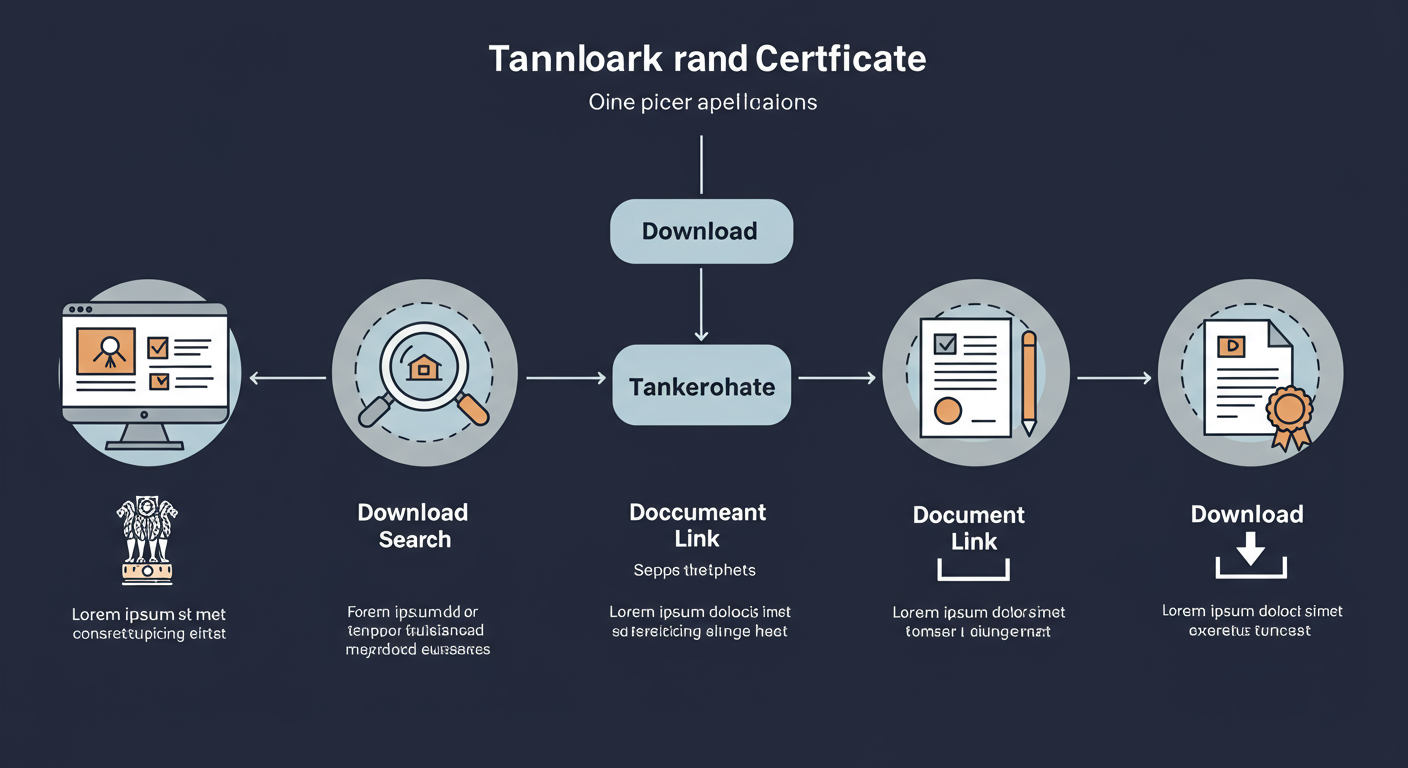
Step 1: Go to the Official IP India Portal
Your one and only destination is the official government website. Open your browser and navigate directly to ipindia.gov.in. Do not use third-party sites that promise to get the certificate for you, especially if they charge a fee. The official download is completely free.
-
Step 2: Navigate to the E-Register
On the homepage, look for the “Trade Marks” tab in the main menu. Hover over it and click on “Related Links.” From there, you’ll see an option for “Trade Mark Status.” This is your gateway. Clicking it will take you to the E-register and application status page.
-
Step 3: Enter Your Application Number
You’ll now see a search interface. The most reliable method is to use your 7-digit trademark application number. You received this number when you first filed. Enter it carefully into the field. Then, solve the captcha to prove you’re human and click “View.”
-
Step 4: Locate the Certificate Link
The system will pull up the complete history of your trademark application. The status at the top should proudly say “Registered.” Now, scroll down the page. You’re looking for a small, blue hyperlink that says “Registration Certificate.” It’s usually located just above the “Documents” table. If you don’t see it, don’t panic (more on that below).
-
Step 5: Download, Verify, and Save!
Click the “Registration Certificate” link. Your browser will either open the certificate as a PDF in a new tab or prompt you to download the file. Do it. Immediately open the file and verify that all the details—your name, address, and the trademark itself—are 100% correct. Save it securely using the 3-2-1 backup method mentioned earlier.
⚠️ Watch Out
The “Registration Certificate” link will only appear after the registry has generated it. This can take anywhere from 1 to 3 weeks after your application status changes to “Registered.” If the status is registered but the link is missing, the most likely reason is that you just need to wait a bit longer. Check back every few days.
Troubleshooting: What to Do When Things Go Wrong
Even with a clear guide, you can hit a snag. Government websites can be finicky, and small issues can feel like major roadblocks. After guiding hundreds of people through this, we’ve seen it all. Here are the most common problems and their solutions.
- Problem: I lost my application number!
Solution: No problem. On the IP India portal, use the “Public Search” (also found under the “Trade Marks” tab). You can search by the Proprietor Name (your name or your company’s name) or the Mark Name itself. This will help you find your application and its number. - Problem: The website is down or giving me an error.
Solution: This is common with high-traffic government sites. The first step is to clear your browser cache and cookies. If that doesn’t work, try a different browser (Chrome and Firefox are usually reliable). As a last resort, just try again during off-peak hours, like early in the morning or late at night. - Problem: I downloaded the certificate, and there’s a typo!
Solution: This is critical to fix immediately. An error in your name, address, or the mark can create legal issues down the line. You must file a request for correction of a clerical error. This is typically done by filing Form TM-M with the registry, clearly outlining the mistake and providing the correct information. It’s a formal process, so be precise.
🎯 Key Takeaway
Downloading your trademark certificate is a simple, five-step process done exclusively through the official IP India portal. The biggest hurdle is often patience—waiting for the registry to generate the download link after your status changes to “Registered.”
Anatomy of Your Trademark Certificate: Understanding What You’ve Got
So you’ve downloaded the PDF. It looks official, but what does it all mean? Let’s dissect the key sections. Understanding these details is crucial because they define the exact scope of your legal protection. Misinterpreting them is a common mistake that can limit your ability to enforce your rights. Unveiling the GST Revolution: A Closer Look at Petroleum Products, Alcoholic Beverages, and Electricity
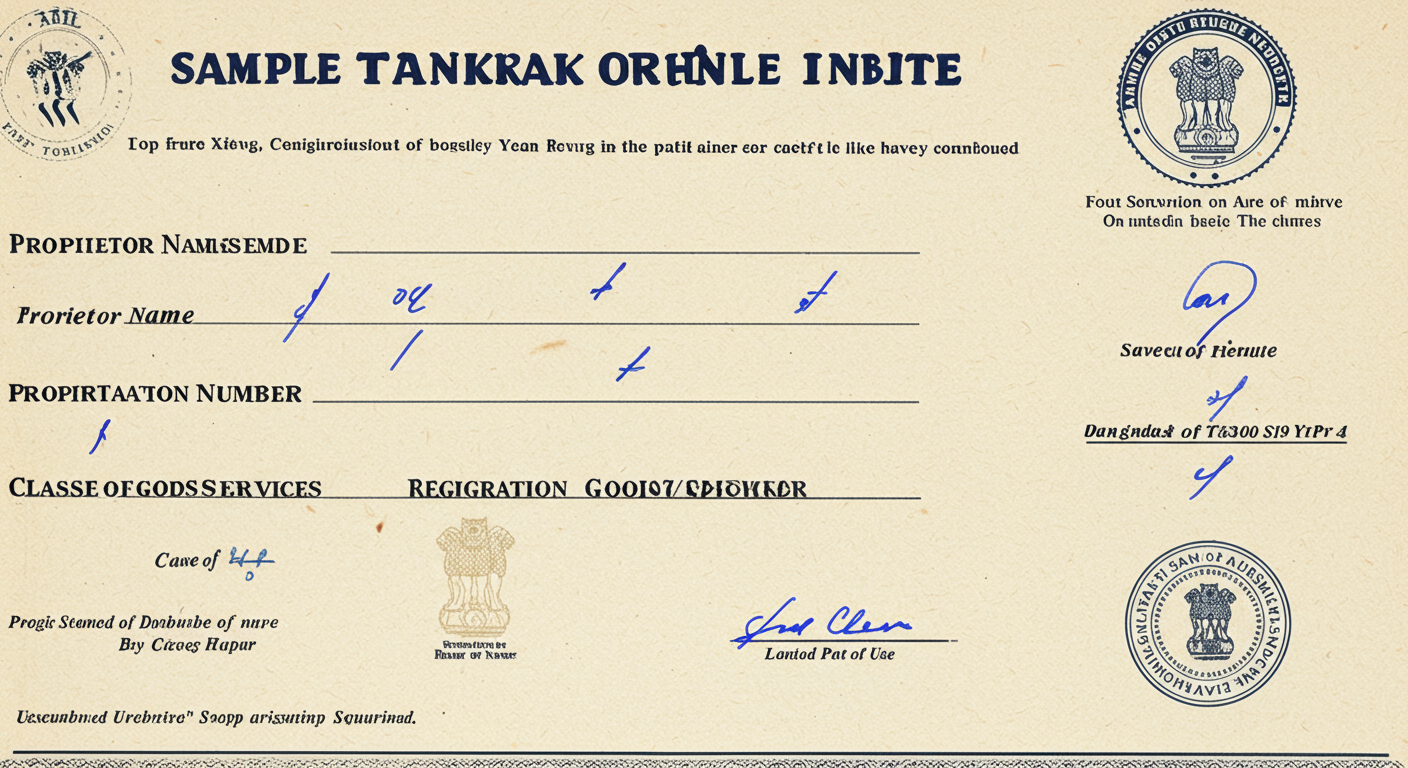
Here are the most important fields and what they mean for you: Taxation of Charitable Trust: What You Need to Know
| Certificate Section | What It Means & Why It Matters |
|---|---|
| Registration Number | Your unique ID in the national trademark registry. You’ll use this number in legal notices, on marketplace applications, and for renewal. |
| Proprietor Details | Confirms the legal owner of the trademark (you or your company). This must be perfectly accurate. |
| The Mark | An exact representation of your registered trademark (word, logo, or combination). Your protection is for this exact mark. |
| Classes of Goods/Services | This is critical. It lists the specific categories (based on the Nice Classification system) where your mark is protected. You can’t claim infringement for goods or services outside these classes. |
| Date of Application & Validity | Your protection is valid for 10 years from the application date. The certificate will show this date and the expiry date. Mark the renewal deadline in your calendar now! |
Beyond the Download: The Real Work Begins Now
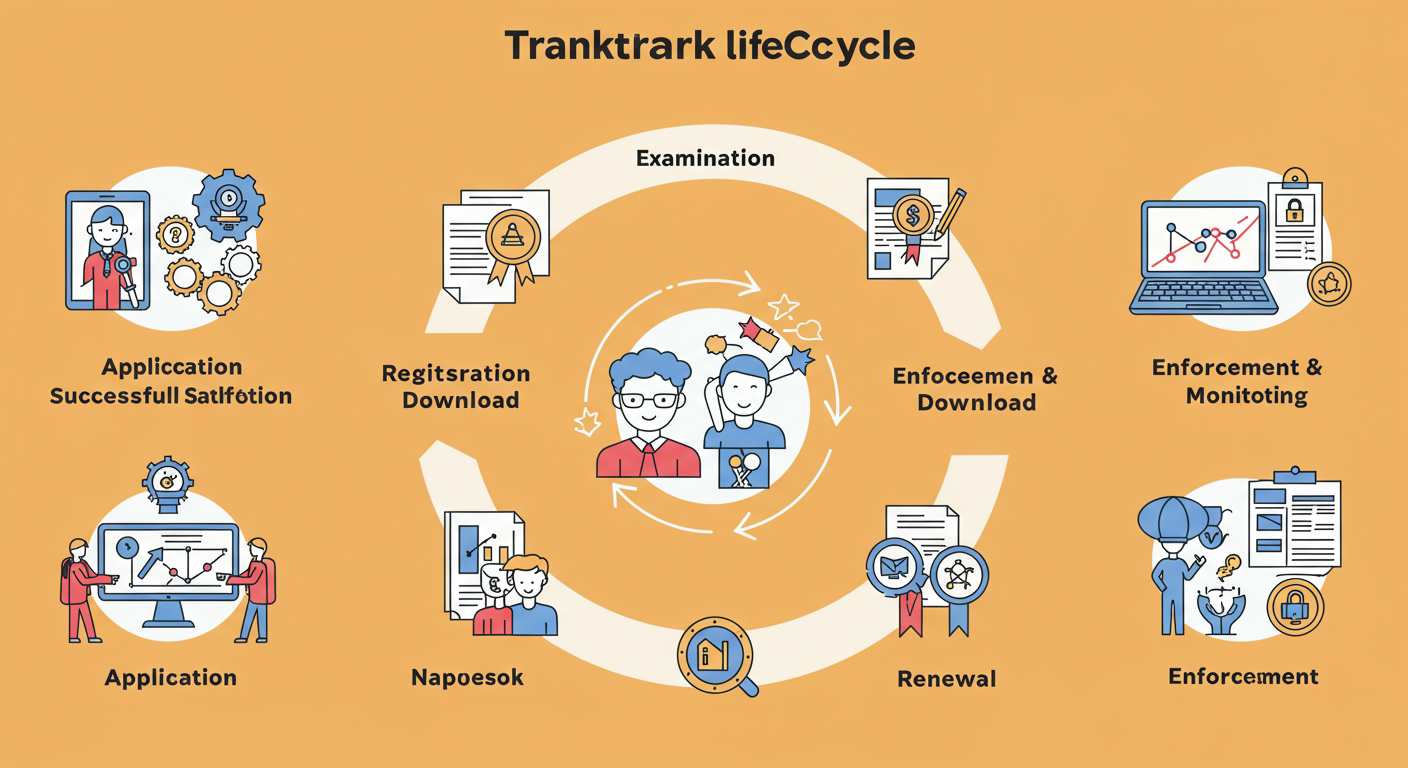
Getting your certificate isn’t the finish line. It’s the starting gun. You now have a powerful asset, and it’s your job to use it, protect it, and maintain it. Here’s what to do next.
1. Start Using the ® Symbol
You’ve earned it. You now have the legal right to use the registered trademark symbol: ®. Place it to the upper right of your logo or brand name. This isn’t just for show; it’s a public declaration that your trademark is registered and that you will defend it aggressively. It acts as a powerful deterrent to potential infringers.
💡 Pro Tip
Apply for Brand Registry on major e-commerce platforms like Amazon, Flipkart, and Myntra immediately. Your downloaded trademark certificate is the primary document you’ll need for this. Brand Registry gives you powerful tools to control your product listings and remove counterfeit sellers.
2. Actively Monitor for Infringement
Here’s a hard truth: the trademark office doesn’t police your mark for you. That’s your job. You need to be vigilant.
In our experience, the most successful brands are the ones that proactively monitor their space. Set up Google Alerts for your brand name and common misspellings. Regularly search social media and online marketplaces for anyone using a confusingly similar name or logo in your industry.
If you find an infringement, you can now send a formal “cease and desist” letter, citing your registration number as proof of your rights.
3. Diarize Your Renewal Date
Your trademark registration is valid for 10 years from the date of application. You can renew it indefinitely, but you must file for renewal within the prescribed window (typically one year before expiry). Missing this deadline can lead to your mark being abandoned, and all your hard work will be lost. As the United States Patent and Trademark Office (USPTO) guidelines emphasize, maintaining your registration is an ongoing responsibility. Put a reminder in your calendar for 9 years from your application date. Seriously, do it now.
⚠️ Watch Out
Do not use the ® symbol before your trademark status is officially “Registered” and the certificate is issued. Using it prematurely can be considered fraudulent and can jeopardize your application or registration. Until then, you can use the ™ symbol, which simply indicates that you claim the mark as your own, without it being federally registered.
Your Digital Shield in a Crowded Marketplace
Knowing how to download your trademark certificate is more than just a technical task; it’s about taking full ownership of your brand’s legal protection. This digital document is your proof, your weapon, and your key to unlocking new opportunities on a global scale.
By following the steps in this guide, you’ve not only secured your certificate but also armed yourself with the knowledge to use it effectively. Store it safely, understand its power, and begin the crucial work of monitoring and defending the valuable brand you’ve worked so hard to build.
Your brand’s journey is just beginning. Now, you have the shield to protect it every step of the way.
❓ Frequently Asked Questions
How long does it really take to get the certificate after my trademark is registered?
Once the status on the IP India portal flips to “Registered,” you should expect to wait between one and three weeks for the “Registration Certificate” download link to appear. It’s not instant, as an official has to digitally sign and generate the document. Just keep checking back.
Is the downloaded PDF certificate as valid as a paper one?
Yes, 100%. The digitally signed PDF downloaded from the official government website is the legally recognized and official proof of registration. In India and many other countries, physical certificates are no longer issued by default.
Can I download someone else’s trademark certificate?
Yes. The trademark registry is a public record. This transparency is by design. Anyone with a trademark application number can look up the file and download the corresponding certificate if it has been issued. Lawyers and businesses do this all the time for due diligence.
What’s the difference between the ™ and ® symbols?
The ™ (Trademark) symbol can be used by anyone to claim rights over a mark, regardless of whether it’s registered. The ® (Registered) symbol can ONLY be used once the trademark has been officially registered by the national trademark office. Using ® prematurely is a serious offense.
My certificate has my old address. Do I need to update it?
Yes, you absolutely should. Your contact information on the registry must be current. If the office needs to send you critical notices (like an office action or renewal reminder), they will use the address on file. You can update your address by filing the appropriate form (typically TM-M) with the registry.