Picture this: You’ve finally navigated the maze of business registration. You’ve submitted the documents, verified the OTPs, and waited for the approval SMS. It finally pings. You are officially registered. But then you walk into your bank to open a current account, and the manager asks, “Where is your Form REG-06?”
Panic sets in. You have the GST number (GSTIN), but you don’t have the piece of paper.
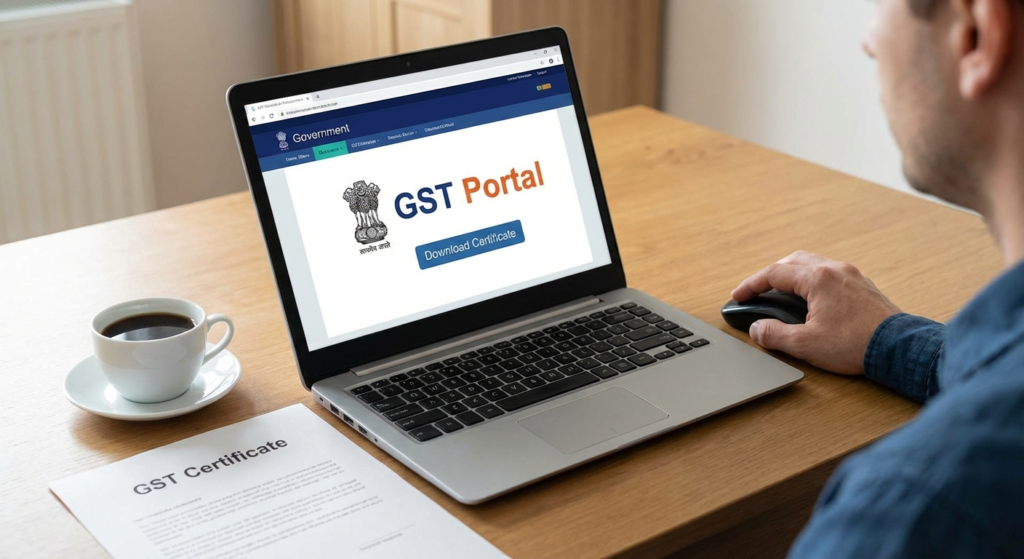
Here’s the reality in 2026: The government doesn’t mail physical certificates anymore. If you don’t know how to download GST certificate from the digital portal, your business operations can grind to a halt before they even start. Whether you need it for a loan, vendor onboarding, or just to avoid the hefty fines for not displaying it at your office, this document is your business’s passport.
In this guide, I’m going to walk you through the exact process I’ve used for hundreds of clients. We’ll cover the step-by-step download method, what to do if the system glitches, and why this PDF is more valuable than you think.
🎯 Key Takeaway
Your GST Certificate (Form REG-06) is a purely digital document. You must log in to the GST Common Portal to download it; no hard copy will be sent to your address. It serves as your primary proof of legal business existence in India.
What is Form GST REG-06 and Why Do You Need It?
Before we jump into the buttons and clicks, let’s clarify what we are hunting for. The GST certificate is officially known as Form GST REG-06. It’s a digitally signed document issued by the Government of India.
In my experience dealing with tax compliance, I’ve seen business owners confuse the “Application Reference Number (ARN)” receipt with the actual certificate. They are not the same. The ARN is just proof you applied; the REG-06 is proof you exist.
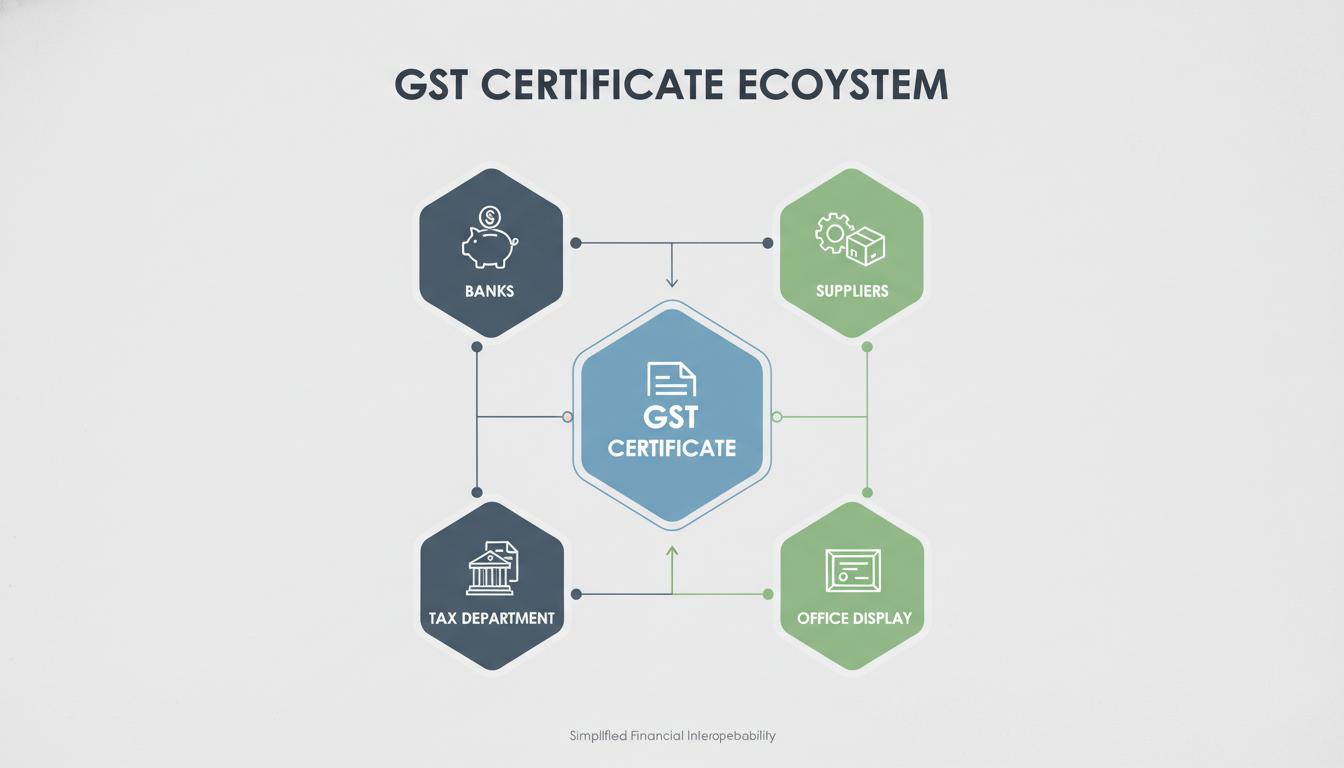
You need this specific file for:
- Banking Compliance: It is the primary KYC document for current accounts.
- Legal Requirement: Under CGST Rule 18, you must display this at your business premises.
- Vendor Trust: Big suppliers won’t touch you without it because they need to ensure they can claim Input Tax Credit (ITC).
Prerequisites: Before You Log In
Don’t waste time trying to download the certificate if your application is still in limbo. I’ve seen countless people frantically searching for the download button when their application status is still “Pending for Clarification.”
Ensure you have these three things ready:
- Approved Status: Your GST application must be fully approved. You should have received the welcome email with your GSTIN.
- Credentials: Your Username and Password for the GST Common Portal.
- Pop-up Blocker Disabled: This is a technical nuance that trips up 50% of users. The certificate opens as a pop-up PDF. If your browser blocks it, nothing happens.
💡 Pro Tip
If you are logging in for the very first time, the system will ask you to change your username and password. Do this immediately. The temporary credentials sent via email expire quickly.
Step-by-Step Guide: How to Download GST Certificate
Let’s get down to business. Follow this exact workflow. I’ve updated this for the 2026 interface, which remains largely consistent with previous versions but runs smoother.
Step 1: Access the Portal
Go to www.gst.gov.in. Click on the Login button in the top right corner. Enter your credentials and the captcha. Trust me, type the captcha slowly; it’s notoriously sensitive.
Step 2: Navigate the Dashboard
Once you are in, you’ll see your dashboard. It can be cluttered with ledgers and notices. Ignore those for now.
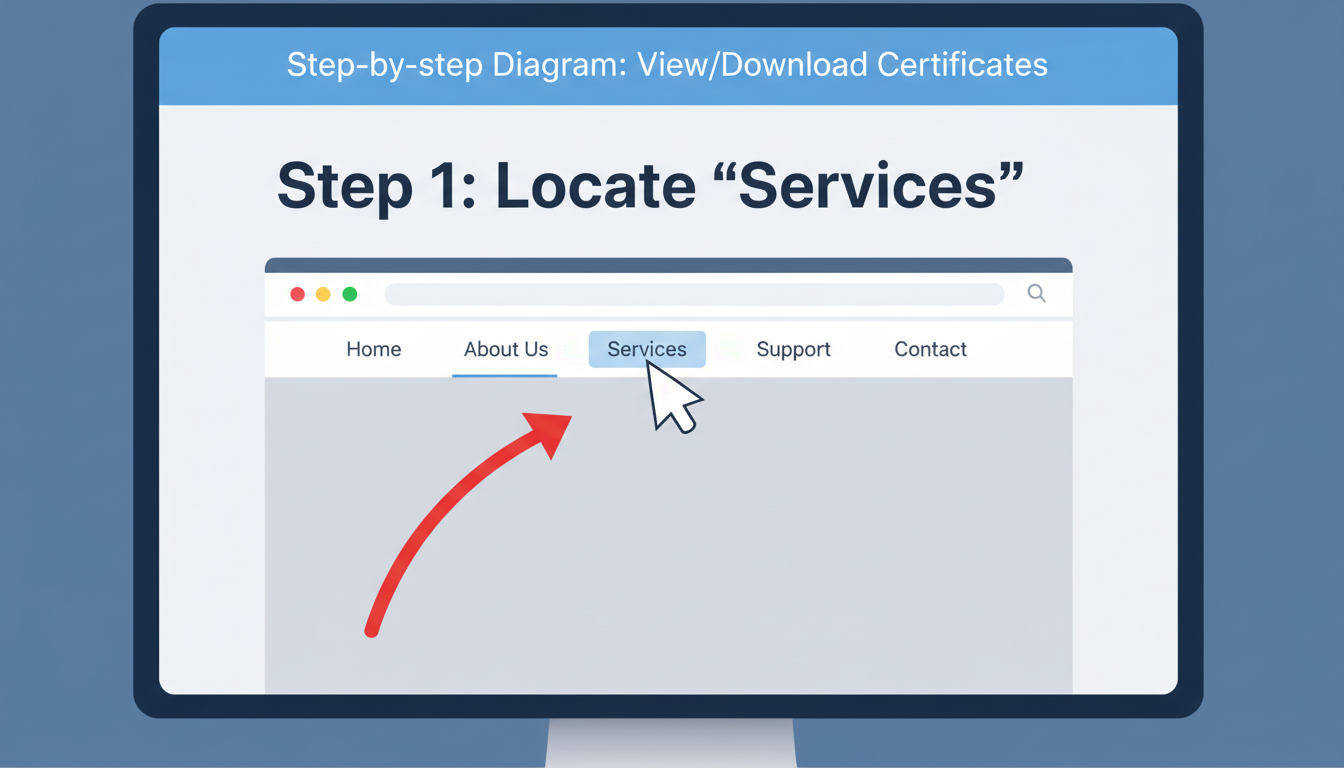
- Look at the blue navigation bar at the top.
- Locate the Services tab.
- Do not click it yet—just hover your mouse over it.
Step 3: Find the User Services Menu
When you hover over Services, a dropdown appears. Move your cursor to User Services. Another sub-menu will slide out.
Step 4: The Download Option
In the User Services list, look for the option that says View/Download Certificates. Click it.
Step 5: Download the PDF
You will be taken to a new page listing all certificates issued to your GSTIN. This includes your initial registration and any subsequent amendments.
- Look for Form GST REG-06.
- Click the Download icon (usually a small arrow or PDF symbol) next to it.
- Save the file securely.
⚠️ Watch Out
If you have amended your registration (e.g., changed your address or trade name), you will see multiple certificates. Always download the one with the latest Date of Issue. The older ones are technically invalid for current use.
Troubleshooting: Why Can’t I Download It?
Sometimes, you follow the steps perfectly, and… nothing. Here is a quick diagnostic table based on issues I’ve resolved for clients over the last year. The Essential GSTR-1 Filing Checklist: A Step-by-Step Guide for Accurate GST Compliance
| The Problem | Likely Cause | The Fix |
|---|---|---|
| “View/Download Certificates” option is missing. | Application is not yet approved. | Check your status via “Track Application Status” using your ARN. |
| I click download, but nothing happens. | Browser Pop-up Blocker. | Look for a red ‘X’ icon in your browser URL bar and allow pop-ups for gst.gov.in. |
| The PDF is blank or corrupted. | PDF Viewer incompatibility. | Update your Adobe Reader or try opening the file in a different browser (e.g., Edge or Chrome). |
| “System Error” message appears. | Portal maintenance or cache issues. | Clear your browser cache (Ctrl+Shift+Delete) and try again in Incognito mode. |
Understanding Validity: Does This Certificate Expire?
This is one of the most common questions I get during consultations. The answer depends entirely on who you are. LLP Annual Compliance 2026: Form 8 and Form 11 Filing Guide
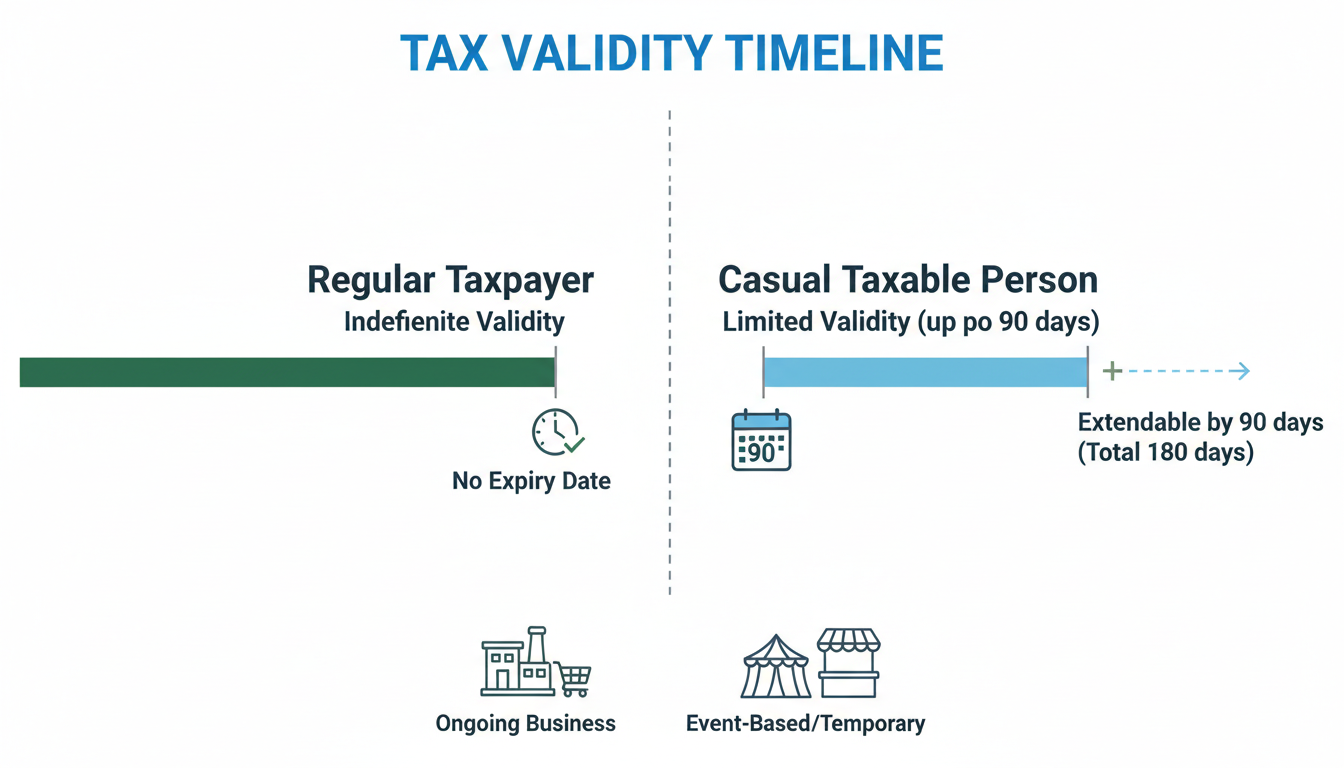
For 95% of businesses (Regular Taxpayers), the certificate has no expiry date. It remains valid as long as you don’t surrender it or get cancelled by the tax officer for non-compliance (like not filing returns for 6 months).
However, if you fall into special categories, the rules change. Let’s compare:
| Taxpayer Type | Validity Period | Renewal Required? |
|---|---|---|
| Regular / Composition | Lifetime (until cancelled) | No |
| Casual Taxable Person | 90 Days (max) | Yes, or extendable by another 90 days. |
| Non-Resident Taxable Person | 90 Days (max) | Yes, requires advance tax payment. |
If you are a Casual Taxable Person (perhaps setting up a temporary stall at an exhibition), you must be hyper-aware of that 90-day clock. Operating with an expired certificate is legally the same as operating without registration.
You Have the PDF. Now What?
Downloading the file is just the first step. To be fully compliant in 2026, you need to operationalize this document.
1. The “Wall of Fame” Rule
According to the Central Board of Indirect Taxes and Customs (CBIC), specifically Rule 18(1), you must display a physical copy of the certificate at a prominent location at your principal place of business. Don’t hide it in a file cabinet. Frame it. Hang it near the entrance or the billing counter.
2. Digital Backups
Don’t just leave it in your “Downloads” folder. Upload a copy to a secure cloud storage (Google Drive, Dropbox) and email a copy to your Chartered Accountant immediately. You will need this file repeatedly.
3. Update Your Signage
The law also requires your GSTIN to be painted or affixed on the signboard outside your office or factory. If a tax officer visits and sees the certificate inside but no GSTIN on the board outside, you can still be penalized.
💡 Pro Tip
If you are an e-commerce seller, upload the certificate to your seller profile on platforms like Amazon or Flipkart immediately. They often suspend accounts that have mismatched or outdated tax documents.
Frequently Asked Questions
❓ Frequently Asked Questions
Can I download the GST certificate on my mobile phone?
Yes, the GST portal is mobile-responsive. You can log in via a mobile browser (like Chrome on Android or Safari on iOS) and follow the same steps. However, viewing the PDF might require a PDF reader app.
Does the downloaded certificate need a physical signature?
No. The Form REG-06 bears a “Digital Signature” (DS) of the tax authority. In India, a digitally signed government document is valid evidence under the IT Act. You do not need to get it physically signed or stamped by an officer.
I lost my login password. Can I still download the certificate?
No, you must log in to download the official certificate. However, you can use the “Forgot Password” feature on the login page to reset your credentials using the OTP sent to your registered email and mobile number.
How do I verify if a downloaded certificate is genuine?
You can verify any GSTIN without logging in. Go to the GST portal homepage, click “Search Taxpayer,” and enter the GSTIN found on the certificate. If the details match the portal’s live data, the certificate is genuine.
Is there a fee to download the certificate?
Absolutely not. The GST portal is a free government service. Never pay a third-party agent just to click the download button for you unless they are handling your entire compliance portfolio.
Conclusion
Learning how to download GST certificate is a small technical task with massive business implications. It transforms your business from an idea into a recognized legal entity. In 2026, where digital compliance is tighter than ever, having this document ready is non-negotiable.
Remember, this isn’t just about avoiding penalties. It’s about building credibility. When a client sees that framed certificate on your wall or a vendor receives your clean KYC documents, it signals that you are a professional operation here for the long haul.
So, log in, navigate to User Services, and get that PDF saved today. If you’re looking for more details on business structures, you might want to check out the Wikipedia entry on GST for a broader history of this tax regime.