Imagine this: you’ve just landed a massive client. The contract is drafted, the terms are agreed upon, and you’re ready to start. Then, they ask for one simple thing: your GST number. You don’t have one. Suddenly, the deal stalls, and your professionalism is questioned.
This isn’t just a hypothetical scenario; I’ve seen it play out for countless freelancers and small businesses. The question of “GST number kaise le” (how to get a GST number) isn’t just about taxes—it’s about credibility, growth, and unlocking the full potential of your business in India.
Forget the confusing jargon and bureaucratic headaches. This guide is your definitive, no-nonsense roadmap. We’ll walk you through every single step, from figuring out if you even need a GSTIN to navigating the online portal like a pro. By the time you’re done reading, you’ll have the confidence and knowledge to get your GST number quickly and correctly.
Do You Actually Need a GST Number? The Eligibility Litmus Test
Before you dive into any application, let’s get one thing straight: who really needs a GST number? Don’t just assume. Getting it wrong can lead to unnecessary paperwork or, worse, hefty penalties for non-compliance. The primary factor is your annual aggregate turnover.
Here’s the thing, the rules are different for businesses selling goods versus those offering services. Based on our experience, this is the number one point of confusion for new entrepreneurs.
Let’s break it down clearly.
| Business Type | Turnover Threshold (Most States) | Turnover Threshold (Special Category States*) |
|---|---|---|
| Supplier of Goods | Exceeds ₹40 Lakh per year | Exceeds ₹20 Lakh per year |
| Supplier of Services | Exceeds ₹20 Lakh per year | Exceeds ₹10 Lakh per year |
*Special Category States include places like Arunachal Pradesh, Manipur, Meghalaya, Mizoram, Nagaland, Puducherry, Sikkim, Telangana, Tripura, and Uttarakhand.
When Turnover Doesn’t Matter: Mandatory Registration Scenarios
Hold on. Even if your turnover is well below these limits, you might still be required to register. According to CBIC guidelines, certain business activities mandate GST registration from day one. No exceptions.
- Inter-State Sales: Selling goods to a customer in another state? You need a GSTIN, even for a ₹100 sale.
- E-commerce Sellers: If you plan to sell on platforms like Amazon, Flipkart, or Myntra, a GST number is non-negotiable. They can’t onboard you without one.
- Casual Taxable Person: Setting up a temporary stall at a trade fair or exhibition in a state where you don’t have a business presence? You’ll need to register as a casual taxable person.
- Reverse Charge Mechanism (RCM): If you’re in a business that’s required to pay tax under RCM (e.g., receiving services from a lawyer), registration is mandatory.
💡 Pro Tip
Consider voluntary GST registration even if you’re not required to. Why? It allows you to claim Input Tax Credit (ITC) on your business expenses (like laptops, software, office rent), which directly reduces your costs. It also makes your business look more professional to larger corporate clients who prefer dealing with GST-registered entities.
The Pre-Flight Checklist: Documents You Can’t Ignore
I’ve seen more GST applications get rejected due to poor documentation than any other reason. Trust me on this one: preparation is everything. Before you even open the GST portal, gather these documents. Having them scanned and ready in the right format (usually PDF or JPEG, under 100 KB) will save you hours of frustration.
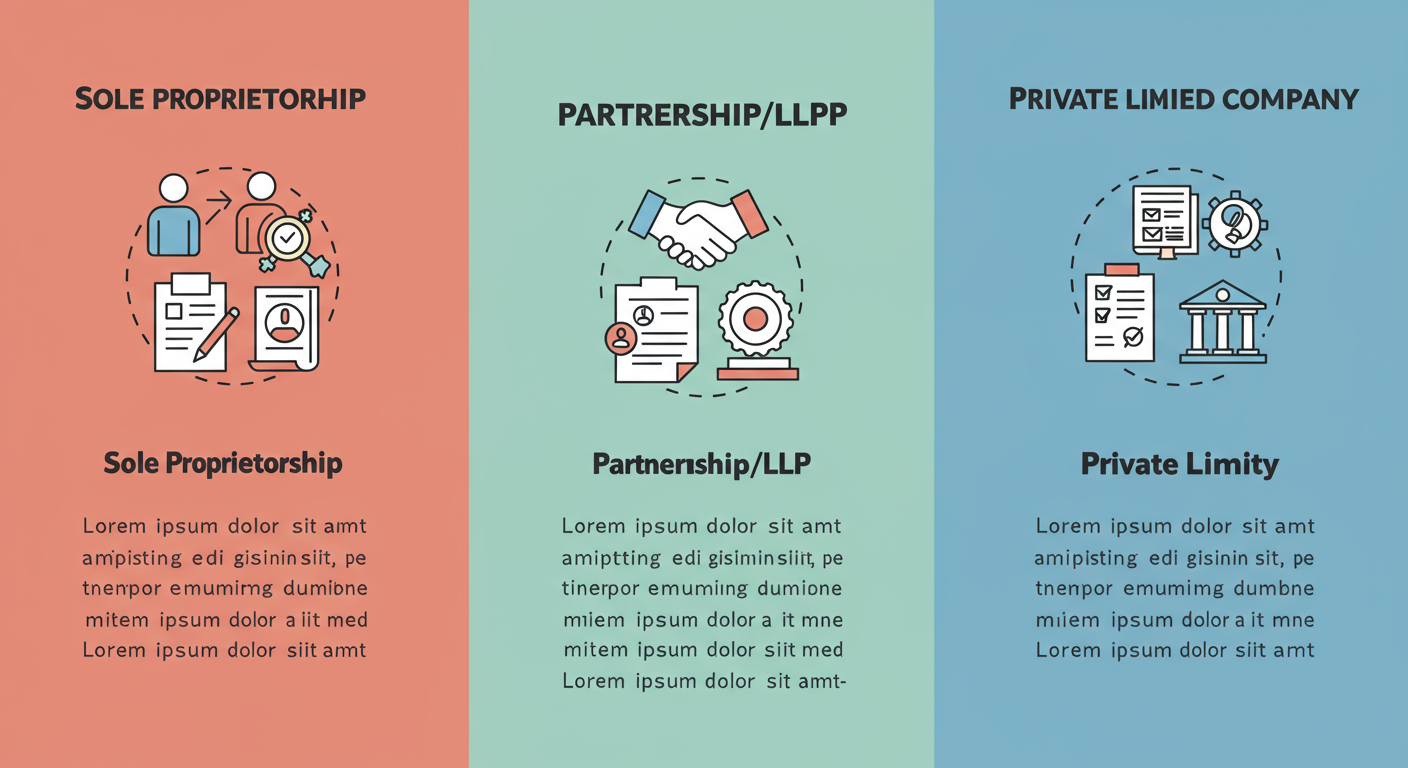
For a Sole Proprietorship / Individual
- PAN Card: Your personal PAN is the foundation.
- Aadhaar Card: For e-verification purposes.
- Photograph: A recent passport-style photo (JPEG, max 100 KB).
- Bank Account Proof: A scanned copy of a cancelled cheque, bank statement, or the first page of your passbook. The name on the bank account should match the name on the PAN card.
- Proof of Business Address:
- If you own the property: Latest property tax receipt or a copy of the electricity bill.
- If you’re renting: A copy of the rent agreement PLUS a No Objection Certificate (NOC) from the property owner.
For a Partnership Firm or LLP
- Firm/LLP PAN Card: The entity’s own PAN card.
- Partnership Deed / LLP Agreement: The legal document outlining the firm’s structure.
- Partner/Director Documents: PAN, Aadhaar, and photos of all designated partners.
- Proof of Business Address & Bank Account Proof: Same as for a proprietorship.
- Authorization Letter: A simple letter on the firm’s letterhead, signed by all partners, authorizing one person to be the primary authorized signatory.
For a Private/Public Limited Company
- Company PAN Card.
- Certificate of Incorporation from the Ministry of Corporate Affairs (MCA).
- Memorandum of Association (MOA) / Articles of Association (AOA).
- Director Documents: PAN, Aadhaar, and photos for all directors.
- Board Resolution: A formal resolution passed by the Board of Directors appointing an authorized signatory for GST purposes.
- Proof of Business Address & Bank Account Proof.
⚠️ Watch Out
The single most common mistake? A mismatch between your name on the PAN card and the name entered in the application. ‘Ramesh Kumar Sharma’ is NOT the same as ‘Ramesh K. Sharma’. The system is automated and will reject any discrepancy. Double-check every character.
The Main Event: Your Step-by-Step Guide to GST Registration
Alright, you’ve confirmed you need a GSTIN and your document folder is ready. It’s time to tackle the application. The entire process is online via the official GST portal. Let’s do this.
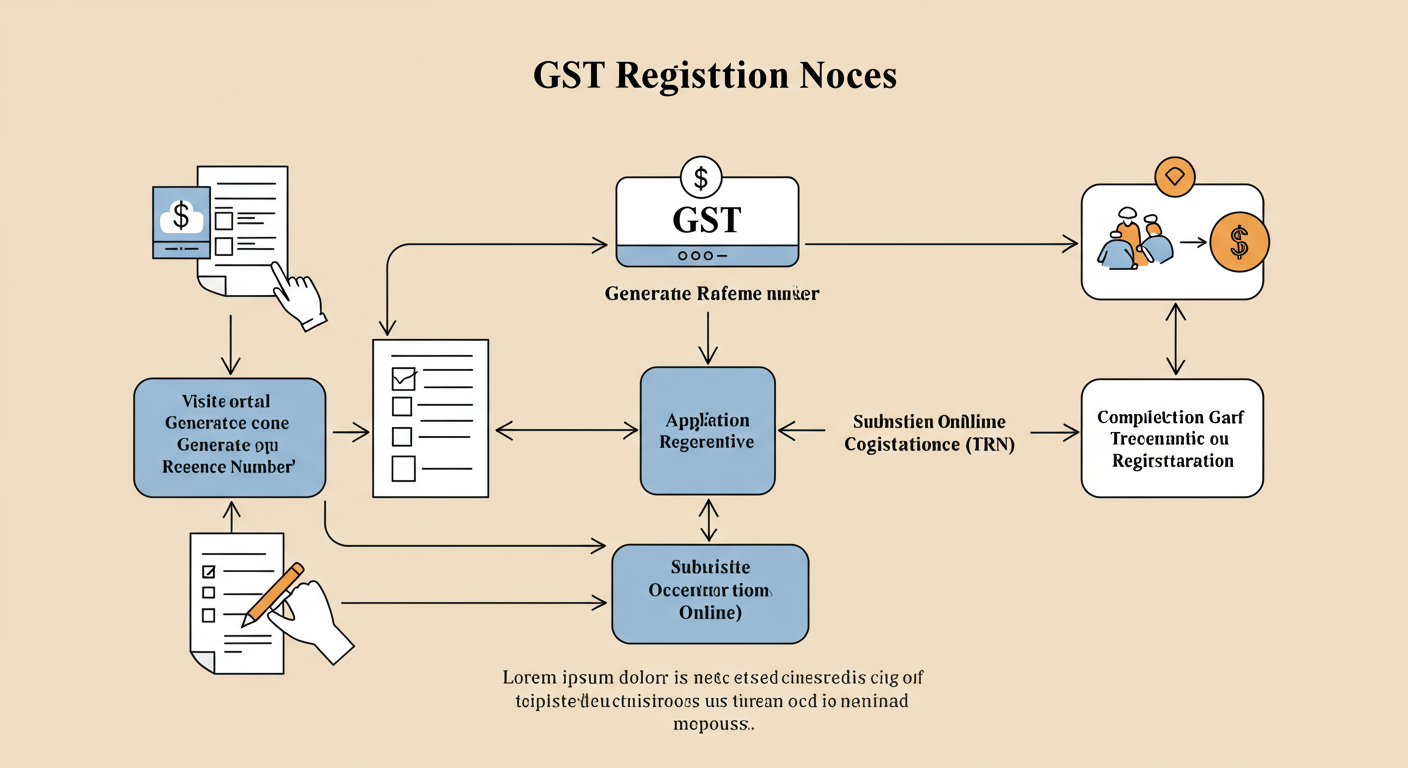
- Step 1: Generate Your TRN (Temporary Reference Number). Head over to the official portal: www.gst.gov.in. Navigate to Services > Registration > New Registration. This is Part-A of your application. You’ll enter your PAN, mobile number, and email. After OTP verification, a TRN will be sent to you. Guard this number; it’s your key to the main application.
- Step 2: Log In and Start Part-B. Go back to the New Registration page, but this time select the ‘Temporary Reference Number (TRN)’ option. Enter your TRN, complete another OTP verification, and you’re in. The main application (Part-B) awaits.
- Step 3: Fill in Your Business Details. This is where you’ll enter your business’s trade name, constitution (Proprietorship, etc.), and reason for registration. It’s pretty straightforward.
- Step 4: Add Promoter/Partner Information. Here, you’ll upload the identity documents (PAN, Aadhaar, photo) for all the key people in your business. This is where your pre-gathered document folder becomes a lifesaver.
- Step 5: Designate an Authorized Signatory. This is the person who will be legally responsible for filing GST returns and other compliances. For a proprietorship, it’s you. For a company, it’s the director authorized by the board resolution.
- Step 6: Detail Your Place of Business. Enter the full address of your principal place of business and upload the address proof you prepared earlier. If you have additional offices or warehouses, you can add them here as well.
- Step 7: Specify Your Goods and Services. You need to list the top 5 goods or services your business will provide. You’ll need to find their HSN (for goods) or SAC (for services) codes. A quick Google search for “[Your Product] HSN code” usually works.
- Step 8: Add Your Bank Account. Enter your business bank account details and upload the proof (cancelled cheque or statement).
- Step 9: Verify and Submit. This is the final step. You’ll verify your application.
- For Companies/LLPs: You MUST use a Digital Signature Certificate (DSC).
- For Individuals/Proprietors: You can use the much simpler E-Signature (Aadhaar OTP) or EVC (OTP to your registered mobile).
Once you hit submit, an Application Reference Number (ARN) is generated. Congratulations! You’ve officially applied. Now you can use this ARN to track your application status.
🎯 Key Takeaway
GST registration isn’t just a legal chore; it’s a strategic key that unlocks Input Tax Credit, inter-state trade, and access to major e-commerce platforms. Preparation is everything—having the right, correctly formatted documents ready before you start is 90% of the battle.
Common Traps and How to Sidestep Them
The online process is logical, but it’s also unforgiving. From real-world campaigns we’ve managed, we see the same few errors trip people up again and again. Here’s how to stay ahead. 7 Essential Steps to Master the GST Refund Process India: A Comprehensive Guide (2025)
| Common Error | Why It’s a Problem | The Pro Solution |
|---|---|---|
| Uploading Blurry/Unclear Documents | The verifying officer can’t read it, so they’ll reject it immediately. | Use a proper scanner app (like Adobe Scan) instead of just taking a photo. Ensure the file size is under the limit but the text is crystal clear. |
| Address Proof Mismatch | The address on your electricity bill doesn’t exactly match what you typed in the form. | Copy the address from the proof document character for character. If it’s a rented property, ensure the rent agreement is valid and the NOC is attached. |
| Incorrect Jurisdiction Selection | Your file gets sent to the wrong tax office, causing massive delays. | The portal usually auto-populates this based on your address. But always double-check your State and Central Jurisdiction. A quick search for “GST jurisdiction finder” can help. |
⚠️ Watch Out
Do not use a shared or friend’s bank account. The bank account must be in the legal name of the business or the proprietor as per the PAN. Using a different account is a guaranteed rejection and raises red flags for the tax department. 7 Crucial Rules of GST Audit Applicability Every Business Owner Must Know (2025 Update)
You’ve Applied. Now What? (The Waiting Game)
Submitting the application and getting your ARN is a huge milestone, but you’re not quite at the finish line. Here’s what happens next:
- Officer Review: A designated GST officer will review your application and all the documents you submitted.
- Approval: If everything is perfect, you’ll receive your GST Registration Certificate (Form GST REG-06) and your unique 15-digit GSTIN within 3-7 working days. You can download it directly from the portal.
- Clarification Required (SCN): If the officer finds a discrepancy (e.g., unclear address proof), they will issue a Show Cause Notice (SCN) via email. Don’t panic! This is common. You typically have 7 working days to respond with the required clarification or document.
💡 Pro Tip
When responding to a Show Cause Notice (SCN), be polite, precise, and provide exactly what the officer asked for. Write a short, clear cover letter explaining the attached document. A professional and prompt response can get your application approved within 24-48 hours of submission.
Getting your GSTIN is the foundational step to participating in India’s formal economy. It’s a signal of trust and transparency to your customers, suppliers, and partners.
❓ Frequently Asked Questions
Is GST registration free?
Yes, 100%. The government does not charge any fee for GST registration on the official portal. If you hire a professional (like a CA or tax consultant) to do it for you, you’re paying for their service, not the registration itself.
How long does it take to get a GST number in 2026?
After successful submission, if all your documents are in order, you can expect your GSTIN in 3 to 7 working days. If the officer raises a query, the timeline depends on how quickly and accurately you respond.
Can I use my home address for GST registration?
Absolutely. This is very common for freelancers, consultants, and home-based businesses. You just need to provide valid proof of address. If you don’t own the home, you’ll need a rent agreement and a No Objection Certificate (NOC) from the owner (even if it’s your parents).
What’s the penalty for not getting a GST number when it’s mandatory?
The penalty for not registering for GST when you’re liable is steep: 10% of the tax due or ₹10,000, whichever is higher. For deliberate tax evasion, this can go up to 100% of the tax owed. It’s not worth the risk.
Do I need a current bank account before applying?
While you can complete the initial application without it, you will need to add bank account details after getting the GSTIN to receive your final registration certificate. It’s best practice to have it ready beforehand to avoid delays. Many banks require a GSTIN to open a current account, creating a chicken-and-egg problem, but some will open one based on your ARN.
The Finish Line and Your Next Steps
There you have it. The entire process of ‘GST number kaise le’, demystified and broken down into a clear, actionable plan. It might seem like a lot of steps, but it’s a logical path. By following this guide, you’re not just filing an application; you’re sidestepping the common pitfalls that delay thousands of other businesses.
Your GSTIN is more than a tax number. It’s your ticket to bigger projects, your key to claiming back taxes you’ve paid, and your license to operate across the entire country without friction. It’s a fundamental building block for a scalable, credible, and future-proof business.
So, stop wondering and start doing. Gather your documents, fire up the portal, and take this crucial step. For more resources on scaling your new venture, the government’s Startup India portal is an excellent place to start. Your future, bigger business will thank you for it.