The Importance of Tracking Your Income Tax Refund Status
After diligently filing your Income Tax Return (ITR), the next logical step—and often the most anticipated—is receiving your tax refund. Knowing the exact location and processing stage of your money is crucial for financial planning. Tracking your income tax refund status ensures you are aware of any potential hold-ups or issues that might prevent the timely credit of funds. In this comprehensive guide, we will walk you through the precise methods to check your status, decipher the different messages you might encounter, and provide actionable steps to resolve common processing delays.
For most taxpayers, a refund is a significant amount of money owed back by the government. Delays can cause inconvenience, so understanding how to monitor your refund’s journey from filing to credit is paramount. Whether you filed ITR-1, ITR-2, or a business return, the process for checking the income tax refund status remains standardized across the Income Tax Department’s platforms.
Financial Clarity
Knowing when the refund is due helps you accurately forecast your immediate liquidity and budget planning for the coming months.
Proactive Issue Resolution
If the status shows ‘Refund Failed’ or ‘Sent to Bank’, immediate checking allows you to fix bank account discrepancies or e-verification errors quickly.
Interest Calculation
The Income Tax Act mandates interest payments on refunds delayed beyond a certain period. Tracking the status helps confirm the correct interest calculation upon receipt.
Two Primary Methods to Check Your Income Tax Refund Status
Taxpayers have two main official channels available for verifying their income tax refund status: the official Income Tax e-filing portal and the Tax Information Network (TIN) website managed by NSDL. It is advisable to check both if one method is temporarily unavailable or showing outdated information.
Method 1: Checking Status on the Income Tax E-Filing Portal
This is the most direct and detailed method, providing complete visibility into the processing history of your return.
- Log In: Visit the official Income Tax e-filing website and log in using your PAN/Aadhaar number and password.
- Navigate to ‘e-File’: From the dashboard, click on the ‘e-File’ menu.
- Select ‘Income Tax Returns’: Under the e-File menu, choose ‘View Filed Returns’.
- View Details: Select the relevant Assessment Year (AY) for which you are checking the refund.
- Check Status: Click on the ‘View Details’ link next to the ITR filing record. The status of your refund processing, including the date of processing by the Centralised Processing Centre (CPC) and the date of issue, will be displayed.
Method 2: Checking Status via the TIN-NSDL Website
The TIN-NSDL portal is often used to track the physical dispatch of refund cheques or the electronic credit status after the CPC has processed and approved the refund claim. This portal requires less login effort but provides slightly less detailed processing information than the e-filing portal.
- Access the Portal: Navigate to the official TIN-NSDL website dedicated to refund status tracking. (External Link: TIN-NSDL Official Website)
- Enter Details: You will need to enter your PAN number and the relevant Assessment Year (AY).
- Enter Captcha: Complete the security check (Captcha code).
- Submit and View: Click ‘Proceed’. The page will display the status, the mode of payment (ECS or Cheque), and the reference number.
Deciphering Common Income Tax Refund Status Messages
When you check your income tax refund status, you will encounter various messages. Understanding what each means is vital for determining if further action is required.
Refund Determined and Sent to Refund Banker
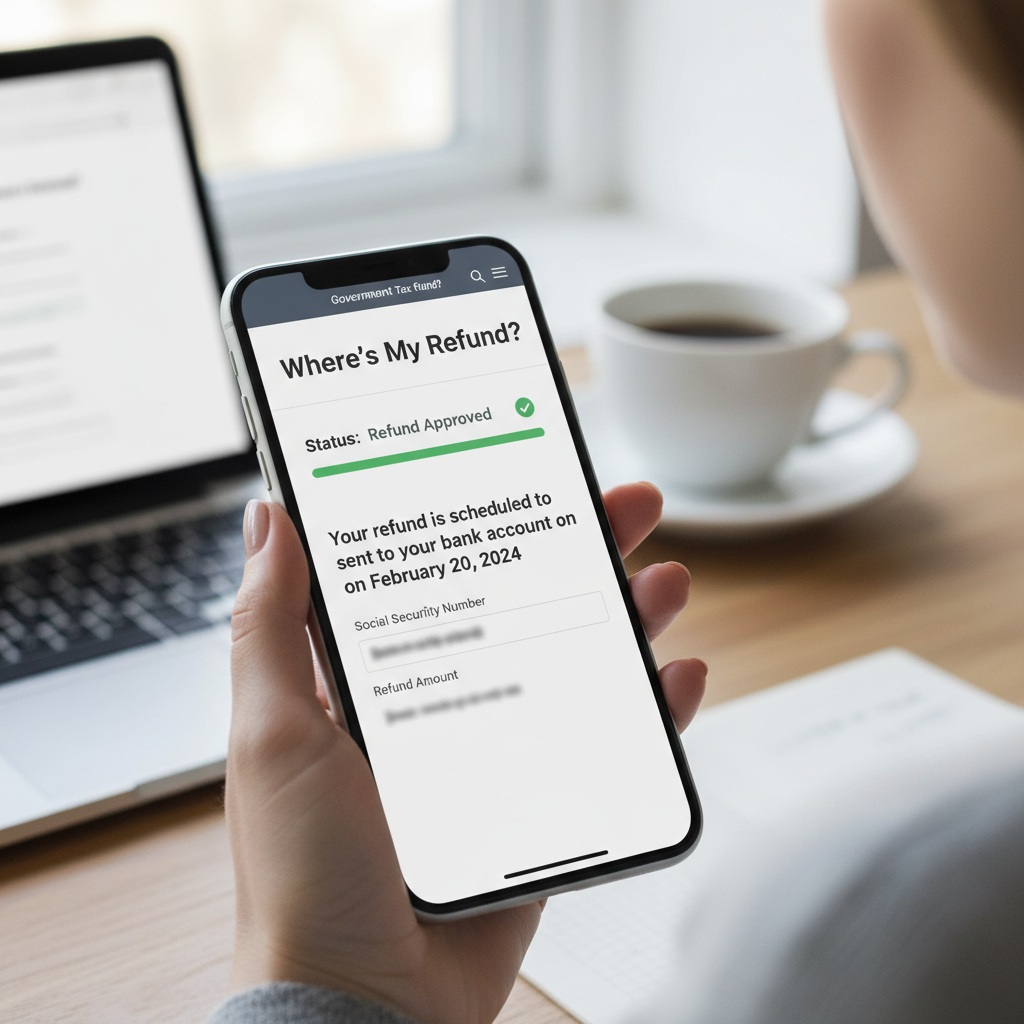
This is a positive status. It means the CPC has processed your return, confirmed the refund amount, and instructed the designated refund banker (State Bank of India) to issue the payment.
Refund Paid/Issued
The refund has been successfully credited to your bank account via Electronic Clearing Service (ECS) or a cheque has been dispatched. You should check your bank statement within a few days.
Refund Failed
Crucial attention needed. The refund could not be credited due to an issue with your bank account details (e.g., incorrect account number, IFSC code mismatch, or account validation failure). Immediate action is required to update details.
Refund Under Process/Processing with CPC
The return has been successfully filed and verified, and the CPC is currently calculating the final tax liability and refund amount. This stage typically takes 10 to 45 days.
Understanding and Resolving Delays in Your ITR Refund
While the Income Tax Department aims to process most refunds within 20 to 45 days after e-verification, delays are common. Identifying the root cause is the first step toward resolution.
Key Reasons for Delays in Income Tax Refund Status Updates
Sometimes the delay isn’t a fault in the system, but a small oversight in the filing process or bank details.
Delay Factor 1: Pending E-Verification
If you filed your return but failed to e-verify it within the stipulated 30-day window, the ITR is considered invalid. The CPC cannot process the return or the refund until successful verification.
Delay Factor 2: Mismatch in Data
Discrepancies between the data you reported (TDS claimed in Form 26AS) and the data available with the department often lead to manual scrutiny and prolonged processing times.
Delay Factor 3: Bank Validation Failure
If the bank account you nominated for the refund is not pre-validated on the e-filing portal, the refund process will halt immediately, resulting in a ‘Refund Failed’ status.
Delay Factor 4: Scrutiny or Intimation
If you receive an intimation under Section 143(1) requiring clarification or adjustment, the refund will be paused until you respond and the adjustment is accepted.
Actionable Steps to Fix a ‘Refund Failed’ Status
A ‘Refund Failed’ message is frustrating, but highly fixable. It usually means the electronic credit (ECS) failed because the refund banker could not process the transaction due to incorrect or unverified bank details. Follow these steps immediately:
Step 1: Re-validate Your Bank Account
Ensure the bank account where you want to receive the refund is pre-validated on the Income Tax portal. Go to the ‘My Profile’ section, select ‘My Bank Accounts’, and check the validation status. If it says ‘Validation Failed’ or ‘Not Validated’, update the details (Account Number, IFSC Code) and re-submit for validation. This validation is mandatory for ECS credit.
Step 2: Submit a Refund Re-issue Request
Once the bank account is successfully validated, you must specifically request the CPC to re-issue the refund. The steps are:
- Log in to the e-filing portal.
- Go to ‘Services’ -> ‘Refund Re-issue Request’.
- Select the relevant Assessment Year and the bank account that is now validated.
- Submit the request. The CPC will process the request and send the refund to the designated banker again.
For complex cases involving substantial delays or multiple failures, seeking professional assistance for your ITR Filing and refund tracking is highly recommended. Experts can quickly diagnose and communicate with the department to expedite the resolution.
The Official Timeline for Refund Processing
While taxpayers often hope for immediate refunds, the official process involves several stages, each requiring time. Typically, the timeline begins after the ITR is successfully e-verified.
- CPC Processing: Post-verification, the CPC takes approximately 10 to 45 days to process the ITR and determine the final refund amount.
- Transfer to Refund Banker: Once approved, the request is sent to the State Bank of India (the refund banker). This process usually takes 5-7 working days.
- Credit via ECS: After receiving the request, the refund banker generally credits the amount electronically within 3 to 10 days, provided the bank account is verified and correct.
If your refund status has remained unchanged for over 60 days after verification, or if the status indicates an issue requiring taxpayer action, you should proactively follow up. Reviewing older articles on troubleshooting specific refund issues, such as those found here, can provide targeted solutions.
What If the Refund Cheque Is Lost or Expired?
Though most refunds are now processed via ECS, some old cases or special circumstances might still involve physical cheques. If the status shows ‘Refund Issued by Cheque’ but you have not received it, or the cheque has expired (validity is 90 days), you must apply for a re-issue.
The process is similar to the ‘Refund Failed’ scenario, requiring you to file a refund re-issue request through the e-filing portal. Ensure your address on file with the Income Tax Department is current and accurate before initiating a cheque re-issue request.
“Timely checking of the income tax refund status is not just about tracking money; it’s about maintaining compliance and ensuring your financial records are accurate,” says a leading tax consultant. Proactive monitoring prevents minor administrative errors from turning into months of delay.
If you suspect a systemic issue or an error in processing, the Income Tax Department provides a dedicated grievance redressal mechanism. You can raise a grievance through the e-filing portal under the ‘Helpdesk’ or ‘Grievances’ section, detailing the Assessment Year, the amount due, and the last known status of your refund. This provides a formal trackable way to escalate your concern to the CPC.
Always ensure that the bank account linked for refund purposes is a savings or current account that is operational and linked to your PAN. Refunds cannot be credited to NRO/NRE accounts unless specific conditions are met, or to dormant accounts.
For official verification of refund interest rates and statutory timelines, always cross-reference the information with the Income Tax Act, 1961, available on the official government website. (External Link: Official Income Tax India Website)
Conclusion: Ensuring a Seamless Refund Experience
Tracking your income tax refund status is a non-negotiable step after filing your ITR. By utilizing the official e-filing and TIN-NSDL portals, you gain transparency into the processing pipeline. Whether you are dealing with a standard ‘Refund Paid’ status or tackling a complex ‘Refund Failed’ issue, proactive engagement and immediate correction of bank details are the keys to a quick resolution. Stay vigilant, check your status regularly, and ensure all your pre-validation requirements are met to receive your funds smoothly and efficiently.
FAQs
Generally, if the ITR is filed correctly and verified promptly, the refund is processed by the CPC and credited via ECS within 20 to 45 days from the date of successful e-verification. However, this timeline can be longer during peak filing season or if the return is selected for scrutiny.
This means the Income Tax Department has adjusted the refund amount against a previous tax liability (demand) that you owed from a prior assessment year. You will receive an intimation (usually under Section 245) explaining the adjustment. If you disagree with the demand, you must file a rectification request or appeal against the original demand within the stipulated period.
The TIN-NSDL portal only shows the status after the CPC has processed the return and sent the refund request to the refund banker. If the CPC is still processing your ITR (e.g., matching TDS, calculating tax liability), the status will not reflect on the TIN-NSDL site yet. Check the Income Tax e-filing portal first for the ‘Processing Status’.
Yes, it is absolutely mandatory. Since the Income Tax Department exclusively uses the Electronic Clearing Service (ECS) for refunds, the nominated bank account must be pre-validated on the e-filing portal and linked to your PAN. Unvalidated accounts will result in a ‘Refund Failed’ status.
Yes, if the refund has not yet been processed, you can update your bank account details in the ‘My Profile’ section and ensure it is validated. If the refund has already failed, you must update the bank details and then submit a ‘Refund Re-issue Request’ specifying the newly validated account.