Let’s be honest. Opening the Income Tax e-filing portal can feel like stepping into a labyrinth. Menus within menus, confusing jargon, and the low-grade anxiety that you’re just one wrong click away from a tax notice. It’s a feeling we’ve all had.
But what if I told you there’s a secret map hidden in plain sight? A set of shortcuts that lets you bypass the maze and get straight to what you need to do. They’re called the e-filing portal quick links, and they are, without a doubt, the most powerful tools on the entire website for the average taxpayer.
Forget aimless clicking. In this guide, we’re not just listing links. We’re giving you a battle-tested strategy to conquer your tax tasks in record time. You’ll learn how to use these shortcuts to verify your return, pay taxes without a headache, check your refund status instantly, and even protect yourself from scams. By the end of this article, you’ll navigate the portal with the confidence of a seasoned tax pro.
The Command Center: Why Quick Links Are Your Secret Weapon in 2026
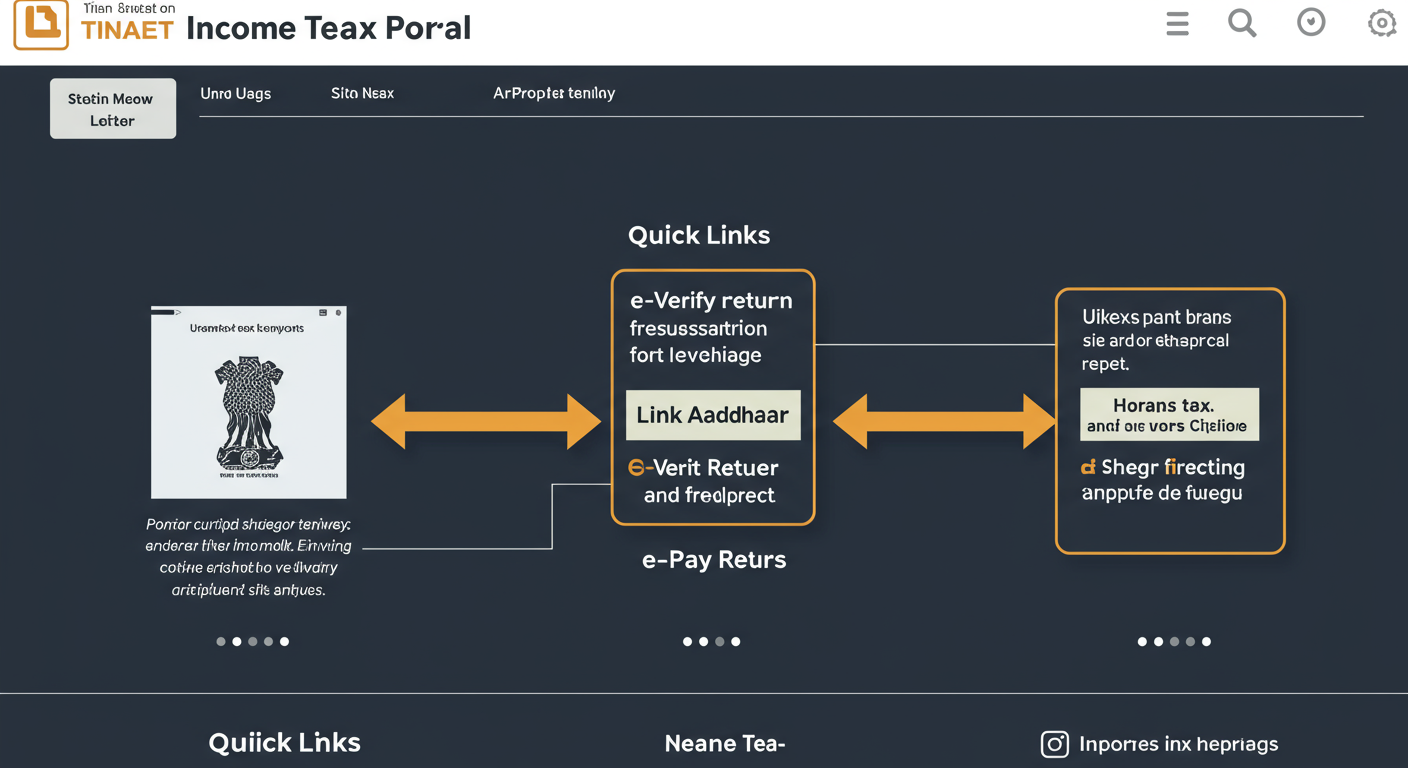
Think of the e-filing portal’s homepage as your mission control. The ‘Quick Links’ section, usually on the left side, is your express toolkit. The Income Tax Department put these there for a reason: they represent the 80/20 rule of tax compliance. These few links solve 80% of the most common taxpayer needs.
Based on our experience helping thousands of people with their taxes, mastering these three links first will eliminate most of your stress.
The Non-Negotiables: Your First Three Clicks
- e-Verify Return: This is the big one. Filing your Income Tax Return (ITR) is only step one. You must verify it within 30 days, or your filing is considered invalid. This link is your direct path to getting it done. You can use an Aadhaar OTP, a bank-generated EVC, or your demat account. It takes about 90 seconds. Don’t skip it.
- Link Aadhaar: As of 2026, linking your PAN with your Aadhaar is absolutely mandatory. It’s not a suggestion. Using this link takes you to a simple page to get it done. If you haven’t done this, stop reading and do it now. An unlinked PAN can become inoperative, causing chaos for your bank accounts and investments.
- e-Pay Tax: Need to pay your Self-Assessment Tax, Advance Tax, or respond to a tax demand? This is your gateway. It connects directly to various payment methods like UPI, net banking, and debit cards, ensuring your payment is logged correctly and instantly against your PAN.
💡 Pro Tip
Bookmark the official portal: https://www.incometax.gov.in/iec/foportal/. Phishing sites that mimic the official portal are a huge risk. Never access it from a link in an email or SMS. Always use your bookmark or type the URL directly. This single habit can save you from massive financial fraud.
Your Personal Verification Toolkit: Check, Confirm, and Conquer
A huge part of tax anxiety comes from uncertainty. “Did my linking work?” “Where is my refund?” “Is this notice real?” The quick links provide a powerful verification toolkit to answer these questions in seconds, giving you peace of mind.
The “Did I Do It?” Checks
These links are for confirming actions you’ve already taken. They are your go-to for double-checking your compliance status.
- Link Aadhaar Status: You think you linked your PAN and Aadhaar years ago, but are you sure? Don’t guess. Use this link, enter your PAN and Aadhaar number, and get an instant, definitive answer. In our practice, we’ve seen clients discover their linking failed due to a name mismatch—a problem this tool helps you catch early.
- Know Your ITR Status: You filed and verified. Now what? This link is your tracking number for your tax return. It shows you if your ITR is “Successfully Verified,” “Under Processing,” “Processed,” or if a refund has been issued. No more guessing when your money will arrive.
The “Is This Legit?” Checks
These tools are your shield against fraud and errors. Use them to verify information from others.
- Verify Your PAN: This lets you instantly check if a PAN is active and if the name associated with it matches the tax department’s database. It’s crucial for businesses before making payments or for individuals verifying a tenant’s identity.
- Authenticate notice/order issued by ITD: This is a critical security feature. If you receive any communication—email, SMS, or physical letter—claiming to be from the Income Tax Department, it MUST have a Document Identification Number (DIN). Use this quick link to enter the DIN and confirm the notice is real. If it’s not in the system, it’s a scam. Period.
⚠️ Watch Out
Ignoring the 30-day e-verification deadline is a costly mistake. If you don’t verify, the department considers your ITR as never filed. This can lead to a late filing penalty of up to ₹5,000 and prevent you from carrying forward any losses. Always use the ‘e-Verify Return’ link right after filing.
Quick Links Cheat Sheet: Your Go-To Reference
Here’s a simple breakdown of the most critical links and when you’ll need them.
| Quick Link | What It Does | When to Use It |
|---|---|---|
| e-Verify Return | Electronically signs and validates your filed ITR. | Immediately after filing your return (within 30 days). |
| Link Aadhaar | Connects your PAN with your Aadhaar number. | If you haven’t done it yet, or if you get a new PAN/Aadhaar. |
| e-Pay Tax | Pay direct taxes online (Advance, Self-Assessment, etc.). | Before filing your return to clear dues, or quarterly for advance tax. |
| Know Your ITR Status | Tracks your tax return from filing to processing to refund. | A week or two after e-verifying your return. |
| Authenticate Notice | Verifies if a notice/order from the ITD is genuine. | Anytime you receive a communication claiming to be from the tax dept. |
Masterclass: A Step-by-Step Guide to Paying Tax with ‘e-Pay Tax’
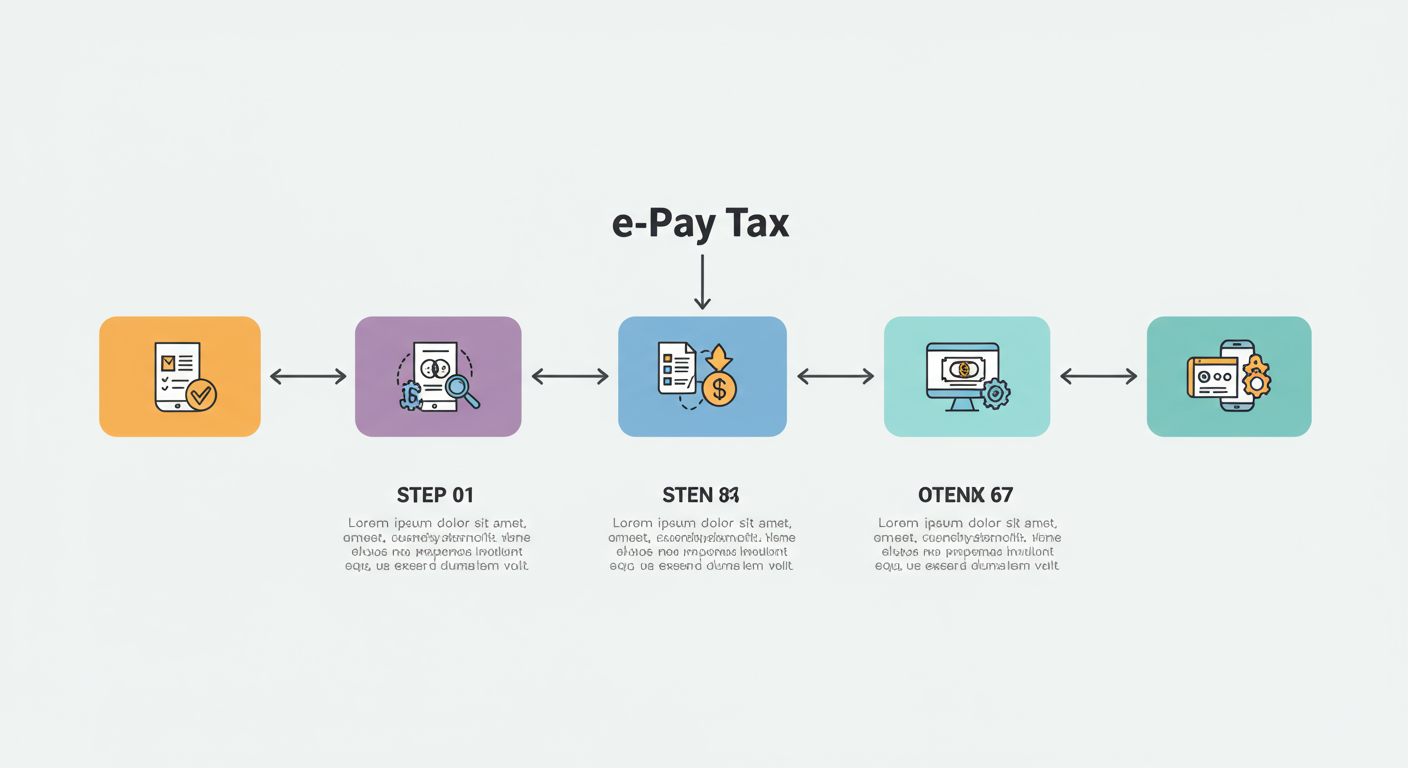
The ‘e-Pay Tax’ link is a game-changer, replacing the clunky old system. But it can still be a bit intimidating. Here’s exactly how to use it, step-by-step.
- Click ‘e-Pay Tax’: On the homepage, find and click this quick link.
- Enter Your Details: You’ll be prompted to enter your PAN, re-confirm it, and enter a mobile number for an OTP. This ensures you’re paying tax for the correct person.
- Select the Tax Category: After the OTP, you’ll see several options. For most individuals clearing their dues before filing, you’ll click ‘Proceed’ on the Income Tax option.
- Choose Assessment Year & Type of Payment: This is the most important step.
- Assessment Year (A.Y.): For income earned in the financial year 2025-26, you’ll select A.Y. 2026-27. Always choose the A.Y. that comes after the financial year.
- Type of Payment: Select (300) Self-Assessment Tax if you’re paying tax before filing your ITR. Select (100) Advance Tax for quarterly payments.
- Enter Tax Amounts: You’ll see fields for Basic Tax, Surcharge, Cess, Interest, and Penalty. Enter the amounts as calculated. Be precise.
- Choose Payment Method: You can now choose your bank for Net Banking or Debit Card. Alternatively, you can select a payment gateway to use UPI or a credit card (via specific banks).
- Complete Payment & Download: Finalize the payment on your bank’s page. Once done, you’ll be redirected back to the tax portal. CRITICAL: Download the Challan Receipt (in PDF). This is your proof of payment.
Paying Tax: The Old Way vs. The Quick Link Way
The ‘e-Pay Tax’ link truly simplified a once-painful process. Here’s a look at how much better it is.
| Task: Paying Self-Assessment Tax | The Old Way (Before e-Pay Tax) | The Quick Link Way (2026) |
|---|---|---|
| Starting Point | Navigating the separate, confusing NSDL-TIN website. | Clicking ‘e-Pay Tax’ directly on the main portal homepage. |
| Challan Selection | Manually selecting the correct, cryptic challan number (e.g., ITNS 280). Wrong selection meant payment mis-posting. | The system guides you. You just select ‘Income Tax’ and ‘Self-Assessment Tax’. |
| Payment Options | Limited to net banking from a specific list of banks. No UPI. | Net banking, debit card, UPI, and even credit cards through payment gateways. |
| Confirmation | Challan details could take days to reflect in your Form 26AS. | Payment is reflected almost instantly. You can download the receipt immediately. |
🎯 Key Takeaway
The e-filing portal quick links are not just for convenience; they are a core part of modern tax compliance. Using them correctly reduces errors, saves significant time, and empowers you to manage your tax obligations directly and securely without getting lost in the main portal’s complexity.
Advanced Tools for Savvy Taxpayers & Businesses
Beyond the daily drivers, a few quick links serve more specific, but equally powerful, purposes. Knowing about these can be a lifesaver in certain situations. Maximizing Growth: The Essential Udyam Certificate Benefits List for Indian MSMEs
- Instant e-PAN: Need a PAN card right now? If you have an Aadhaar card linked to a mobile number, you can use this link to get a legally valid e-PAN in minutes, completely free. It’s a digital-first solution that’s perfect for students or anyone starting their first job. The e-PAN holds the same value as a physical card, as confirmed by authorities like the Unique Identification Authority of India (UIDAI) which underpins the Aadhaar authentication.
- Know Your TAN | AO: This is more for businesses or professionals. It helps you find a company’s Tax Deduction and Collection Account Number (TAN) or identify your jurisdictional Assessing Officer (AO) by simply entering your PAN. It’s essential for correct TDS filings and official correspondence.
⚠️ Watch Out
Never share your portal password, OTPs, or detailed financial information in response to an unsolicited email or SMS. The Income Tax Department never asks for this information via email. If you’re in doubt about a message, use the ‘Authenticate notice/order’ quick link or simply ignore the message. It’s better to be safe than sorry.
Plan Like a Pro: The Strategic Quick Links
The best tax management is proactive, not reactive. Two quick links are designed specifically for planning and education.
The Tax Calculator: Your Financial Crystal Ball
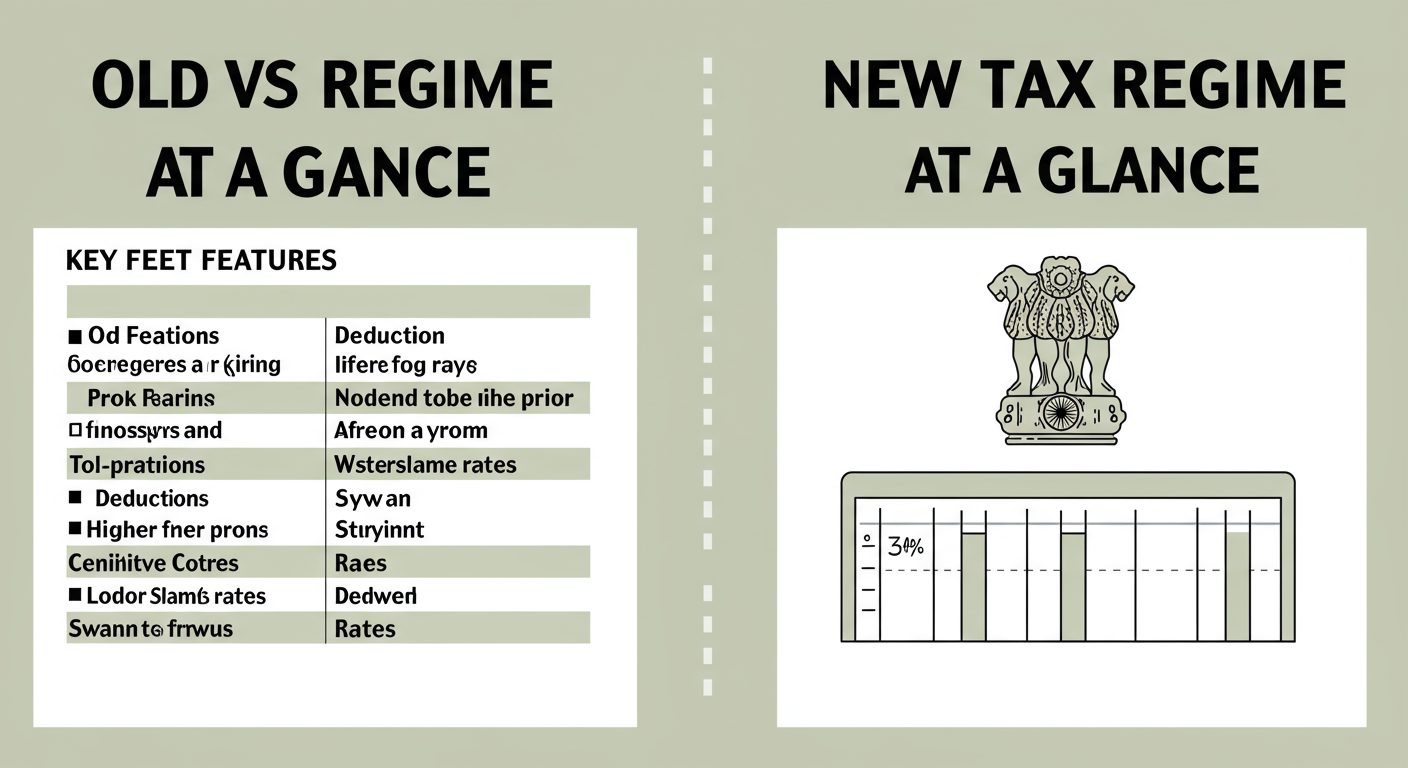
This is one of the most underutilized tools on the portal. The ‘Tax Calculator’ lets you estimate your tax liability under both the Old and New Tax Regimes. Why is this so powerful? You can run scenarios. What if you get a bonus? What if you invest more in tax-saving instruments? By plugging in different numbers, you can make an informed decision on which tax regime to choose for the year, potentially saving you thousands. According to Press Information Bureau releases on tax policy, understanding these regimes is key to effective financial planning.
💡 Pro Tip
Use the Tax Calculator before the financial year begins, or early in the year. This gives you time to structure your investments and salary components to be as tax-efficient as possible. Don’t wait until March to figure this out. Proactive planning is the difference between paying what you owe and paying more than you have to.
The Knowledge Base: Tax Information & Services
Feeling lost about a specific rule? This link is your gateway to a library of resources directly from the source. It includes tax law circulars, tutorials, and detailed guides on topics like TDS. While it can be dense, it’s the ultimate source of truth if you need to understand the nitty-gritty of a specific tax section.
❓ Frequently Asked Questions
Where are the e-filing portal quick links located?
You’ll find them on the homepage of the official Income Tax portal, incometax.gov.in. They are typically in a distinct section on the left-hand side of the page, visible immediately without needing to log in.
Do I need to log in to use these quick links?
No, the vast majority of quick links are designed for pre-login access. This is intentional, allowing anyone (not just the taxpayer) to perform actions like paying tax for someone else, verifying a PAN, or authenticating a notice.
What’s the difference between ‘ITR Status’ and ‘e-Verify Return’?
‘e-Verify Return’ is the action you take to validate your filed return. ‘Know Your ITR Status’ is the tracking tool you use afterward to see where your verified return is in the government’s processing pipeline.
What happens if the ‘Link Aadhaar Status’ shows my PAN is not linked?
You should immediately use the ‘Link Aadhaar’ quick link to complete the process. As of 2026, this is mandatory and failing to do so can render your PAN inoperative, which will block you from conducting most financial transactions.
Is the ‘Instant e-PAN’ a real PAN card?
Yes, absolutely. The e-PAN you get is a digitally signed, legally valid PAN. It has the same authority as a physical, laminated card and can be used for opening bank accounts, investments, and all other KYC requirements.
Conclusion: From Overwhelmed to Empowered
The Income Tax portal doesn’t have to be a source of stress. The e-filing portal quick links are your toolkit for transforming a complex chore into a series of simple, manageable tasks. They are the express lanes for tax compliance.
You now have the map. You know how to instantly verify your return, pay your taxes with confidence, track your refund, and protect yourself from fraud. You’re no longer just a taxpayer; you’re an informed and empowered user of the system.
Your next step? Don’t just read this. Go to the portal. Click on one of the links we discussed—’Verify Your PAN’ or ‘Link Aadhaar Status’—and try it for yourself. Take one small, confident action today and make tax season 2026 your most efficient one yet.