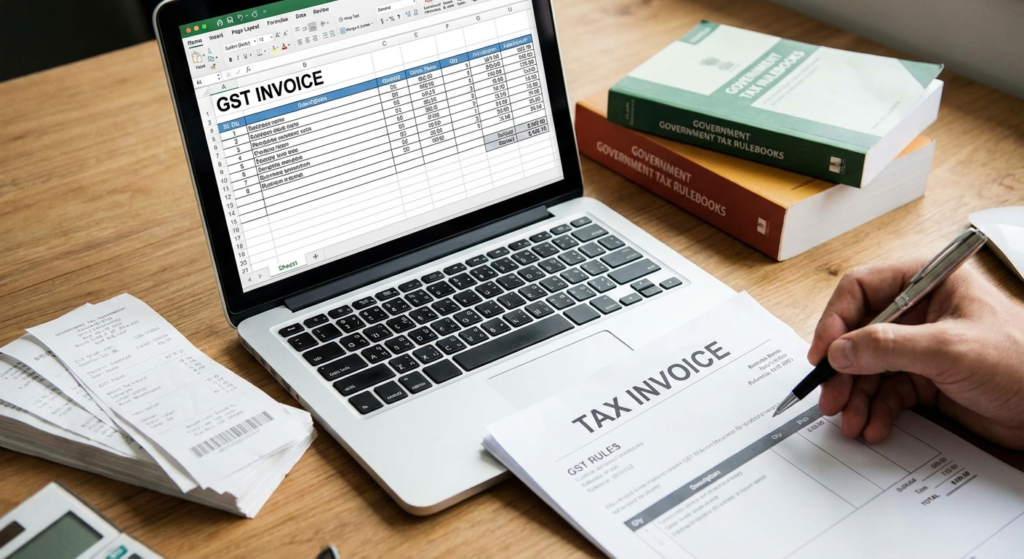
You did it. You navigated the paperwork, submitted your application, and your business is officially registered for GST. But hold on—you’re not quite at the finish line. There’s one final, critical step: getting your hands on the actual GST certificate.
Sounds simple, right? Yet, I’ve seen countless entrepreneurs get stuck here, lost in the maze of the government portal, unsure if their application is approved or just floating in digital limbo. This isn’t just about a piece of paper. Lacking this document can stall bank loans, block vendor contracts, and even lead to hefty penalties.
This guide cuts through the confusion. We’re not just going to show you how to download your GST certificate (Form GST REG-06). We’ll show you how to do it in minutes, understand every detail on it, and use it to build trust and authority for your business in 2026. Let’s get this done.
Why Your GST Certificate Is More Than Just a Formality
Before we jump into the “how-to,” let’s talk about the “why.” Many business owners underestimate the power of this single document. It’s not just proof of registration; it’s your business’s passport to the formal economy. Without it, you’re operating with one hand tied behind your back.
Think of it as the key that unlocks several doors:
- Financial Credibility: Banks and lenders will almost always ask for your GST certificate before approving a business loan or opening a current account. It’s a non-negotiable sign of a legitimate enterprise.
- Input Tax Credit (ITC): This is a big one. The certificate is your license to claim ITC on your business purchases, directly reducing your tax liability and improving your cash flow.
- B2B Transactions: Want to work with larger companies? They’ll require your GSTIN to issue proper invoices and claim their own ITC. No certificate, no deal. It’s that simple.
- Building Trust: Displaying your certificate at your place of business tells customers, suppliers, and officials that you’re a transparent and compliant entity. It builds immediate trust.
The bottom line? This document legitimizes your business and is essential for growth. Now, let’s go get it.
💡 Pro Tip
Once you download your certificate, save it immediately to a secure cloud folder (like Google Drive or Dropbox) and also email a copy to yourself. This creates multiple backups, ensuring you can access it from anywhere, anytime—even if your computer crashes.
Step-by-Step Guide: How to Download Your GST Certificate in 2026
The GST portal can feel intimidating, but downloading your certificate is a straightforward process once you know the exact path. Follow these five steps precisely.
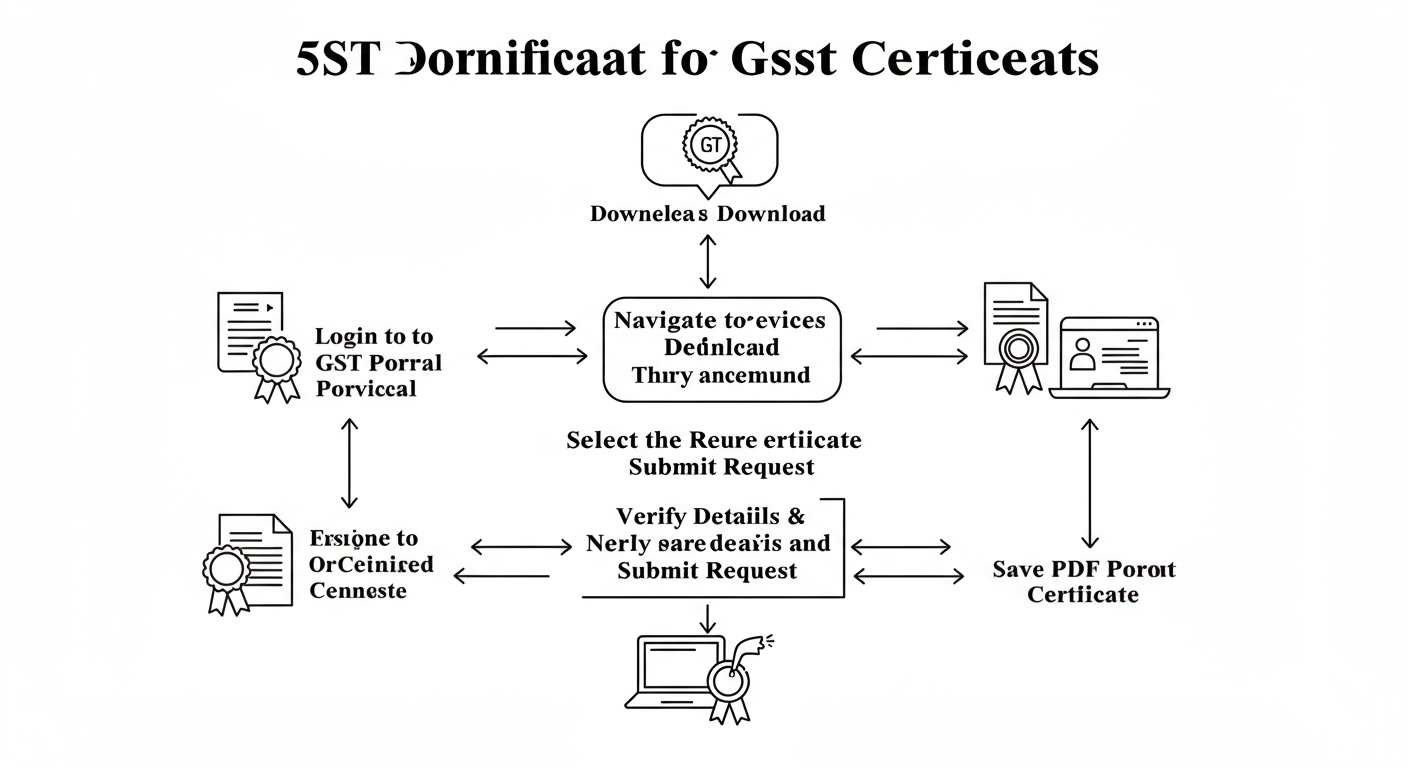
Step 1: Log In to the Official GST Portal
First things first. Open your browser and go directly to the official government website: www.gst.gov.in. Be extremely careful to use this exact URL. Scammers often create look-alike sites to steal credentials. Click the ‘Login’ button in the top-right corner. Enter your Username, Password, and the captcha text, then click ‘Login’.
Step 2: Navigate to the ‘Services’ Tab
Once you’re on your taxpayer dashboard, you’ll see a top menu bar. Ignore everything else for now and hover your mouse over the ‘Services’ tab. A dropdown menu will appear.
Step 3: Find ‘View / Download Certificates’
From the ‘Services’ dropdown, move your cursor to ‘User Services’. This will trigger a second sub-menu. In this new list, look for and click on the option labeled ‘View / Download Certificates’. This is your destination.
Step 4: Locate Your Registration Certificate
The portal will now load a page listing all certificates issued to you. Your main registration certificate is officially named Form GST REG-06. You’ll see the form number and the date it was issued. If you don’t see it here, your application might still be pending (more on that in our troubleshooting section below).
Step 5: Download and Secure the PDF
To the right of the ‘Form GST REG-06’ details, you’ll see a small download icon (a blue circle with a downward arrow). Click it. Your GST certificate will immediately download as a PDF file. Open the file to ensure it downloaded correctly, then save it to a secure, clearly named folder on your computer.
⚠️ Watch Out
If you’ve just received the approval email, it can sometimes take a few hours for the certificate to become available for download on the portal. If you follow the steps and don’t see it, wait for 2-3 hours and try again before assuming there’s a problem.
Decoding Your Certificate: What It All Means
You’ve got the PDF. Great. But what are you actually looking at? Understanding the components of your certificate is crucial for compliance.
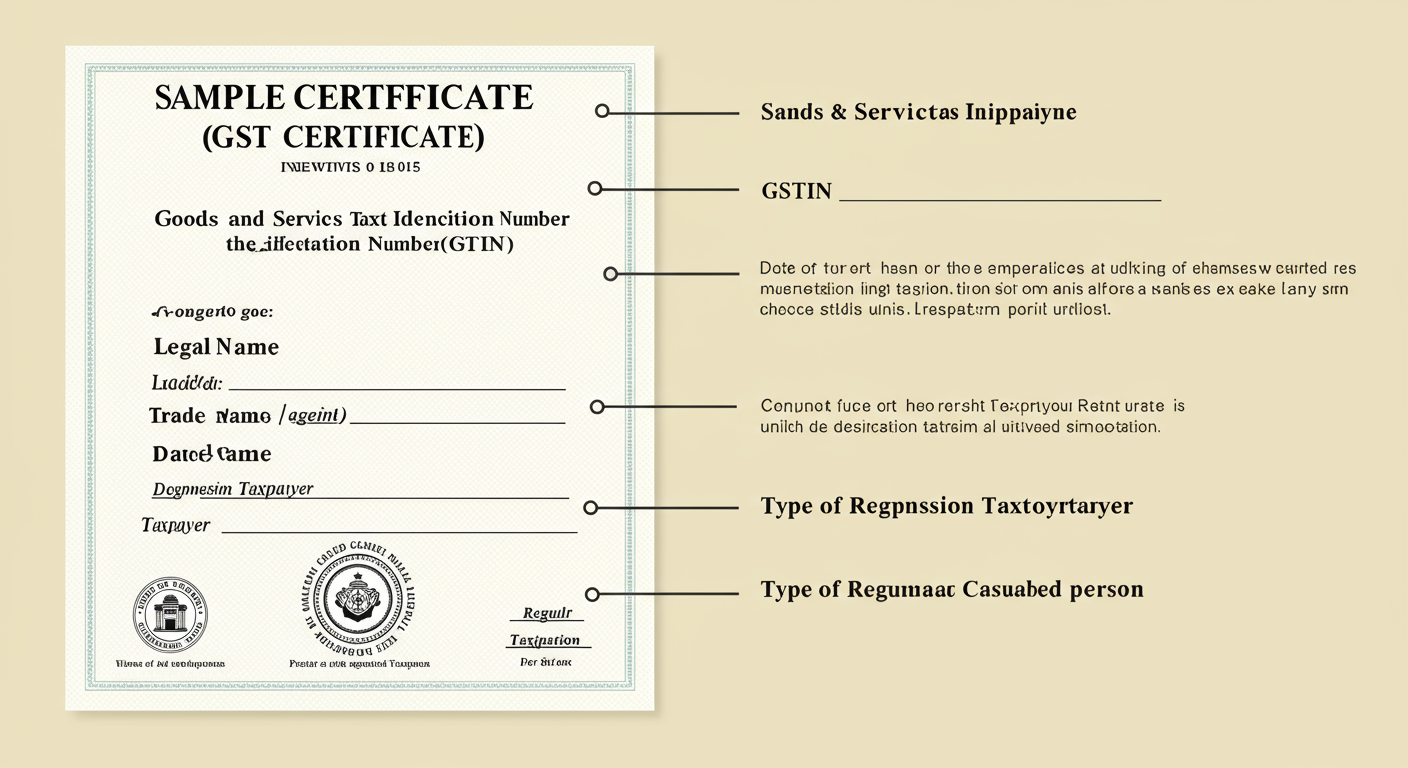
Here’s a breakdown of the most important parts:
- Part A: Core Details
- GSTIN: Your unique 15-digit Goods and Services Tax Identification Number. This is your identity in the GST world. The first two digits are your state code, the next ten are your PAN, and the last three are entity-specific codes.
- Legal Name & Trade Name: The certificate shows both your official registered name and the brand name you do business under.
- Constitution of Business: This clarifies your legal structure—Proprietorship, Partnership, LLP, Private Limited Company, etc.
- Address of Principal Place of Business: The main address you registered.
- Date of Liability: The date from which you were required to register for GST.
- Date of Registration: The date the certificate was officially granted. This is the start date for your compliance journey.
- Part B: Approving Authority Details
This section contains the digital signature of the approving tax officer, making the downloaded PDF a legally valid document. You don’t need a physical stamp or signature.
- Annexure A & B
- Annexure A: If you have additional places of business (like branches or warehouses), they will be listed here.
- Annexure B: This lists the details of the proprietor, partners, or directors of the business.
🎯 Key Takeaway
Downloading your GST certificate is a quick, 5-step process on the official portal. This document, Form GST REG-06, is your legal proof of registration and is essential for claiming Input Tax Credit, securing loans, and conducting B2B transactions. Mastering GST Interest: A Step-by-Step GST Interest Calculation Example Guide
The Impact of Your GST Certificate: Before vs. After
To truly grasp its importance, let’s look at a practical before-and-after scenario. The difference is night and day. The Essential GSTR-1 Filing Checklist: A Step-by-Step Guide for Accurate GST Compliance
| Business Function | ❌ Before GST Certificate | ✅ After GST Certificate |
|---|---|---|
| Invoicing | Cannot issue a legal tax invoice. Cannot charge GST. | Can issue valid tax invoices and legally collect GST from customers. |
| Input Tax Credit (ITC) | Ineligible to claim ITC on business expenses (e.g., raw materials, office rent). Higher operational cost. | Eligible to claim ITC, reducing overall tax burden and improving profitability. |
| Inter-State Sales | Restricted from making sales to customers in other states without significant hurdles. | Can seamlessly sell goods and services across India. |
| Marketplace Access | Cannot register as a seller on major e-commerce platforms like Amazon or Flipkart. | Can easily onboard with online marketplaces and expand reach. |
| Business Credibility | Viewed as part of the unorganized sector. May face trust issues with large corporate clients. | Recognized as a formal, compliant business. Builds trust with vendors, clients, and lenders. |
Display Rules and Penalties: The Part Everyone Forgets
Knowing how to download the GST certificate is only half the battle. The law is very clear about what you must do next.
According to the CGST Act, 2017, you are legally required to:
- Display the GST registration certificate in a prominent location at your principal place of business.
- Display the certificate at every additional place of business mentioned in your registration (e.g., every branch, office, or warehouse).
Why the strict rule? It’s all about transparency. It allows tax officials, customers, and suppliers to verify your GST status at a glance. It’s a simple act that reinforces your legitimacy.
⚠️ Watch Out
Failure to display your GST certificate is not a minor oversight. Under Section 125 of the CGST Act, it’s a breach of the rules and can attract a general penalty that may extend up to ₹25,000. It’s an expensive and easily avoidable mistake.
Troubleshooting: Common Roadblocks & Expert Solutions
What if you hit a snag? Don’t worry. Based on our experience helping thousands of businesses, here are the most common issues and how to solve them.
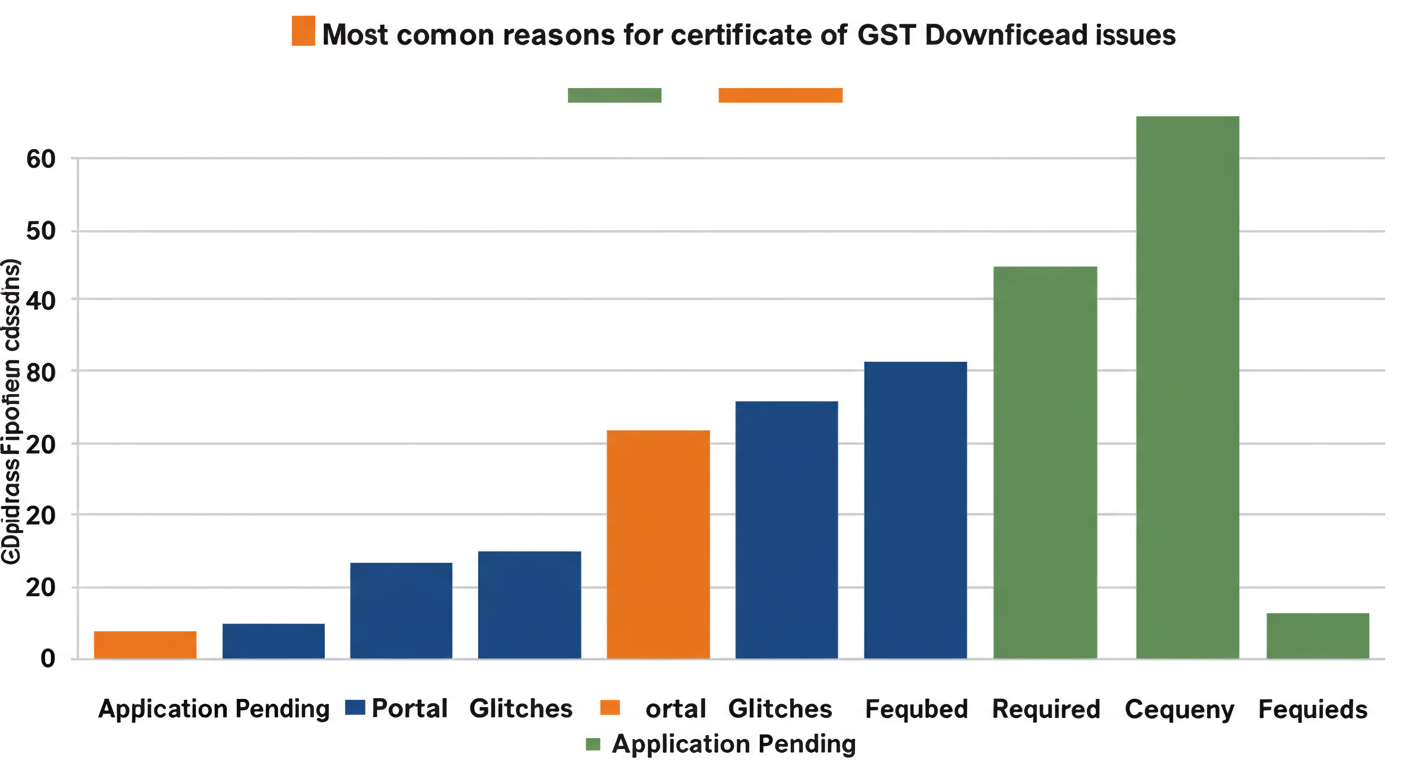
| Problem | Reason & Solution |
|---|---|
| “I can’t find the certificate to download.” | Reason: Your application is likely still ‘Pending for Approval’ or ‘Pending for Clarification’. Solution: On the GST portal, go to Services > Registration > Track Application Status. Enter your ARN (Application Reference Number). If it’s pending, you must wait. If it requires clarification, you must respond to the officer’s query within the specified time. |
| “The download button isn’t working or the page won’t load.” | Reason: This is usually a temporary portal glitch or a browser issue. Solution: 1) Clear your browser’s cache and cookies. 2) Try a different browser (Chrome or Firefox usually work best). 3) Log out, close the browser, and try again after 30 minutes. Avoid peak hours (11 AM – 5 PM). |
| “I forgot my login details.” | Reason: It happens! Solution: On the login page, use the ‘Forgot Username’ or ‘Forgot Password’ links. You’ll need your GSTIN (if you know it), and the system will send a verification link or OTP to your registered email and mobile number. |
💡 Pro Tip
If you’ve submitted a clarification and are still waiting for approval beyond the standard 7 working days, you can raise a grievance on the GST Self-Service Portal (help.cbic-gst.gov.in). Choose the ‘Registration’ category and provide your ARN. This can sometimes help expedite the process.
❓ Frequently Asked Questions
Is the downloaded PDF of the GST certificate legally valid?
Yes, 100%. The PDF downloaded from the official GST portal is digitally signed by the issuing authority. It is the official and legally valid document. You do not need a physical copy with a wet signature from the department.
How long does it take to get the GST certificate after applying in 2026?
If your application and all documents are correct, the GST registration certificate (Form GST REG-06) is typically issued within 3 to 7 working days. If an officer raises a query, this timeline will be extended until you provide a satisfactory response.
Do I need a separate GST certificate for each branch?
No, you receive one primary GST registration certificate. However, all your additional places of business (branches, warehouses) must be listed in Annexure A of that same certificate. It’s your responsibility to ensure all locations are correctly declared.
Does a GST registration certificate expire?
A standard GST registration has perpetual validity—it does not expire. It remains valid as long as it is not surrendered by you or cancelled by the tax authorities. The only exception is for ‘Casual Taxable Persons’ or ‘Non-Resident Taxable Persons’, whose registrations are issued for a temporary period (usually 90 days), as explained on the Goods and Services Tax Wikipedia page.
Can I download the GST certificate on my mobile phone?
Absolutely. The GST portal is mobile-friendly. You can use the web browser on your smartphone, follow the exact same steps outlined above, and download the certificate as a PDF directly to your device. It’s perfect for when you need to share it on the go.
Conclusion: Your Final Step to Full Compliance
There you have it. Downloading your GST certificate isn’t a complex mystery; it’s a clear, manageable task that marks your official entry into the GST framework. By following the 5-step process, you can secure this vital document in just a few minutes.
But remember, the job isn’t done when you hit ‘download’. True compliance comes from action.
Your next step is simple: Print your certificate and display it prominently at your place of business today. Save the digital copy in a secure cloud folder. This small act solidifies your status as a credible, trustworthy, and fully compliant business, ready to grow without limits. You’ve earned it.