Ever felt that cold drop of dread when a government notice lands in your inbox? For countless professionals in Maharashtra, it’s often about a tax they barely understand: Professional Tax (PT).
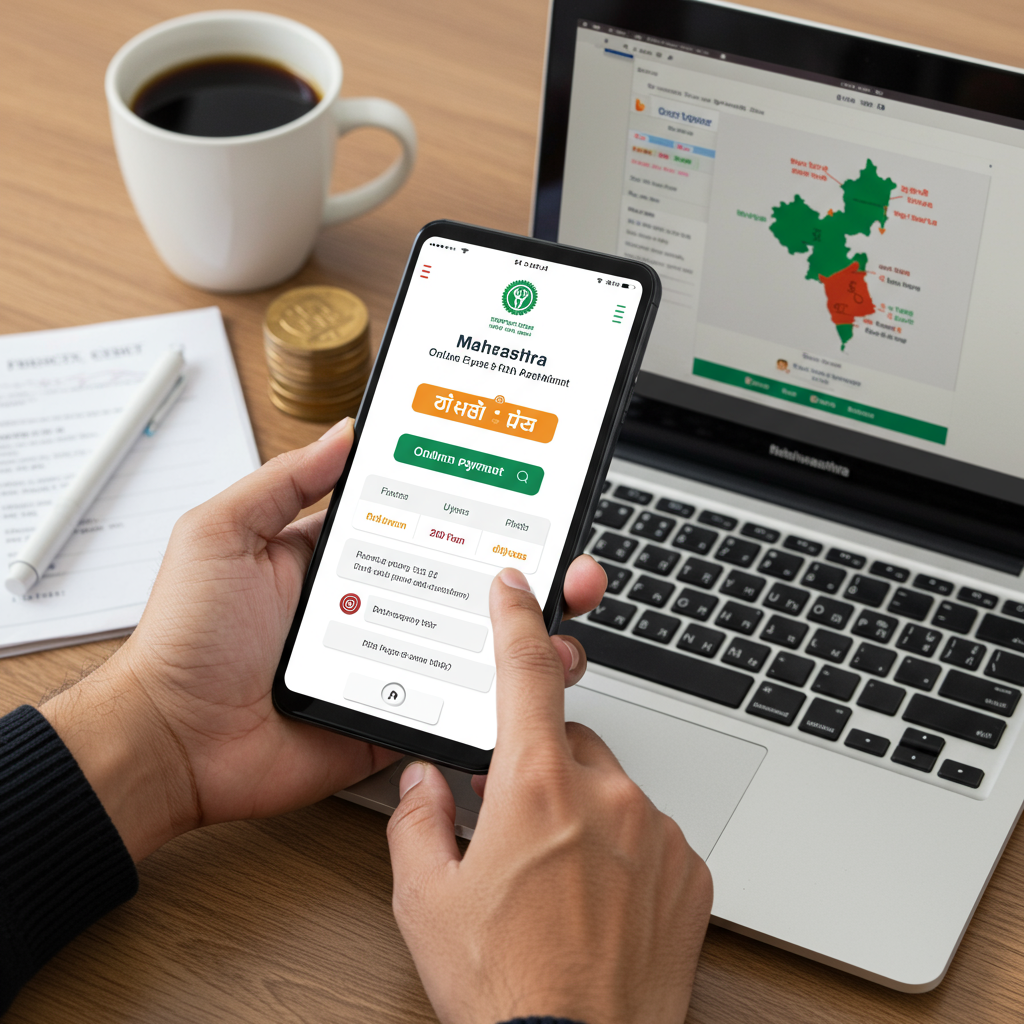
For years, paying it meant navigating confusing government offices, standing in endless queues, and wrestling with paperwork. It was a time sink. A headache. But what if I told you that in 2026, you can settle your entire Professional Tax obligation in less time than it takes to drink your morning coffee?
It’s true. The system for PT online payment in Maharashtra has been completely digitized. But the official portal, while functional, isn’t exactly user-friendly. That’s where this guide comes in.
Forget generic advice. We’re going deep. You’ll learn the critical difference between PTEC and PTRC, get a foolproof step-by-step payment walkthrough, and discover insider tips to handle common errors like a pro. By the end of this article, you won’t just know how to pay your PT—you’ll master it.
Demystifying Professional Tax: What It Is and Why You Can’t Ignore It
Let’s get straight to the point. Professional Tax is a direct tax levied by the state government, not the central government. In Maharashtra, it’s governed by the Maharashtra State Tax on Professions, Trades, Callings and Employments Act, 1975. Think of it as a state-level fee for being able to practice your profession or run your business within its borders.
The funds collected are used by the local municipal corporations for regional development and welfare schemes. So, while it might feel like just another tax, it directly contributes to the infrastructure you use every day.
Here’s the kicker: it’s not a tax on profit. It’s a tax on your gross income from your profession or employment. The good news? The Indian Constitution caps the maximum amount of Professional Tax any state can charge at ₹2,500 per person, per year.
But who exactly needs to pay this?
- Salaried Employees: If you work for a company, your employer is legally required to deduct PT from your salary and pay it to the government on your behalf. You’ll see this deduction on your payslip.
- Business Owners & Directors: Every director of a company, partner in a firm, and business owner is liable to pay PT for their own professional capacity.
- Practicing Professionals & Freelancers: This is a big one. Doctors, lawyers, architects, chartered accountants, consultants, and even full-time freelancers earning above the threshold must register and pay their own PT.
PTEC vs. PTRC: The Critical Distinction You Must Understand
This is where most people get confused, and it’s the single most important concept to grasp. Getting it wrong can lead to incorrect payments and compliance issues. Based on our experience helping hundreds of businesses, this is the #1 point of failure.
Let’s break it down simply:
- PTEC (Professional Tax Enrollment Certificate): This is for the individual’s or entity’s own existence. Think of it as your personal “license to operate” as a professional or a business in Maharashtra. Every practicing professional, freelancer, and director of a company needs one. It’s a flat fee, typically ₹2,500 per year.
- PTRC (Professional Tax Registration Certificate): This is for the employer. If you run a business and have employees whose salary is above the PT threshold, you must obtain a PTRC. This certificate gives you the authority to deduct PT from your employees’ salaries and remit it to the government.
You can absolutely have both. A director of a private limited company with 10 employees would have a PTEC for themselves (as a professional) and a PTRC for the company (as an employer).
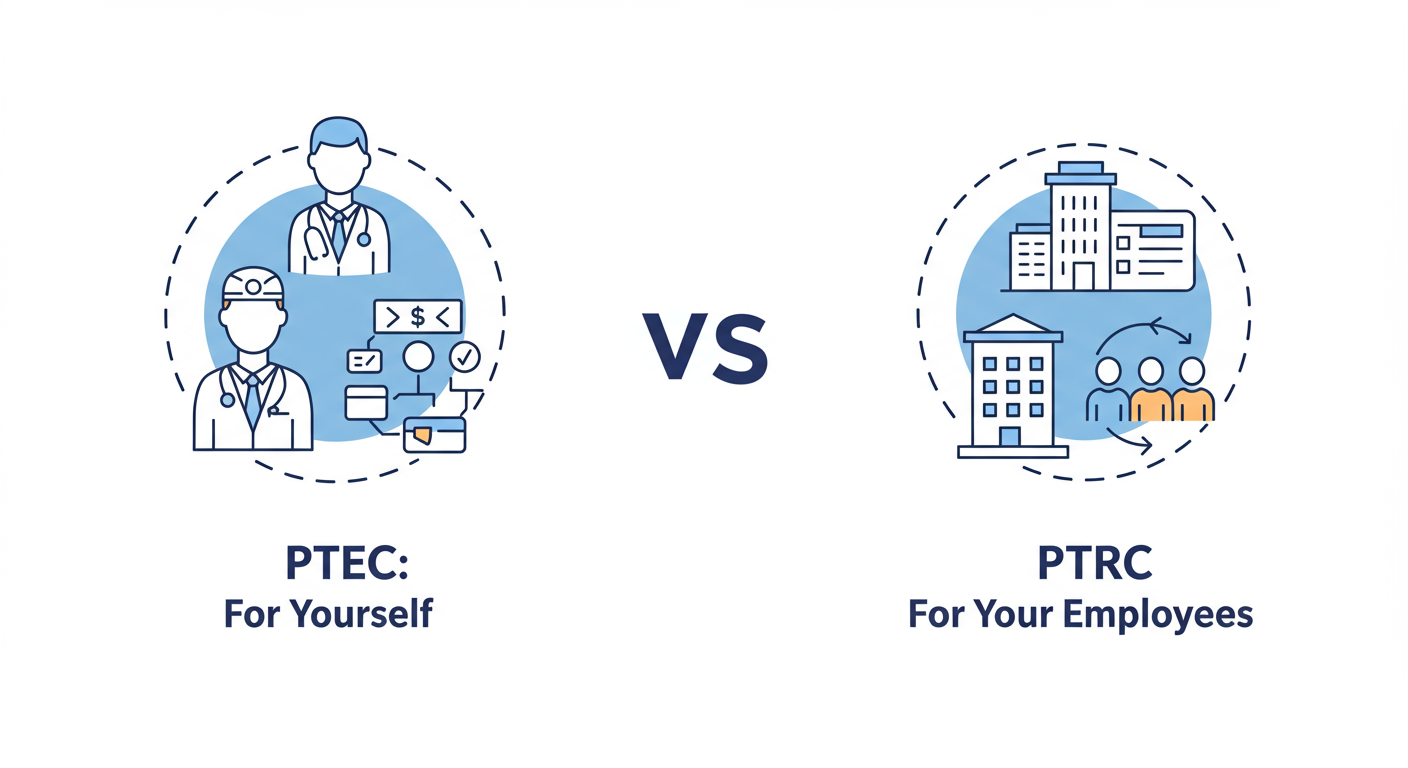
Here’s a table to make it crystal clear:
| Aspect | PTEC (Enrollment Certificate) | PTRC (Registration Certificate) |
|---|---|---|
| Who Needs It? | Practicing professionals, freelancers, business owners, directors. | Employers with staff liable for PT. |
| Purpose | Tax on your own profession or trade. | Authority to deduct and pay tax on behalf of employees. |
| Tax Amount | Fixed annual amount (usually ₹2,500). | Variable, based on the sum of tax deducted from all employees’ salaries. |
| Due Date | Annually, by June 30th of the financial year. | Monthly, by the last day of the month for which salary is paid. |
| Form for Payment | Form VIII | Form III B |
⚠️ Watch Out
A common and costly mistake is thinking that having a PTRC for your company absolves you, the director, from needing a PTEC. This is incorrect. According to Maharashtra’s tax laws, directors are separately liable and must hold their own PTEC. Ignoring this can lead to back-dated penalties.
Your Pre-Payment Checklist: Gather These Before You Start
Ready to make the payment? Don’t just jump onto the portal. Trust me on this one, a few minutes of preparation will save you from a world of frustration. Here’s your pre-flight checklist:
- Your TIN (Taxpayer Identification Number): This is your 11-digit registration number provided by the Maharashtra GST Department (MSTD). For PTRC payments, this is mandatory. For PTEC, you can often use your PAN as well.
- PTEC or PTRC Certificate Number: Have the correct certificate number handy. Don’t guess.
- Financial Year & Period: Know exactly which financial year (e.g., 2025-2026) and period (e.g., April 2025 to March 2026 for PTEC, or a specific month like May 2026 for PTRC) you’re paying for.
- Exact Tax Amount: For PTEC, it’s a fixed ₹2,500. For PTRC, you must have the precise total calculated from your payroll deductions.
- Contact Details: A valid mobile number and email address are non-negotiable. They are used for OTPs and receiving the final payment challan.
- Payment Method: Have your internet banking login details or debit/credit card ready.
🎯 Key Takeaway
Professional Tax in Maharashtra is mandatory for almost all professionals and businesses. The key to compliance is understanding the difference between PTEC (for yourself/your entity) and PTRC (for your employees) and paying on time through the official Mahagst portal.
The Ultimate 7-Step Guide to PT Online Payment Maharashtra (2026)
Alright, let’s get to the main event. Follow these steps precisely, and you’ll be done in minutes. We’ve tested this process countless times.
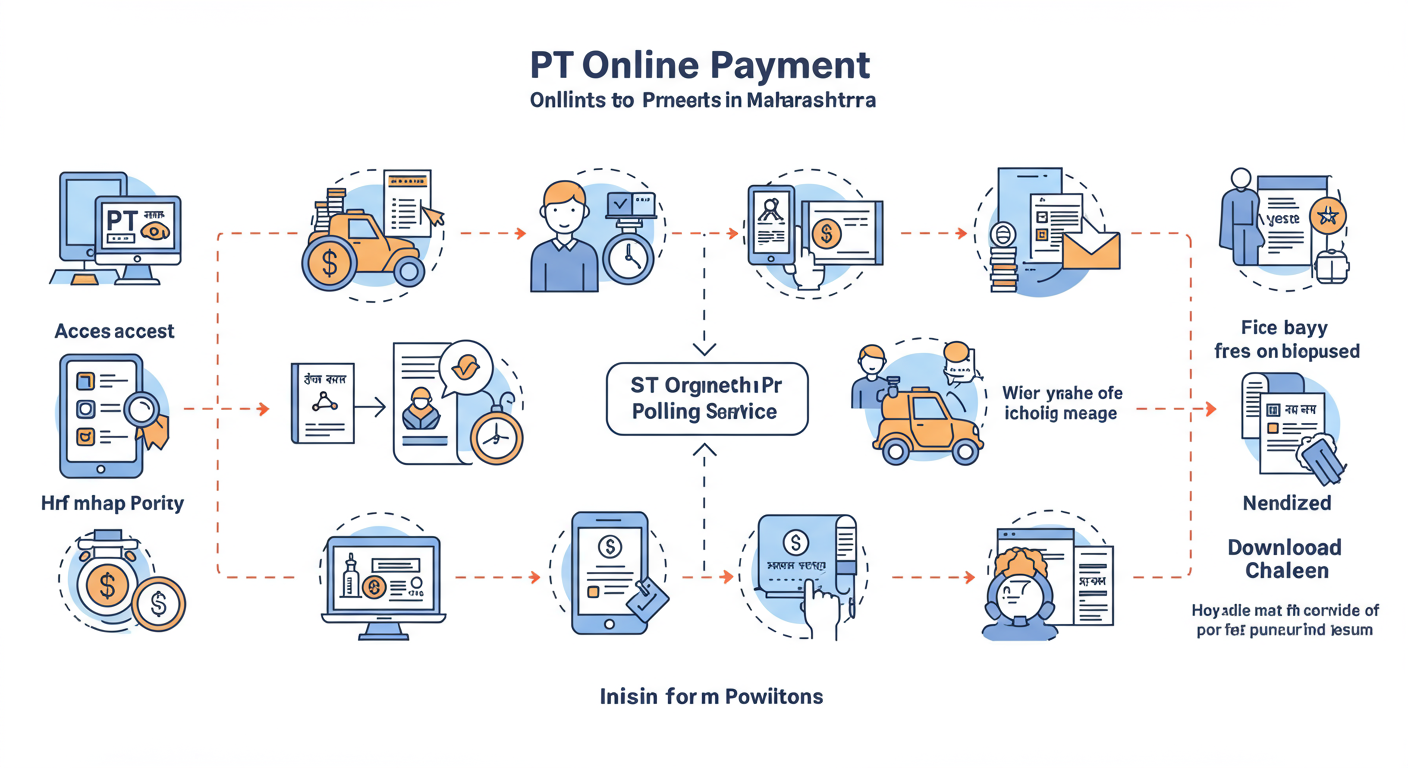
Step 1: Go to the Official Mahagst Portal
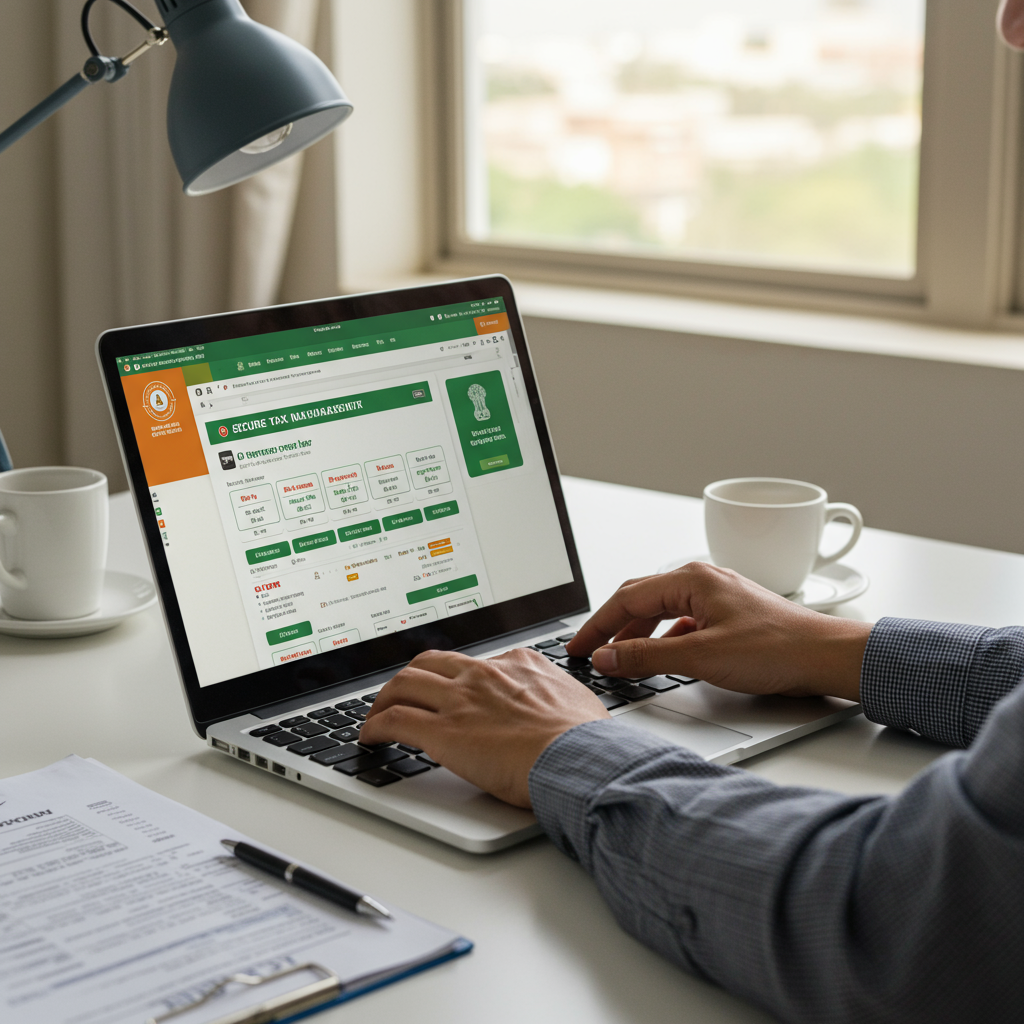
Open your browser and navigate ONLY to the official government website: https://www.mahagst.gov.in/en. Bookmark this URL. Never use a link from an unsolicited email or SMS.
Step 2: Find the e-Payments Section
On the homepage, hover over the “e-Payments” tab in the main menu. A dropdown will appear. Click on the second option: “e-Payment – Returns and Other than Returns”.
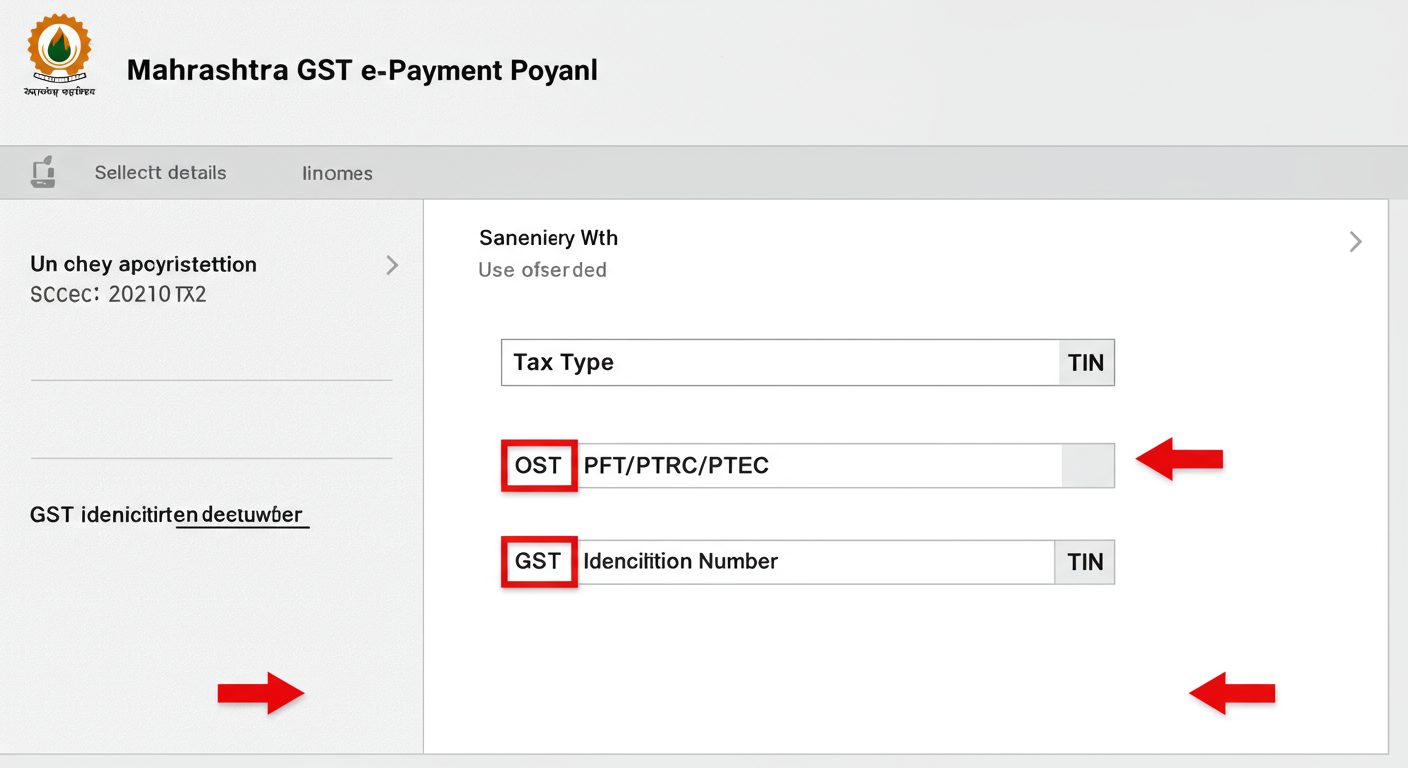
Step 3: Select Tax Type and Enter Your TIN
You’re now on the e-payment gateway page.
- Under “Tax Type”, click the dropdown and select “PFT/PTRC/PTEC”.
- In the next field, “TIN/PAN/TAN”, select the radio button for the ID you are using (e.g., “TIN (PTRC/PTEC)”).
- Carefully enter your 11-digit TIN. Double-check it.
- Enter the captcha text and click “Proceed”.
Step 4: Fill in the Payment Form
The system will now display a form pre-filled with your business name. You need to fill in the payment specifics. This is the most critical step.
- Form ID: Select “FORM-ID VIII” for PTEC payment or “FORM-ID III B” for PTRC payment.
- Financial Year: Choose the correct year (e.g., 2025-26).
- Period: For PTEC, select “Annual”. For PTRC, select the specific month you’re paying for.
- Amount: Enter the tax amount. For PTEC, this is ₹2,500. For PTRC, enter the total deducted amount. Do not enter any other charges here.
- Location: Select your business location from the dropdown.
- Mobile No & Email ID: Enter your contact details. This is where the confirmation will be sent.
Once everything is filled, click “Proceed for Payment”. GST E-Way Bill Generation Rules India 2026: Mastering Compliance and Avoiding Penalties
⚠️ Watch Out
Selecting the wrong Financial Year or Period is a nightmare to fix. The payment will be credited to the wrong period, and you’ll still show as a defaulter for the current one. Always triple-check these fields before proceeding. Startup Valuation Tax Guide: Avoid the 30% Angel Tax Trap
Step 5: Review the Draft Challan on GRAS
You’ll be redirected to the Government Receipt Accounting System (GRAS). A draft challan will appear. Stop and review everything. Check your name, TIN, the amount, and the period. If there’s any mistake, go back and correct it. If it’s all correct, agree to the terms and click “Proceed”.
Step 6: Choose Payment Method and Pay
Now you choose how to pay. The most common options are Internet Banking or Debit/Credit Card. Select your preferred method and bank. You’ll be taken to your bank’s secure payment gateway. Log in, authorize the payment (usually with an OTP), and complete the transaction.
Step 7: Download and Secure Your Final Challan
Success! After payment, you’ll be redirected back to the GRAS portal. A final challan with a Bank Reference Number (BRN) and Government Reference Number (GRN) will be generated. This is your official proof of payment. Do not close this window. Download the challan immediately.
💡 Pro Tip
Don’t just download the challan. Save it in at least two places: a folder on your computer and a cloud storage service like Google Drive or Dropbox. Email a copy to yourself as well. This single document is your golden ticket if your payment is ever questioned.
Troubleshooting and Advanced Knowledge
The online process is usually smooth, but what happens when it isn’t? Here’s how to handle the most common issues based on real-world scenarios.
What if Payment Fails or the Challan Isn’t Generated?
This is a classic problem. Your bank account is debited, but you get an error page, or the final challan never appears.
Do NOT pay again immediately.
Wait for at least 60 minutes. Then, go back to the GRAS portal and use the “Search Challan” feature. You can search using your TIN or bank reference number (if you have it). Often, the payment has gone through, and you can generate the challan from there. If it still shows as failed after a few hours, you’ll need to contact your bank to resolve the debited amount.
💡 Pro Tip
Before making any payment, use the “Search Challan” feature on the GRAS portal to check if a challan was already generated for the period you intend to pay. This simple check can prevent accidental double payments, which are complicated to get refunded.
Understanding PTRC Slabs and Penalties
For employers paying PTRC, the tax isn’t a flat rate. It’s based on the employee’s gross monthly salary. As of early 2026, the slabs are generally as follows (always verify with the latest circulars from the MSTD).
| Employee’s Gross Monthly Salary | Monthly Professional Tax to be Deducted |
|---|---|
| Up to ₹7,500 | Nil |
| ₹7,501 to ₹10,000 | ₹175 per month |
| Above ₹10,000 | ₹200 per month (and ₹300 for the month of February) |
Missing the due date for either PTEC or PTRC attracts interest and penalties. The government is quite strict about this, similar to how penalties are applied for late income tax filings. Timely compliance is not just good practice; it’s a legal and financial necessity. For a broader understanding of tax compliance, the official Income Tax Department portal provides extensive resources on taxpayer responsibilities.
Your Next Step: Confident Compliance
Navigating the PT online payment Maharashtra portal doesn’t have to be an annual ordeal. By understanding the crucial PTEC vs. PTRC difference, following the step-by-step guide, and preparing your details beforehand, you can transform this task from a burden into a simple, 10-minute administrative check-in.
You’re now equipped with the knowledge that most professionals lack. You know how to prepare, how to execute the payment flawlessly, and—most importantly—how to troubleshoot when things go wrong.
So, bookmark this guide. The next time your PT payment is due, open it up and walk through the process with confidence. Stay compliant, avoid penalties, and get back to what you do best.
❓ Frequently Asked Questions
What is the due date for professional tax payment in Maharashtra for 2026?
For PTEC (enrollment for professionals/directors), the due date is June 30, 2026. For PTRC (for employers deducting from employee salaries), the due date is the last day of the month for which the salary was paid (e.g., payment for May 2026 salaries is due by May 31, 2026).
What happens if I miss the PT payment due date?
Late payment incurs interest on the outstanding tax amount for the period of delay. The current rate is specified by the MSTD. Persistent failure to pay can lead to more significant penalties and legal notices, so it’s critical to pay on time.
Can I pay professional tax for multiple years at once?
No, the online portal is designed for payments for a single, specific financial year and period at a time. If you have arrears for previous years, you must make a separate payment transaction for each distinct financial year.
My payment was debited, but I didn’t get a challan. What should I do?
Do not pay again. Wait for at least one hour. Then, go to the GRAS portal, find the “Search Challan” option, and search using your TIN. In most cases, the challan will have been generated in the background, and you can download it from there.
Where can I find official government information on taxes in India?
For state-specific taxes like Professional Tax, the official MSTD portal is the primary source. For a comprehensive overview of all central and state taxes, the National Portal of India’s section on Finance & Taxes is an excellent and authoritative resource.