
Imagine this: You’ve just secured a verbal commitment for your first round of seed funding. The investor is ready to wire the funds, but their legal team has one final request: “Please send over a copy of your Certificate of Incorporation.” You search your email. Nothing. You check your files. Empty. Panic starts to set in.
This isn’t a hypothetical nightmare; I’ve seen founders scramble for this document hours before a crucial meeting. It’s your company’s birth certificate, the one document that proves your business is real. Without it, you’re dead in the water.
But it doesn’t have to be this way.
This guide will show you exactly how to perform a certificate of incorporation download in minutes. We’ll go beyond the basic steps and give you the insider knowledge to handle common glitches, understand what to do after you download it, and ensure you’re always prepared. You’ll walk away feeling confident and in complete control of your company’s foundational document.
What Is a Certificate of Incorporation (And Why It’s Your Company’s DNA)
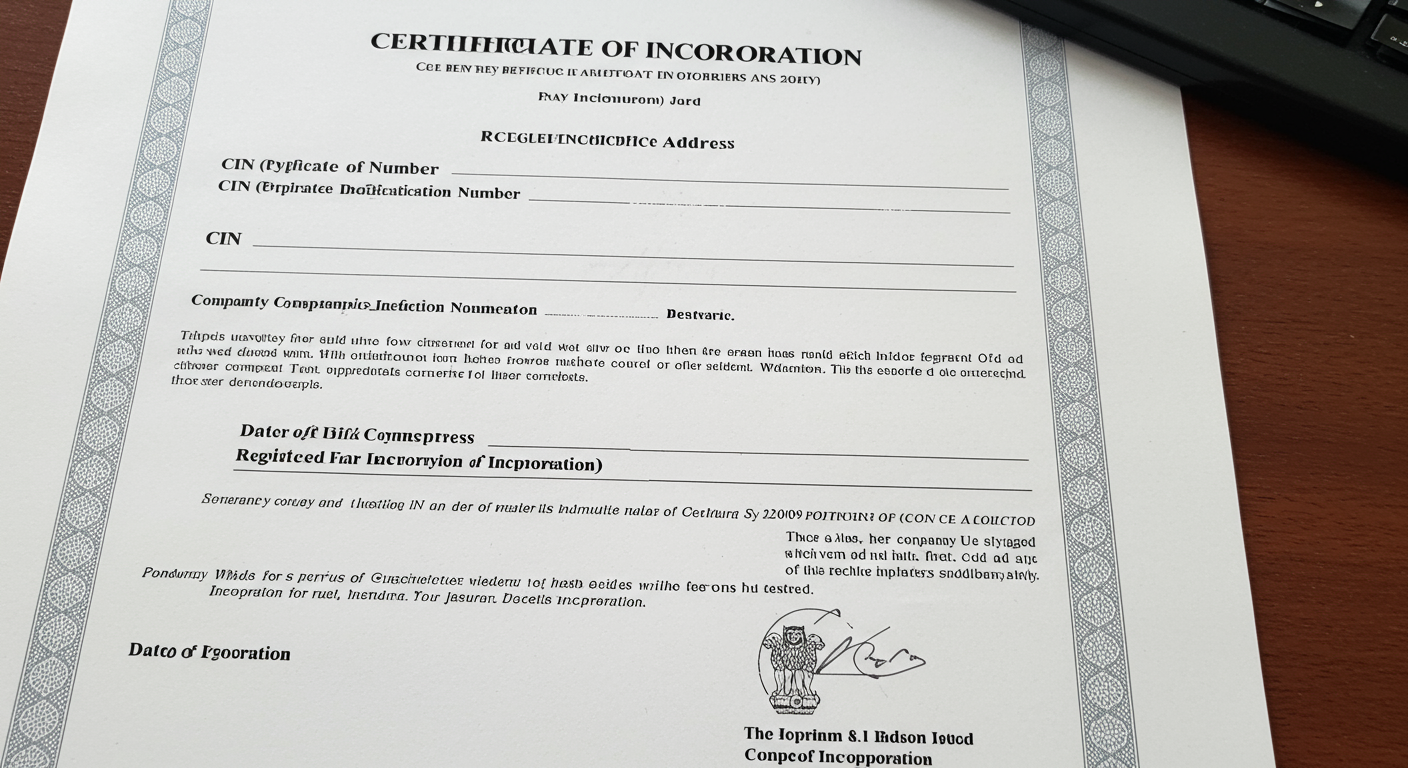
Let’s get one thing straight. A Certificate of Incorporation (COI) isn’t just another piece of government paperwork. It’s the legal instrument, issued by the Registrar of Companies (ROC) under India’s Ministry of Corporate Affairs (MCA), that breathes life into your business, transforming it from a mere idea into a distinct legal entity.
Think of it as your company’s official DNA. It contains the core identifying markers that every bank, investor, and government agency will use to recognize you. It’s conclusive proof that your company exists, separate from you, the founder. This separation is the bedrock of concepts like limited liability.
Here’s what’s encoded on it:
- Company Name: Its legal, registered name. No abbreviations or trade names here.
- Corporate Identification Number (CIN): A unique 21-digit alphanumeric code. This is your company’s Aadhaar or Social Security Number. It’s the single most important identifier you have.
- Date of Incorporation: The official “birth date” of your company.
- Company PAN & TAN: Your Permanent Account Number and Tax Deduction and Collection Account Number, often included in modern certificates issued via the SPICe+ process.
- Registrar’s Digital Signature: This authenticates the document, making a digital copy as valid as a physical one under the Information Technology Act, 2000.
Without this certificate, your company simply doesn’t exist in the eyes of the law. Knowing how to access it isn’t just a good skill—it’s a fundamental responsibility for any serious entrepreneur.
When You’ll Need It: The Non-Negotiable Moments
You’ll be surprised how often you need to produce your COI. It’s not a document you download once and forget. From day one, it’s your golden ticket for almost every significant business activity. Based on our experience helping hundreds of new companies get started, these are the most common triggers.
| Business Action | Why the COI is Mandatory |
|---|---|
| Opening a Corporate Bank Account | It’s the first document any bank will ask for. They need to verify the company’s legal existence and name before issuing an account. |
| Securing Investment or Loans | Investors and lenders perform due diligence. The COI is the primary document to prove the company is properly registered and in good standing. |
| Applying for Government Licenses/Permits | Whether it’s a trade license, FSSAI registration, or import/export code, the COI is required to prove you’re a legitimate entity. |
| Issuing Shares to Co-founders/Employees | The COI establishes the legal entity that is capable of owning assets and issuing stock. |
| Entering into Legal Contracts | When signing contracts with clients or vendors, the COI verifies your company’s legal name and authority to enter into agreements. |
💡 Pro Tip
Once you download your COI, immediately save it to a secure cloud folder (like Google Drive or Dropbox) shared with your co-founders. Also, email a copy to your company’s official email address with the subject “IMPORTANT: Certificate of Incorporation.” You’ll thank yourself later.
The MCA Portal: Your Single Source of Truth
Before we jump into the steps, let’s talk about the source: the Ministry of Corporate Affairs (MCA) portal. As of 2026, you’ll be using the MCA V3 portal. This is the only official, secure, and direct source for your company documents in India.
Why is this so important? Because the internet is filled with third-party sites that might charge you exorbitant fees, offer outdated information, or worse, try to phish for your company details.
Always go directly to the source. The official MCA website is your digital Registrar of Companies, and learning to navigate it is a core entrepreneurial skill.
Now, let’s get that certificate.
Your 5-Step Guide to a Certificate of Incorporation Download
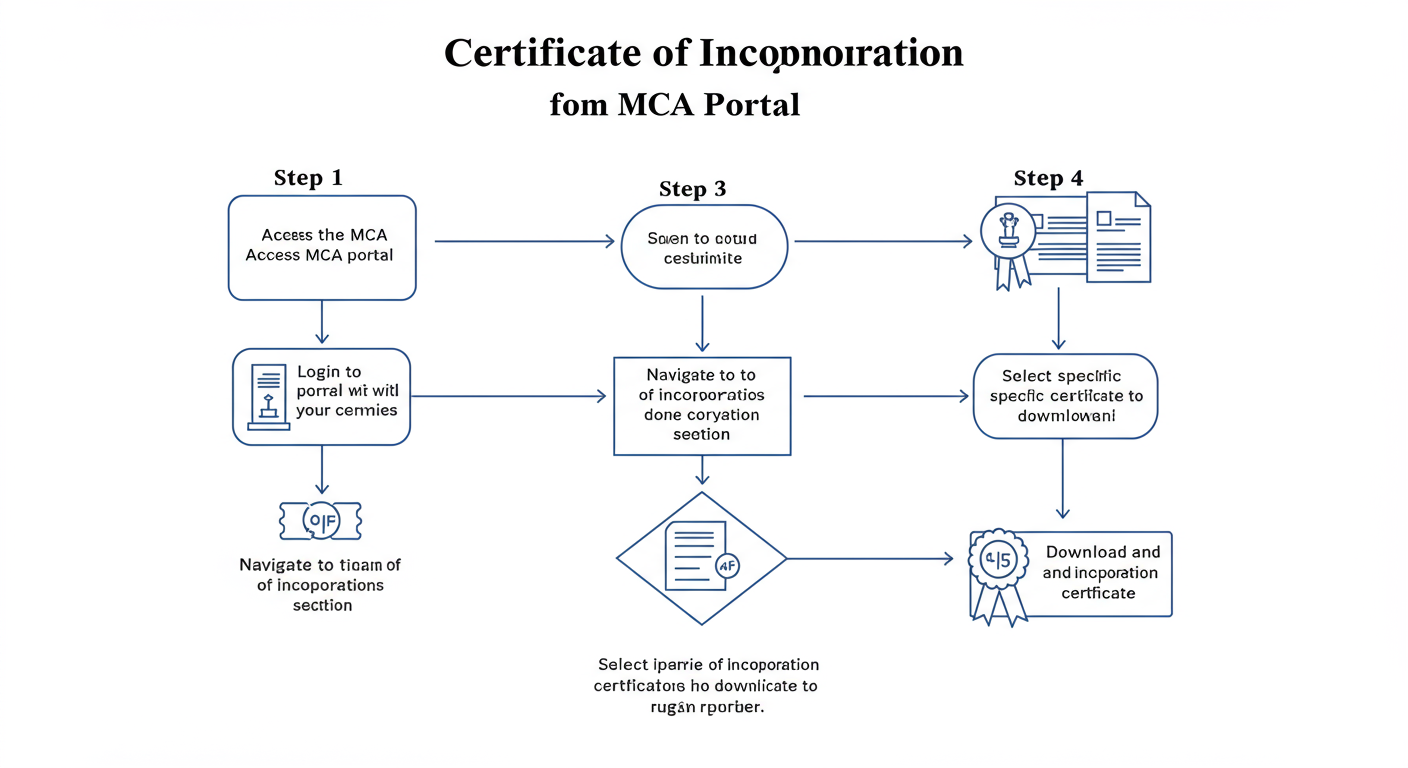
The process is surprisingly straightforward once you know the exact path. Follow these steps carefully, and you’ll have your COI in hand in under 10 minutes.
-
Step 1: Go to the Official MCA Portal
Open your web browser and navigate directly to the official MCA website. According to Google’s indexing of the official site, the URL is www.mca.gov.in. Bookmark this page. Seriously. It’s the central hub for all your corporate compliance activities.
-
Step 2: Log In to Your Account
On the top right of the homepage, click the ‘Sign In / Sign Up’ button. You’ll need to log in to access company-specific services. You can log in as a ‘Registered User’ or a ‘Business User’. For simply viewing public documents, a Registered User account is sufficient. If you don’t have one, registration is free and takes just a few minutes.
-
Step 3: Navigate to “MCA Services” → “Document Related Services”
Once you’re logged in, find the main ‘MCA Services’ tab in the navigation menu. Hover over it, and a large menu will appear. Look for the ‘Document Related Services’ column and click on ‘View Public Documents’. This is your gateway to the ROC’s digital filing cabinet.
-
Step 4: Search for Your Company Using its CIN
This is the most critical step. The system needs to know which company you’re looking for. You’ll be prompted to enter the company’s Corporate Identification Number (CIN). This is the most accurate way to search. Enter the 21-digit CIN, complete the captcha, and click ‘Submit’. Small Company Definition 2026: Are You Missing These Benefits?
Don’t know your CIN? No problem. On the MCA Services menu, there’s a handy tool called ‘Find CIN/LLPIN’. You can search using your registered company name to find the correct CIN. Copy it and return to the ‘View Public Documents’ page. How to Change Business Address in GST Registration Online: The Ultimate 2025 Guide
-
Step 5: Select, Pay, and Download
You’re at the finish line! You’ll now see a page with document categories. From the ‘Document Category’ dropdown, choose ‘Incorporation Documents’. A list of files will appear, including the ‘Certificate of Incorporation’. Check the box next to it, add it to your cart, and proceed to payment. The fee is nominal, typically around ₹100. After a successful payment, you can immediately view and download the certificate as a digitally signed PDF. Done.
⚠️ Watch Out
The MCA payment gateway can sometimes be temperamental. If a payment fails but the amount is debited from your account, don’t panic and don’t pay again. Wait 24 hours for it to auto-reconcile. If it doesn’t, use the ‘Create Service Related Complaint’ feature in your MCA account with the transaction ID (SRN).
🎯 Key Takeaway
Your Certificate of Incorporation is the ultimate proof of your company’s legal existence. Mastering the simple 5-step download process on the official MCA portal is a non-negotiable skill for every founder, ensuring you’re always prepared for banking, funding, and compliance.
After the Download: Your Immediate Next Steps
Getting your COI is a milestone, not the final destination. It’s the key that unlocks the next set of critical actions to make your company fully operational. After testing this process with numerous startups, we’ve found that a clear post-incorporation checklist is vital.
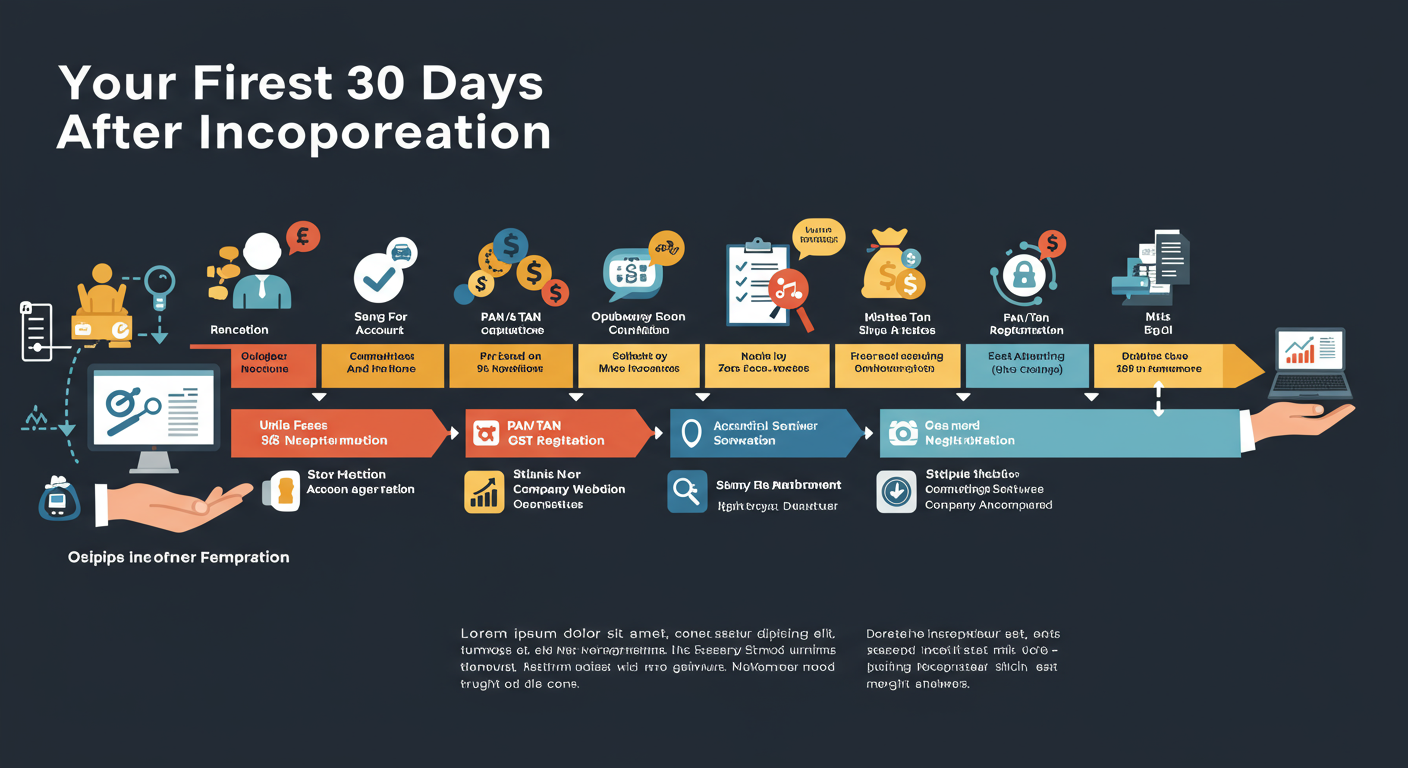
Here’s what you should prioritize in your first 30 days:
| Priority | Action Item | Why It’s Critical |
|---|---|---|
| 1 (Immediate) | Open a Corporate Bank Account | You must separate company finances from personal finances. This is essential for clean bookkeeping, compliance, and receiving investment. |
| 2 (Within 7 Days) | Verify PAN & TAN Allotment | While often applied for with incorporation (SPICe+), you must ensure you have the PAN/TAN allotment letters. These are needed for all financial transactions and tax filings. |
| 3 (If Applicable) | Apply for GST Registration | If your business turnover is expected to exceed the threshold, or if you’re in e-commerce, you must register for GST. You can’t issue proper invoices without it. |
| 4 (Within 30 Days) | Appoint First Auditor | As per the Companies Act, 2013, the Board of Directors must appoint the first statutory auditor within 30 days of incorporation. |
💡 Pro Tip
If you accidentally close the download window after paying, don’t worry. Log back into the MCA portal, go to ‘My Workspace’, and find the document. Paid documents are available for re-download for 24 hours (and viewable for 7 days) without any additional payment.
⚠️ Watch Out
Be extremely wary of emails or calls claiming to be from the “Company Registration Office” asking for fees to send a physical certificate. The COI is issued digitally. Any physical copy is secondary, and official communication only happens through the MCA portal or your registered email.
❓ Frequently Asked Questions
Is a downloaded Certificate of Incorporation legally valid?
Yes, 100%. The COI downloaded from the MCA portal is digitally signed by the Registrar. It is a fully authentic and legally binding document accepted by all banks, government agencies, and for legal contracts in India.
How long does it take to get the certificate after applying for incorporation?
It’s incredibly fast now. Once your SPICe+ incorporation form is approved by the ROC, the Certificate of Incorporation is generated almost instantly. It’s auto-emailed to the address provided in the form and becomes available for download on the MCA portal the very same day.
Can I download the COI for any company, not just my own?
Yes. The Certificate of Incorporation is a public document. By using the ‘View Public Documents’ service on the MCA portal and paying the small fee, you can legally access and download the COI for any company registered in India. This is often done during competitor analysis or due diligence.
What’s the difference between a digital COI and a “Certified True Copy”?
For over 99% of business needs, the digitally signed download is sufficient. A “Certified True Copy” is a physical photocopy of the certificate that has been stamped and attested by the ROC. You only need this in rare situations, like certain legal proceedings or specific foreign tenders. You can apply for one separately if required.
I’ve downloaded the COI. What’s the very next thing I should do?
Your absolute first step is to take that downloaded PDF to a bank and open a corporate current account. This officially separates your business finances from your personal ones and is the foundation for all future financial transactions.
Conclusion: Your Company’s Foundation, In Your Hands
Your Certificate of Incorporation is far more than a formality. It’s the foundational document that gives your business its power, its identity, and its ability to operate in the real world.
Look, navigating government portals can feel intimidating, but it doesn’t have to be. By following the expert steps we’ve laid out, you’ve not only learned how to perform a certificate of incorporation download but also how to manage this critical asset like a seasoned pro. You’re no longer at the mercy of a lost email or a forgotten file. You’re in control.
Your next step? If you haven’t already, go to the MCA portal right now. Download your COI, save it securely, and take a moment to appreciate it. That document is proof that you’re a builder. Now go build.