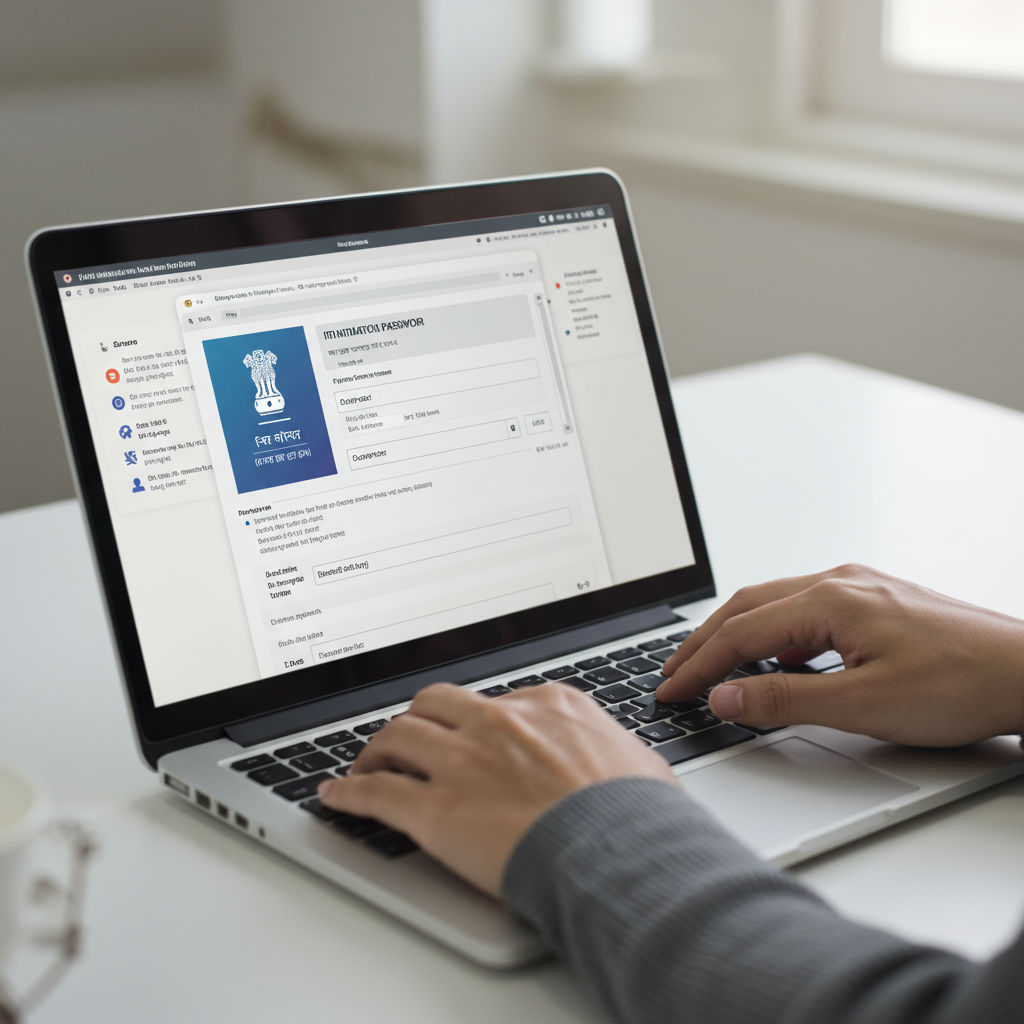
That email just landed. The subject line: “Intimation u/s 143(1).” Your heart does a little jump, right? You open it, click the attached PDF, and… it’s locked. A password prompt stares back, and a wave of frustration washes over you.
Sound familiar? You’re not alone. Every year, millions of taxpayers get stuck at this exact spot.
But here’s the secret: finding the password is the easy part. The real power comes from knowing what to do after you open that document. This isn’t just a guide to find a password. This is your complete playbook for decoding the Income Tax Department’s message, understanding what it means for your finances, and taking the right action—confidently and without panic. Let’s crack this code together.
First Things First: What Is an ITR Intimation Notice, Really?
Before we get to the password, let’s demystify the document itself. An Intimation under Section 143(1) of the Income Tax Act is not a scary audit notice. Think of it as a digital report card for your tax return.
It’s an automated, preliminary check where the tax department’s computers compare the financial data you submitted in your Income Tax Return (ITR) against the data they already have (like from your employer, banks, etc., via Form 26AS and AIS). It’s a simple cross-check for any glaring arithmetic errors or mismatches.
Based on this comparison, the intimation will deliver one of three verdicts:
| Outcome | What It Means | Your Next Step |
|---|---|---|
| No Demand, No Refund | The department’s calculations perfectly match yours. Your return is processed without changes. | Nothing. File the notice for your records and relax. |
| Refund Determined | Good news! You’ve paid more tax than you owed, and a refund is on its way to your pre-validated bank account. | Track your refund status on the portal. No other action is needed. |
| Demand Determined | The department’s calculation shows you’ve underpaid your taxes. The notice will state the amount you owe. | Action required. You must review the reason, and either pay the demand or file a rectification if you disagree. |
💡 Pro Tip
Always download and save a copy of your Intimation u/s 143(1). It’s official proof that your return has been processed by the department. This document is crucial for loan applications, visa processing, and as a part of your financial records.
The Password Formula: Your Key to Unlocking the Notice
Alright, let’s get to the main event. The reason you’re probably here. The ITR intimation password is a simple, standardized formula. No guesswork needed.
For an individual taxpayer, the password is:
Your PAN in lowercase + Your Date of Birth in DDMMYYYY format
That’s it. No spaces. No special characters. Just a continuous string of letters and numbers.
Let’s break it down with an example:
- Your PAN Card Number: ABCDE1234F
- Your Date of Birth: 09th August 1992
- Your Password will be: abcde1234f09081992
But what if you’re not an individual? The logic is similar, but the “date” part changes. Based on our experience helping various entities, using the wrong date is the most common mistake for non-individuals.
Password Formats for All Taxpayer Types (2026)
| Taxpayer Type | Password Formula | Example Date | Example Password |
|---|---|---|---|
| Individual | PAN (lowercase) + Date of Birth (DDMMYYYY) | DOB: 05 Jan 1990 | pancode05011990 |
| Company | PAN (lowercase) + Date of Incorporation (DDMMYYYY) | DOI: 15 Aug 2010 | pancode15082010 |
| HUF (Hindu Undivided Family) | PAN (lowercase) + Date of Formation (DDMMYYYY) | DOF: 20 Apr 1985 | pancode20041985 |
| Partnership Firm / LLP | PAN (lowercase) + Date of Incorporation (DDMMYYYY) | DOI: 01 Dec 2018 | pancode01122018 |
| AOP / BOI | PAN (lowercase) + Date of Formation (DDMMYYYY) | DOF: 10 Jun 2005 | pancode10062005 |
“My Password Isn’t Working!” — A Troubleshooting Checklist
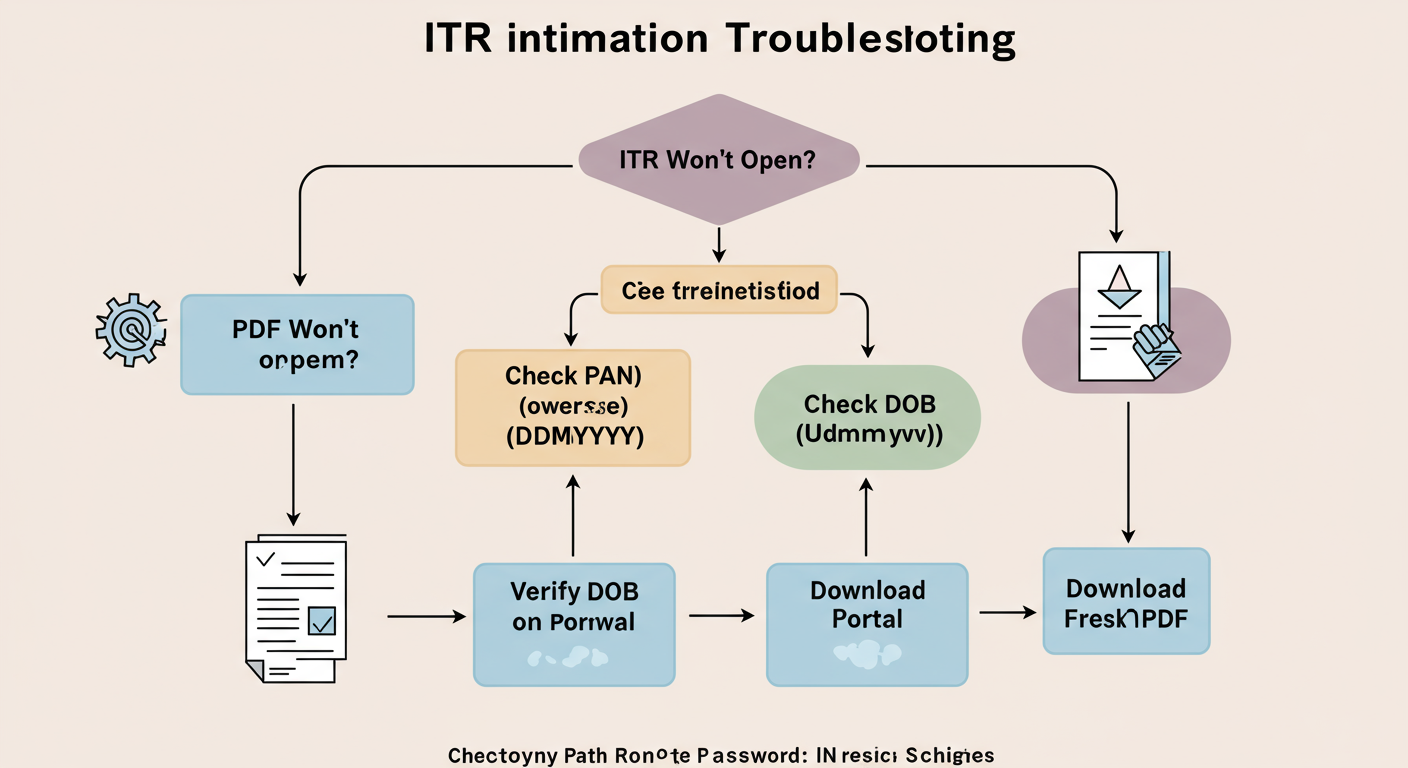
Entered the password and still getting an error? It’s incredibly frustrating, but trust me, the solution is usually simple. Before you get overwhelmed, run through this checklist. In our experience, 99% of password issues are solved right here.
- Check for Typos. Seriously. This is the number one culprit. Re-type the password slowly. Is your Caps Lock on? The PAN must be in lowercase.
- Verify the Date Format. It must be DDMMYYYY. Not DD-MM-YYYY. Not D/M/YY. For May 7th, 1988, it’s
07051988, not751988. The leading zero is critical. - Confirm Your Registered DOB. The password uses the Date of Birth that is officially on record for your PAN. If you think there might be a mistake in your PAN data, you can verify your details by logging into the Income Tax e-filing portal and checking your profile.
- Download a Fresh Copy. Sometimes, the PDF file itself can get corrupted during the email download. The best fix is to log in to the e-filing portal and download the intimation notice directly. This ensures you have a clean, uncorrupted file.
⚠️ Watch Out
Pay close attention to easily confused characters! The letter ‘O’ and the number ‘0’ are common sources of error, as are the letter ‘I’ and the number ‘1’. When in doubt, copy your PAN from an official source and paste it into a text editor to confirm the characters before typing the password.
How to Download Your Intimation Notice from the Portal (Step-by-Step)
If you’ve deleted the email or suspect the file is bad, here’s how to get a fresh copy directly from the source:
- Go to the official Income Tax e-filing website.
- Log in to your account. Your User ID is your PAN.
- Navigate the top menu: Click on ‘e-File’ → ‘Income Tax Returns’ → ‘View Filed Returns’.
- You’ll see a list of your filed returns by Assessment Year. Find the one you need.
- Click the ‘Download Intimation Order’ link for that year. A new PDF will download.
- Open this file using the same pancode+ddmmyyyy password format.
🎯 Key Takeaway
Your ITR intimation password is your PAN in lowercase followed by your date of birth as DDMMYYYY. Opening the notice is just the first step; the real task is to carefully review the comparison of your figures against the tax department’s calculations to check for demands or refunds.
Beyond the Password: How to Actually Read Your Intimation Notice
You’re in! But now you’re looking at a document full of numbers. What does it all mean? It’s simpler than it looks. Form ADT 1 Filing in 2026: The Definitive Guide for Directors
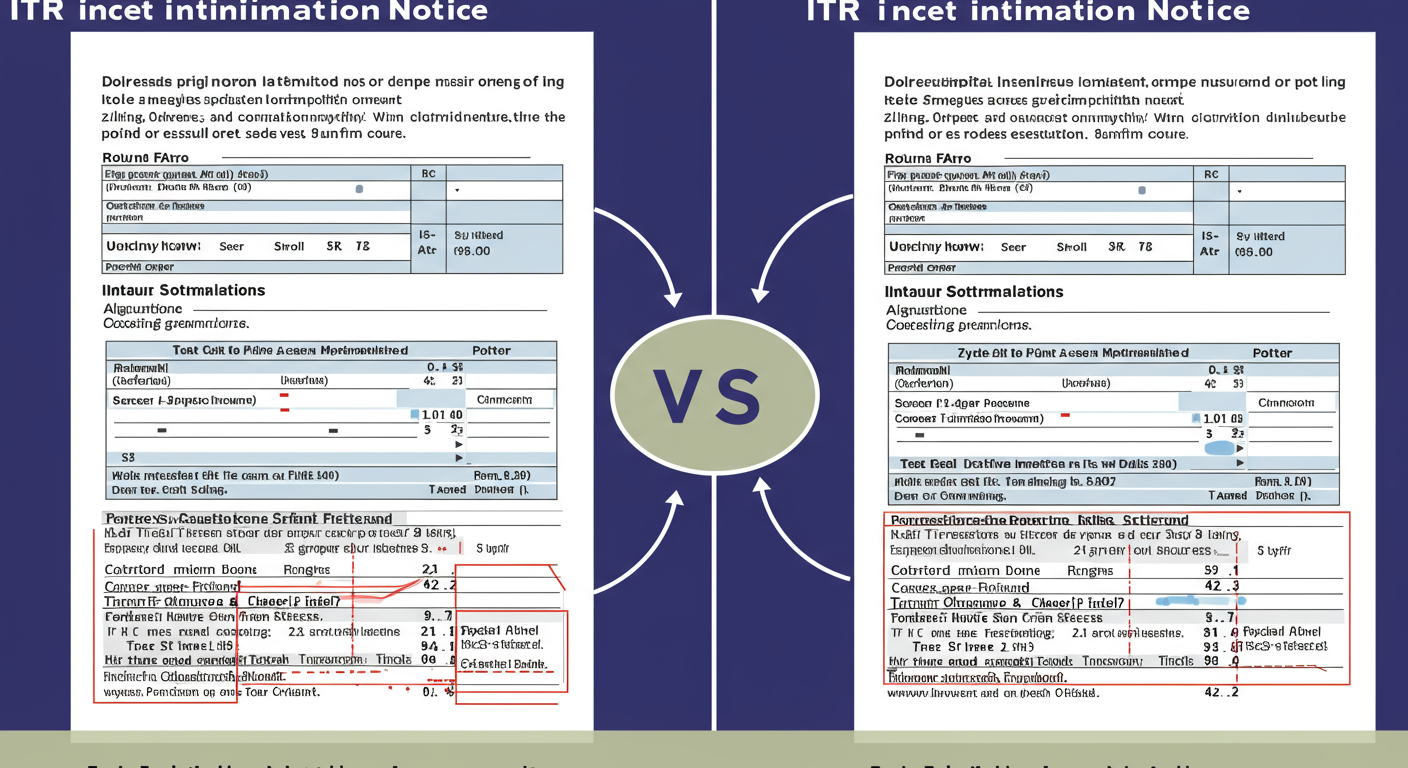
The notice uses a two-column format for easy comparison: FCRA Registration Procedure: A Simple Guide
- Column 1: “As provided by taxpayer in Return of Income” — This is what YOU declared.
- Column 2: “As computed under section 143(1)” — This is what the IT Department’s system calculated.
Your job is to be a detective. Scan down the columns and look for any differences. Pay special attention to:
- Gross Total Income: Did they add income you didn’t declare?
- Deductions (Chapter VI-A): Did they disallow a deduction like 80C or 80D? This is common if proof wasn’t available in their records.
- Tax Calculation: Is their final tax figure higher than yours?
- Taxes Paid: Did they miss any TDS, TCS, or advance tax you paid? This is a frequent cause for incorrect demands.
Any discrepancy will be the reason for a tax demand or an adjusted refund. For instance, if you claimed a Rs. 20,000 TDS credit but it’s not showing in your Form 26AS, the system will automatically disallow it and generate a demand. This is why reconciling your tax credits before filing is so critical.
⚠️ Watch Out
Never, ever ignore a tax demand notice, even if you think it’s a mistake. Ignoring it won’t make it go away. It will only lead to interest charges under Section 220(2) and could trigger more serious recovery actions from the department. Always act promptly.
You’ve Read the Notice. Now What? Your Action Plan
Okay, you’ve reviewed the notice and found the outcome. Here’s your clear action plan based on what you see.
Scenario 1: No Changes or a Confirmed Refund
Congratulations! Your return is processed. If a refund is due, it will be sent to your primary pre-validated bank account. You can track its status on the portal. Otherwise, just file the notice for your records. You’re done.
Scenario 2: A Tax Demand is Raised
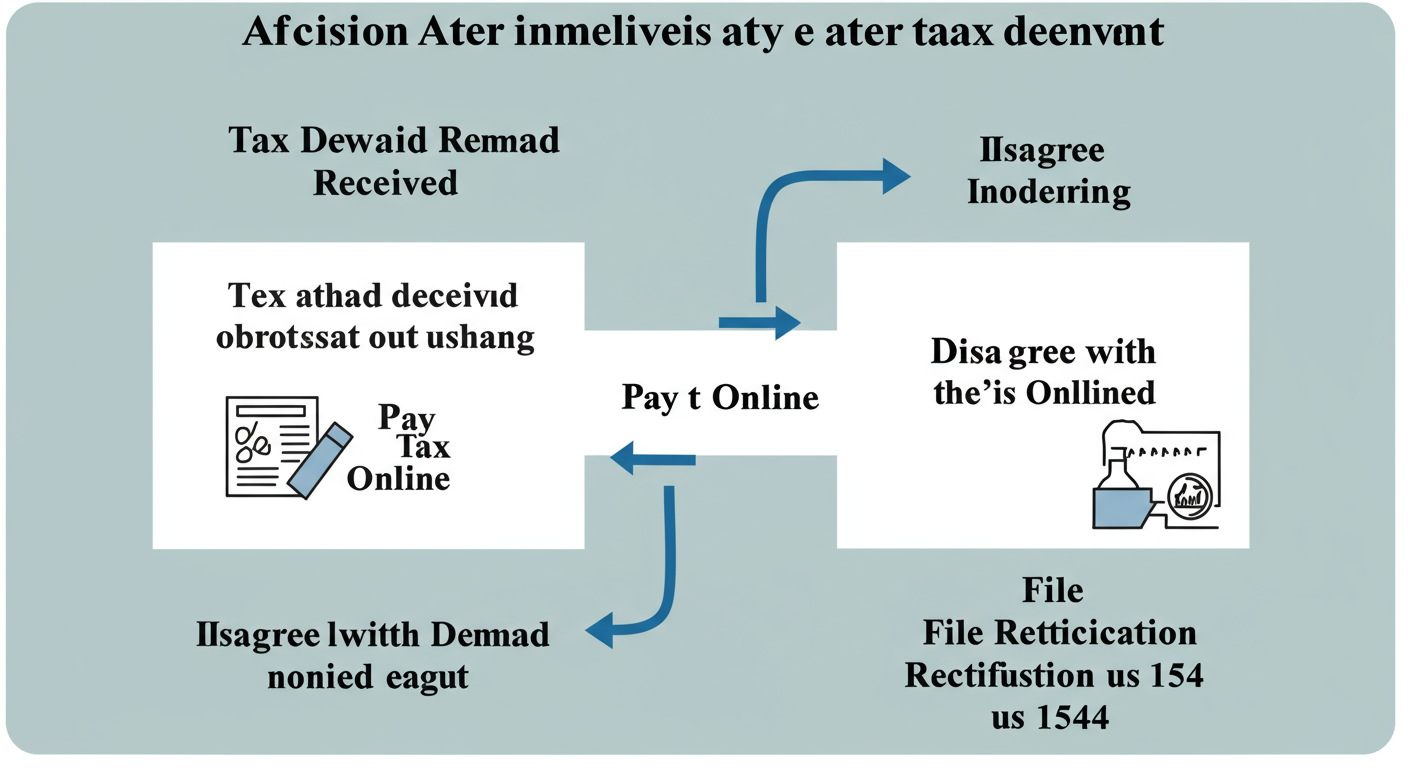
This is where you need to take action within 30 days. You have two choices:
- You Agree with the Demand: If you review the notice and realize the department is correct (e.g., you made a calculation error or forgot to include some income), you must pay the outstanding tax. You can do this easily through the e-filing portal’s ‘e-Pay Tax’ service.
- You Disagree with the Demand: If you’re confident the department has made an error (e.g., they disallowed a valid deduction), you have the right to respond. You can file an online ‘Rectification Request’ under Section 154 on the e-filing portal. In this request, you specify the mistake and provide the correct information. According to The Income-tax Act, 1961, this is the standard procedure for correcting apparent errors.
💡 Pro Tip
When filing a rectification, be specific. Don’t just say “the calculation is wrong.” Clearly state which line item is incorrect, what the correct figure should be, and why. For example: “The deduction under Section 80D of Rs. 25,000 was incorrectly disallowed. The correct amount as per my return is Rs. 25,000.”
❓ Frequently Asked Questions
Is the ITR intimation password the same as my e-filing login password?
No, they are completely different. Your e-filing portal password is the one you create to log in to the website. The ITR intimation password is a system-generated, fixed-format password (PAN + DOB) used only to open the encrypted PDF notice.
What is the password for a company’s ITR intimation notice in 2026?
For a company, the password is its PAN (in lowercase) followed by its Date of Incorporation in DDMMYYYY format. For example, if the PAN is FGHJI5432K and the incorporation date is 15th August 2010, the password is fghji5432k15082010.
What’s the difference between an Intimation u/s 143(1) and a Scrutiny Notice?
An intimation is an automated, preliminary check for mathematical accuracy. A scrutiny notice (e.g., under Section 143(2)) is a much more serious, manual review where a tax officer has been assigned to examine your return in detail. An intimation is routine; a scrutiny notice requires a detailed, formal response.
Why is the ITR intimation notice password-protected?
The notice contains highly sensitive personal and financial data, including your income, deductions, and bank details. Password protection is a fundamental security measure to ensure this confidential information is only accessible by you, the taxpayer. This aligns with data privacy standards for financial documents, as outlined by bodies like NSDL which manages PAN data.
How long do I have to respond to a tax demand in the intimation?
Typically, you have 30 days from the date you receive the notice to pay the demand or file a rectification request. It’s crucial to act within this timeframe to avoid additional interest and potential penalties.
Conclusion: From Password to Peace of Mind
See? That wasn’t so bad. The panic of a locked tax document often comes from the unknown. But now, you’re equipped not just with the password, but with a complete framework for action.
You know that the ITR intimation password is simply your lowercase PAN plus your birthdate (pancode+ddmmyyyy). More importantly, you know how to troubleshoot it, how to read the notice like a pro, and exactly what to do whether you owe money, are getting a refund, or everything is perfectly in order.
Your next step is simple. Go open that PDF. Don’t just check for a refund or demand—take two minutes to actually scan the columns. Understanding your financial data is the first step toward mastering it. You’ve got this.