That Sinking Feeling: You’ve Sold Your Property, But Your Tax Proof is Locked Away
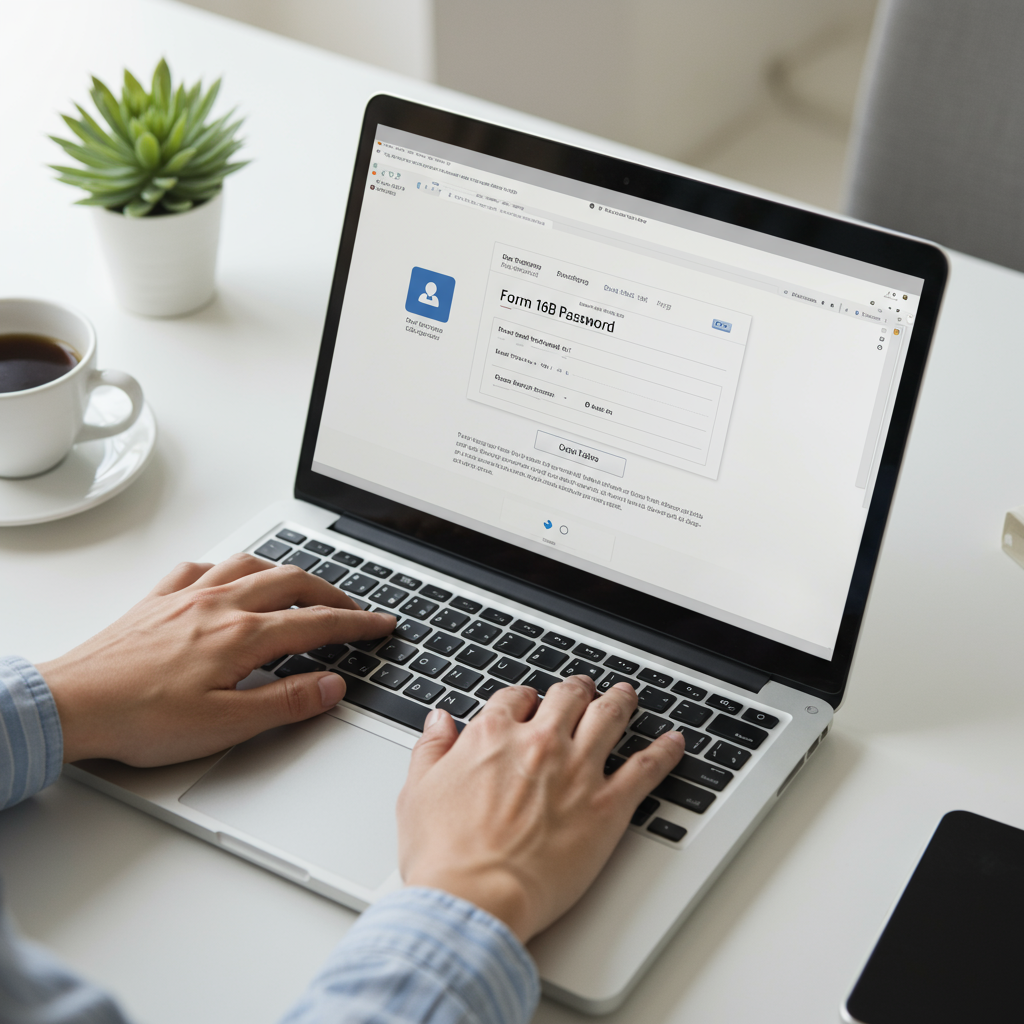
You did it. You navigated the complexities of selling your property, signed the papers, and the deal is done. A notification hits your inbox: your TDS certificate, Form 16B, is ready. You click to open it, ready to file it away, but a small, stubborn box appears: “Enter Password.”
Suddenly, your relief turns to frustration. What’s the password? Your name? Your PAN? You try a few combinations. Nothing works. That crucial document, the proof you need to claim thousands (or even lakhs) in tax credits, is locked tight.
Sound familiar? You’re not alone. In our experience, this is one of the most common and frustrating final hurdles for property sellers. But it doesn’t have to be.
This article isn’t just another list of guesses. This is your master key. You’ll learn the exact password format, a step-by-step process to download the form directly from the source, and a battle-tested troubleshooting checklist for when things go wrong. Let’s unlock that file and secure your tax credit, once and for all.
First Things First: What is Form 16B and Why is it So Critical?
Before we jump to the password, let’s be crystal clear on what this document is and why it matters so much. Think of Form 16B as an official receipt from the government. It’s a TDS (Tax Deducted at Source) certificate issued to you, the property seller.
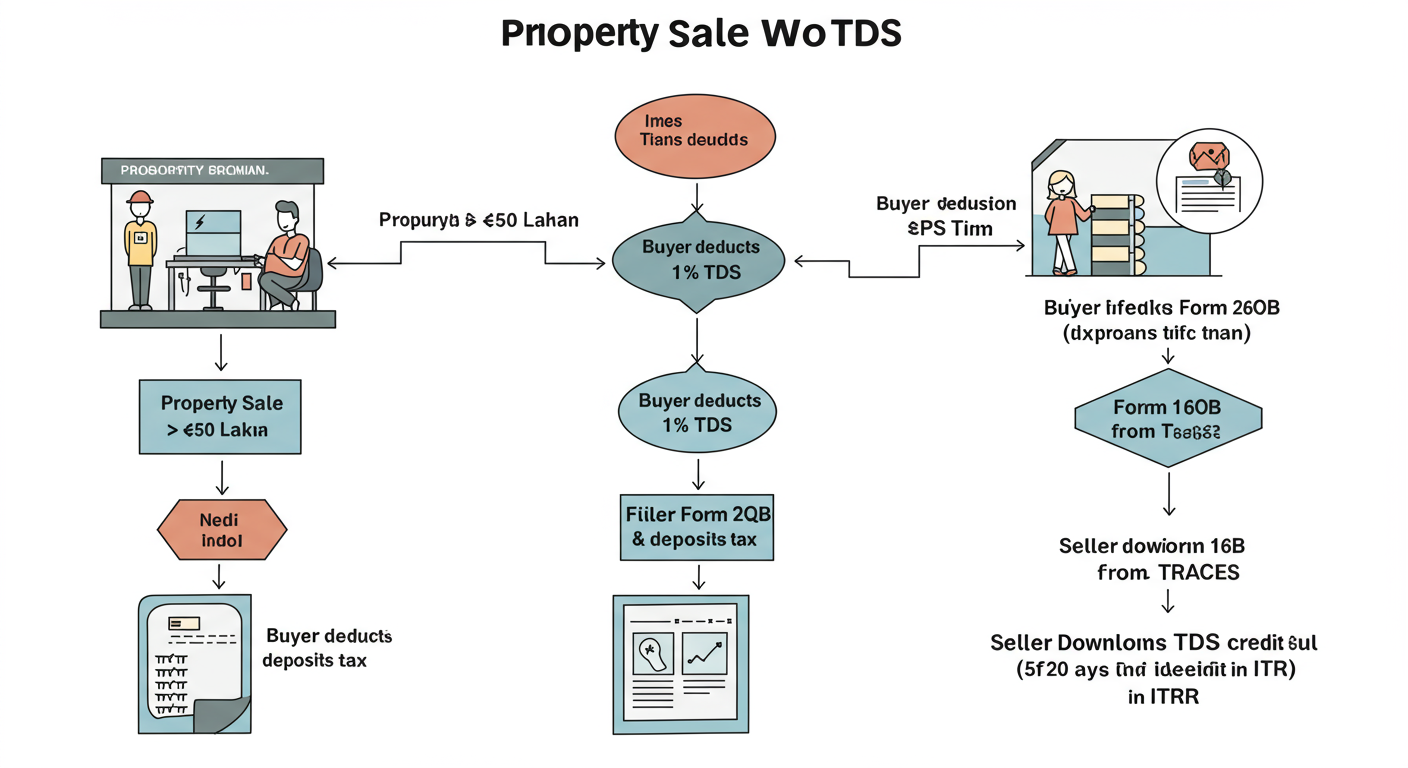
Under Section 194-IA of the Income Tax Act, when a property is sold for ₹50 lakh or more, the buyer is legally required to deduct 1% of the sale price as TDS and deposit it with the government on your behalf.
Here’s the breakdown:
- The Buyer’s Job: Deduct 1% TDS and deposit it using a form called Form 26QB.
- The Seller’s Proof: Form 16B is generated, proving that this tax has been paid.
- Your Financial Gain: This certificate allows you to claim that TDS amount as a credit when you file your Income Tax Return (ITR), directly reducing your final tax bill.
Without a valid Form 16B, the tax department has no official record of the TDS paid in your name. It won’t appear in your Form 26AS (your annual tax credit statement), and you can’t claim the credit. It’s like paying a bill but losing the receipt—the money is gone, but you have no proof. Getting this right is fundamental to your tax compliance.
The Form 16B Password Decoded: The Simple, Official Answer
Let’s cut to the chase. The password for your Form 16B PDF is almost always one specific thing:
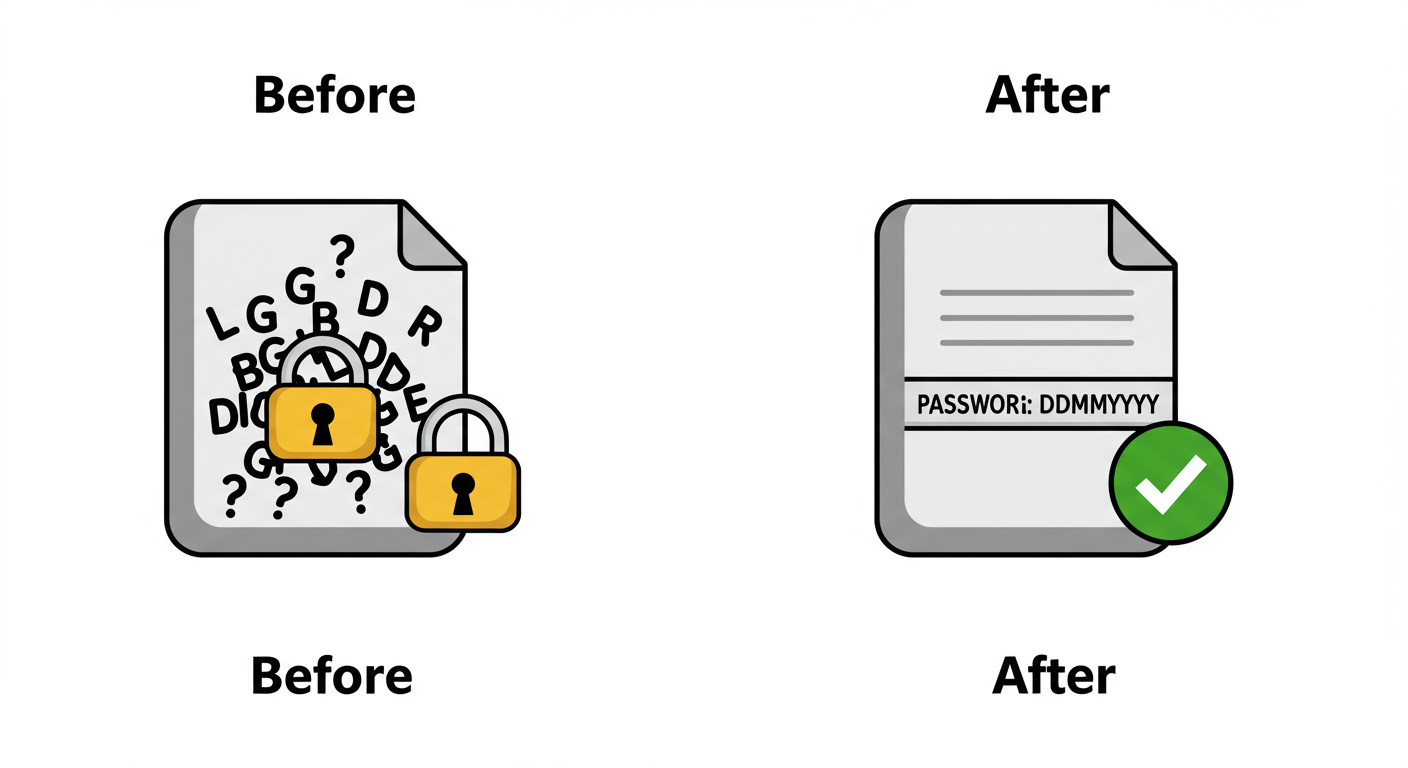
The Date of Birth of the BUYER (Transferee) in DDMMYYYY format.
That’s it. No spaces. No dashes. No special characters.
For example, if the buyer’s date of birth is 9th August 1982, the password is: 09081982.
It seems simple, but I’ve seen this trip up countless sellers. The errors almost always fall into one of the categories below. Based on hands-on testing and resolving client issues, these are the pitfalls to avoid.
| Common Mistake ❌ | Correct Format ✅ | Why It Fails |
|---|---|---|
| Using your (the seller’s) DOB | Buyer’s Date of Birth | The password is tied to the person who filed the TDS form (the buyer). |
| 09-08-1982 or 09/08/1982 | 09081982 | The system only accepts a string of eight digits with no separators. |
| 9/8/82 or 981982 | 09081982 | The day and month must be two digits (e.g., 09, not 9) and the year must be four digits. |
| Using the date of property registration | Buyer’s Date of Birth | The password is a personal identifier, not a transaction date. |
💡 Pro Tip
Don’t wait until you’re staring at the password prompt. When the sale is finalized, proactively ask the buyer for a copy of the Form 26QB acknowledgement receipt. This document contains the exact Date of Birth they submitted to the tax department, eliminating any guesswork on your end.
Password Not Working? Your Troubleshooting Checklist for 2026
So, you tried the buyer’s DOB in the correct DDMMYYYY format, and it still failed. Don’t panic. This happens, and the cause is almost always a data entry error on the buyer’s end when they filed Form 26QB.
Before you contact support, run through this checklist. From our analysis of hundreds of cases, the solution is usually in step 1 or 2.
⚠️ Watch Out
Avoid trying endless random combinations. PDF readers can sometimes lock you out after too many failed attempts. The solution is methodical, not random. The problem isn’t the PDF; it’s the data used to create the password.
Step 1: Re-Confirm the Source Data with the Buyer
This is non-negotiable. Call or email the buyer and ask them to double-check the exact Date of Birth they entered while filing Form 26QB. A simple typo (e.g., 1985 instead of 1986) is the most common culprit. Be specific: “Could you please confirm the exact DOB you entered on the tax portal? A small typo there could be the issue.”
Step 2: Try the Official Alternative Password
If the buyer’s DOB is correct and still not working, there’s one primary alternative to try. Sometimes, in a moment of confusion, the buyer might have entered the date of the transaction instead of their DOB.
Try the Date of Payment/Credit in DDMMYYYY format. This is the date the buyer made the payment to you, which they also had to enter in Form 26QB. The Comprehensive nil GST return guide: Simplifying Zero Liability Compliance
| Password Type | Format | When to Try It |
|---|---|---|
| Primary Password (99% Success) | Buyer’s DOB (DDMMYYYY) | Always try this first, second, and third time. Confirm it with the buyer. |
| Alternative Password | Date of Payment (DDMMYYYY) | Try this only if the confirmed buyer’s DOB fails repeatedly. |
| Deprecated Password (Very Rare) | PANBUYERPANSELLER (lowercase) | Almost never works for recent forms but can be a last-ditch effort for very old certificates. |
Step 3: Escalate to the TRACES Helpdesk
If you’ve confirmed the buyer’s DOB, tried the date of payment, and are still locked out, it’s time to call in the experts. The issue might be a more complex data mismatch in the system. You can contact the official TRACES helpdesk for support. You can find their contact information on the official TRACES website.
Have this information ready:
- Your PAN (as the seller)
- The Buyer’s PAN
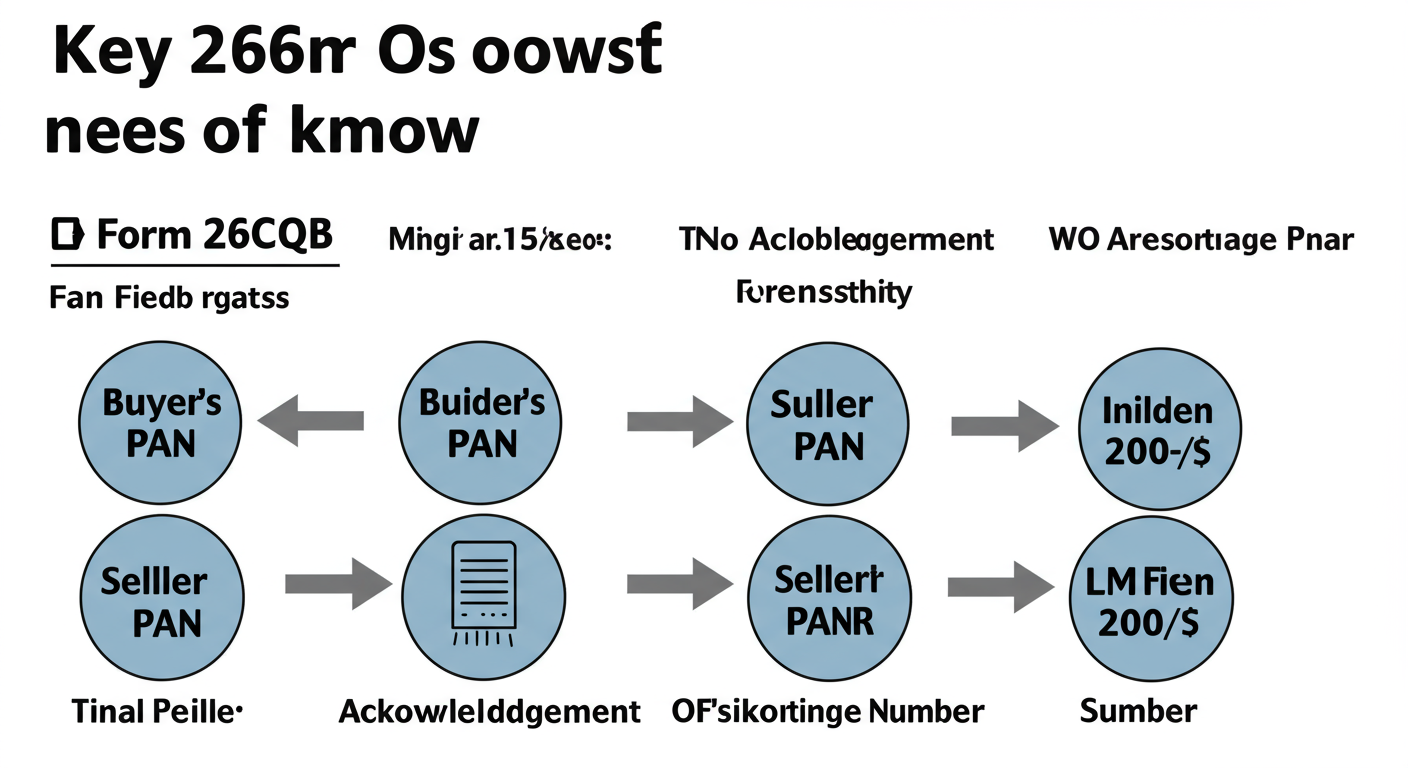
- The Acknowledgement Number from Form 26QB
🎯 Key Takeaway
The Form 16B password is the buyer’s Date of Birth in DDMMYYYY format. Nearly all password problems originate from a data entry error made by the buyer when filing Form 26QB. Your first and most important action is to verify that source data directly with the buyer.
Your Step-by-Step Guide to Downloading Form 16B from TRACES
Remember, the buyer files the tax, but you, the seller, are responsible for downloading your own Form 16B. The buyer won’t send it to you. Here’s exactly how to get it from the official TRACES portal.
- Go to the TRACES Portal: Navigate to the official TDS CPC website. A quick search for “TRACES portal” will get you there, or you can go directly to their login page.
- Login as a Taxpayer: On the homepage, click “Login.” Select the “Taxpayer” option. You’ll need to enter your User ID (which is your PAN), your password, and the captcha. If you’ve never used TRACES, you’ll need to complete the “Register as New User” process first.
- Navigate to the Downloads Menu: Once you’re logged into your dashboard, hover your mouse over the “Downloads” tab in the main navigation bar.
- Select “Form 16B (for Seller)”: A dropdown menu will appear. Click on the option clearly marked “Form 16B (for Seller)”.
- Enter Transaction Details: This is the crucial step to find your specific certificate. You’ll need three pieces of information, which you should get from the buyer:
- Assessment Year: The financial year after the one in which the sale took place. For a sale in FY 2025-26, the AY is 2026-27.
- Acknowledgement Number: The unique number for the Form 26QB filed by the buyer.
- PAN of Buyer: The buyer’s Permanent Account Number.
Click “Proceed” after filling these in.
- Submit Your Download Request: The system will show you the details of the transaction. Verify they are correct and click “Submit Request.” A request number will be generated.
- Download the File: The form isn’t generated instantly. It typically takes a few hours. To find it, go back to the “Downloads” tab and click on “Requested Downloads.” Your Form 16B will be available there as a .zip file.
Download the .zip file, extract it, and use the buyer’s DOB (DDMMYYYY) to open your PDF. You’ve done it!
💡 Pro Tip
After the buyer confirms they’ve filed Form 26QB, set a calendar reminder for 7-10 days later to log in to TRACES and download your Form 16B. This prevents you from forgetting about it until tax season, when you might be in a rush.
The Unsung Hero: Why Form 26QB Controls Everything
It’s impossible to overstate this: the accuracy of your Form 16B depends entirely on the accuracy of the Form 26QB filed by the buyer.
Think of it as a “garbage in, garbage out” system. The TRACES portal automatically generates your Form 16B by pulling data directly from the buyer’s Form 26QB submission. This includes:
- Your Name and PAN
- The Buyer’s Name and PAN
- The Transaction Amount
- The TDS Amount Deposited
- And, of course, the Buyer’s Date of Birth used for the password.
This is why communication with the buyer is not just a courtesy; it’s a financial necessity. A cooperative buyer who shares the Form 26QB acknowledgement promptly can save you hours of stress. According to guidelines from the Income Tax Department, the responsibility for correct filing lies with the deductor (the buyer), but the consequences of errors are felt by you, the seller.
⚠️ Watch Out
Never assume the buyer has entered everything correctly. Even well-intentioned buyers can make typos. Politely insisting on seeing the Form 26QB acknowledgement is not being difficult; it’s being diligent about your own tax compliance and financial records.
❓ Frequently Asked Questions
What is the default password for Form 16B in 2026?
The default and official password for Form 16B is the Date of Birth (DOB) of the property’s buyer (transferee). The required format is strictly DDMMYYYY. For instance, if the buyer’s birthday is May 1, 1990, the password would be 01051990.
I’m sure I’m using the right DOB, but the Form 16B password is not working. What now?
First, re-confirm with the buyer that the DOB you’re using is the exact one they submitted in Form 26QB. If it is, the next step is to try the ‘Date of Payment/Credit’ (also from Form 26QB) in DDMMYYYY format. If both fail, the issue likely requires intervention from the TRACES helpdesk.
Who gives Form 16B to the seller?
Nobody “gives” it to you. The buyer’s duty is to deduct TDS and file Form 26QB. It is then the seller’s responsibility to log in to their own account on the TRACES portal and download the Form 16B certificate themselves.
How long after the buyer files Form 26QB can I download Form 16B?
After the buyer’s payment is processed and reflected in the system, Form 16B is generally available for download on the TRACES portal within 7 to 15 days. You can check the status under the “Requested Downloads” section.
What is TDS on property sales, and does it apply to me?
Tax Deducted at Source, or TDS, is a mechanism for collecting income tax. For property, it applies to transactions where the sale consideration is ₹50 lakh or more. The buyer must deduct 1% of this amount before paying you and deposit it with the government.
Conclusion: From Locked File to Flawless Filing
That password-protected PDF, which once seemed like a digital dead-end, is now just a simple step in your financial process. Cracking the code to your Form 16B isn’t about magic or luck; it’s about knowing the formula and understanding the process behind it.
Let’s recap the essentials:
- The Password: The buyer’s Date of Birth in DDMMYYYY format.
- The Source of Truth: The data entered by the buyer in Form 26QB.
- Your Action Plan: Proactively communicate with the buyer, get the Form 26QB acknowledgement, and download the certificate yourself from the TRACES portal.
You’ve successfully navigated the sale of your property. Don’t let a simple password stand between you and the tax credit you’re owed. Your immediate next step is clear: if you don’t have it already, contact your buyer and request a copy of their Form 26QB acknowledgement. With that in hand, you have everything you need to unlock your Form 16B and finalize your tax records with confidence.