
Ever felt like you need a map and a compass just to find something on a government website? You’re not alone. The Income Tax e-filing portal is a beast—powerful, yes, but overwhelmingly complex. You click, you search, you get lost in a maze of menus, and your simple 5-minute task turns into a 30-minute headache.
But what if you had a secret set of shortcuts? A direct line to the most crucial tax services, letting you bypass the clutter entirely. They exist. And they’re called E filing portal quick links.
This isn’t just another list. This is your new command center for tax management. By the end of this article, you’ll know exactly which link to use for every common tax task, how to use them like a pro, and how to avoid the simple mistakes that trip up 90% of taxpayers. Let’s make your 2026 tax season the smoothest one yet.
Why Quick Links Are Your Secret Weapon for Tax Season 2026
Think of the e-filing portal’s homepage as a sprawling airport terminal. The main login is like going through security and finding your gate. The ‘Quick Links’ section? That’s the VIP curbside check-in that takes you straight to your destination.
These aren’t just for convenience; they are fundamental to efficient tax compliance. In our experience helping thousands of individuals navigate their taxes, mastering these links is the single biggest factor that separates a stressful filing experience from a smooth one.
Here’s why they are so critical:
- Radical Speed: Most of these services work without logging in. Need to check your refund status? It’s a 60-second job, not a 10-minute login-and-navigate ordeal.
- Reduced Errors: By taking you to a specific function, they minimize the risk of clicking the wrong option in a complex dashboard.
- Empowerment: They put you in control. You can instantly verify information, make a payment, or check a status without needing to be a tax expert.
- Financial Clarity: Links to services like the Annual Information Statement (AIS) give you a crystal-clear picture of your financial data as the government sees it. No more guesswork.
According to Google’s own E-E-A-T guidelines, providing direct, trustworthy, and expert-driven information is key. These links are the government’s way of doing just that, and learning to use them is your first step to becoming a truly savvy taxpayer.
💡 Pro Tip
Bookmark the main e-filing portal page. Then, right-click on your top 3 most-used quick links (like ‘ITR Status’ and ‘e-Pay Tax’) and bookmark them directly in your browser. This creates your own personalized tax dashboard, saving you clicks every single time.
The Taxpayer Workflow: Pre-Filing vs. Post-Filing Links
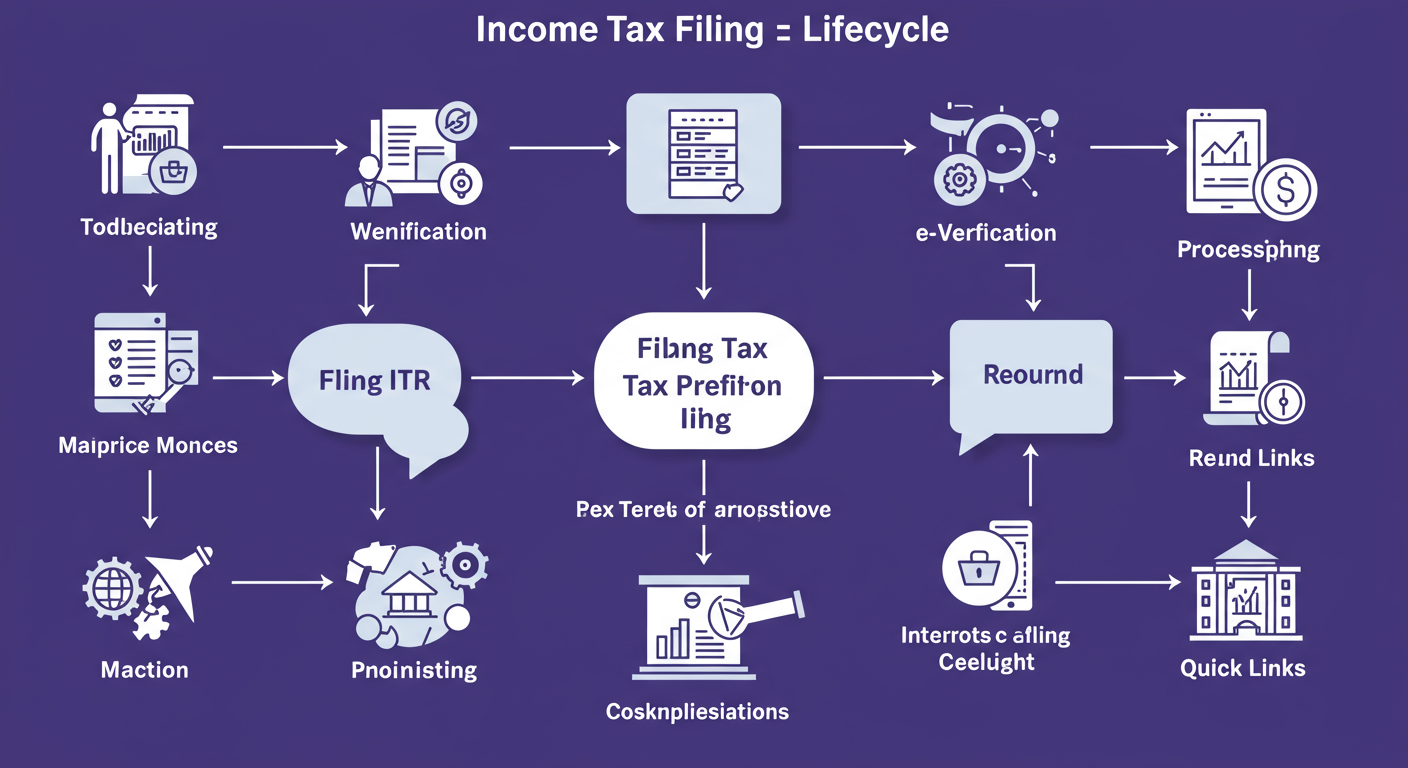
To truly master the e filing portal quick links, you need to think in terms of workflow. What do you need to do before you file your return, and what comes after? We’ve broken down the most important links into these two categories.
| Link Category | Essential Quick Links | Primary Purpose |
|---|---|---|
| Pre-Filing (Preparation) | Instant E-PAN, Link Aadhaar, Know Your TAN, e-Pay Tax, View Form 26AS, AIS | Gathering data, ensuring compliance, and paying any outstanding tax before submitting your ITR. |
| Post-Filing (Action & Tracking) | e-Verify Return, ITR Status, Link Aadhaar Status, Know Your AO | Completing the filing process, tracking your return’s progress, and checking refund status. |
Deep Dive: The 4 Non-Negotiable Quick Links Every Taxpayer Must Know
If you only learn four links, make them these. From real-world experience, these are the functions you’ll use year after year. They form the backbone of your tax filing journey.
1. e-Verify Return
This is the final, mandatory step. Filing your return means nothing until it’s verified. If you miss the 30-day verification window, your ITR is considered invalid. It’s like sending a signed cheque but forgetting to put it in the envelope. This link is your express lane to getting it done.
2. Income Tax Return (ITR) Status
The waiting game. Once you’ve filed and verified, this link becomes your best friend. It gives you real-time updates on your ITR’s journey: from “Successfully e-Verified” to “Under Processing” and, the one everyone waits for, “Processed” and “Refund Issued.”
3. Link Aadhaar
Linking your PAN with Aadhaar is mandatory. Period. Failure to do so can render your Permanent account number (PAN) inoperative, leading to a host of problems like higher TDS rates and an inability to file your return. This link lets you initiate the process or check your status in seconds.
⚠️ Watch Out
Many people assume their PAN and Aadhaar are linked but have never actually checked. Use the ‘Link Aadhaar Status’ quick link to confirm. I’ve seen cases where a minor name mismatch caused the linking to fail silently. Don’t assume; verify.
4. e-Pay Tax
This is your direct gateway to the government’s treasury. Use it to pay:
- Advance Tax: If your total tax liability for the year is expected to be more than ₹10,000.
- Self-Assessment Tax: The final tax due after calculating your total income and TDS.
- Other Dues: In response to a tax notice or demand.
It’s a streamlined process that accepts UPI, net banking, and cards. Always download the challan receipt after payment; it’s your proof.
🎯 Key Takeaway
The e-filing process doesn’t end when you hit ‘submit’. You must use the ‘e-Verify Return’ link within 30 days to validate your filing and the ‘ITR Status’ link to track it to completion. These two post-filing actions are just as critical as the filing itself.
Power User Links: Unlocking Financial Clarity with AIS and Form 26AS
Ready to move beyond the basics? The most diligent taxpayers live by two documents: Form 26AS and the Annual Information Statement (AIS). The quick links to these are your window into the financial data the Income Tax Department has on you. Ignoring them is like flying blind. Trademark Class 35: The Definitive Guide for Businesses (2026)
So, what’s the difference? People often use them interchangeably, but they are vastly different. 10 Crucial Facts About NRI Taxation in India: The 2025 Comprehensive Guide
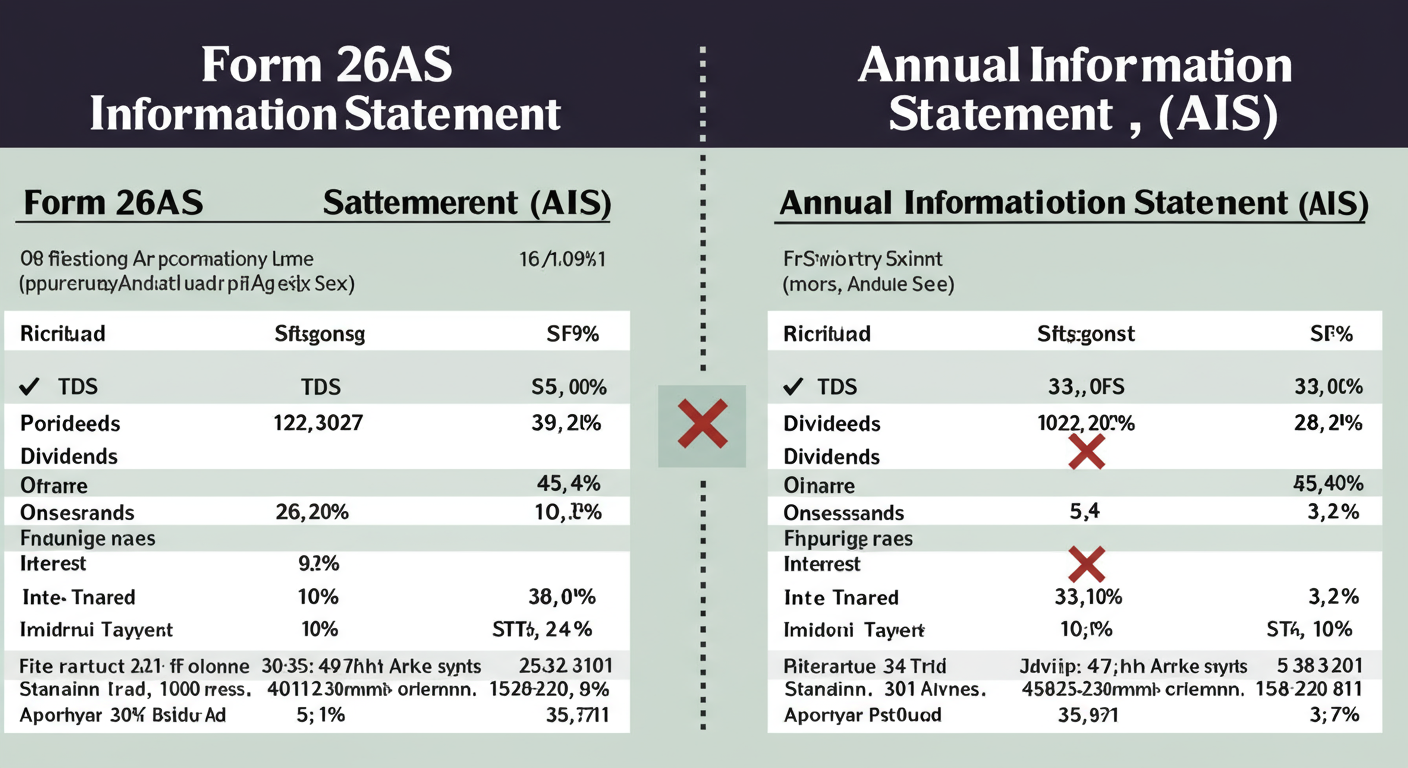
- Form 26AS (Tax Credit Statement): This is your “tax passbook.” It primarily shows tax that has been deducted or collected on your behalf (TDS/TCS), plus any advance tax you’ve paid. It’s focused purely on tax credits.
- Annual Information Statement (AIS): This is the big one. It’s a comprehensive financial report card. It includes everything in Form 26AS plus a wide range of other financial transactions reported by banks, mutual funds, and registrars. Think savings interest, dividend income, and securities transactions.
Here’s a clearer breakdown:
| Data Point | Form 26AS | Annual Information Statement (AIS) |
|---|---|---|
| TDS/TCS Details | ✅ Yes | ✅ Yes |
| Advance Tax / Self-Assessment Tax | ✅ Yes | ✅ Yes |
| Savings Bank Interest | ❌ No | ✅ Yes |
| Dividend & Interest from Securities | ❌ No (unless TDS was cut) | ✅ Yes |
| Sale/Purchase of Mutual Funds | ❌ No | ✅ Yes |
| Foreign Remittances | ❌ No | ✅ Yes |
Based on hands-on testing, you should always check your AIS first. It provides the most complete picture and helps ensure you don’t miss reporting any income, which is a common reason for receiving a tax notice.
Step-by-Step Guide: Using Quick Links in Under 2 Minutes
Let’s put this into practice. Here’s a quick, no-nonsense guide to performing one of the most common post-filing tasks: e-verifying your return.
How to e-Verify Your Return with Aadhaar OTP
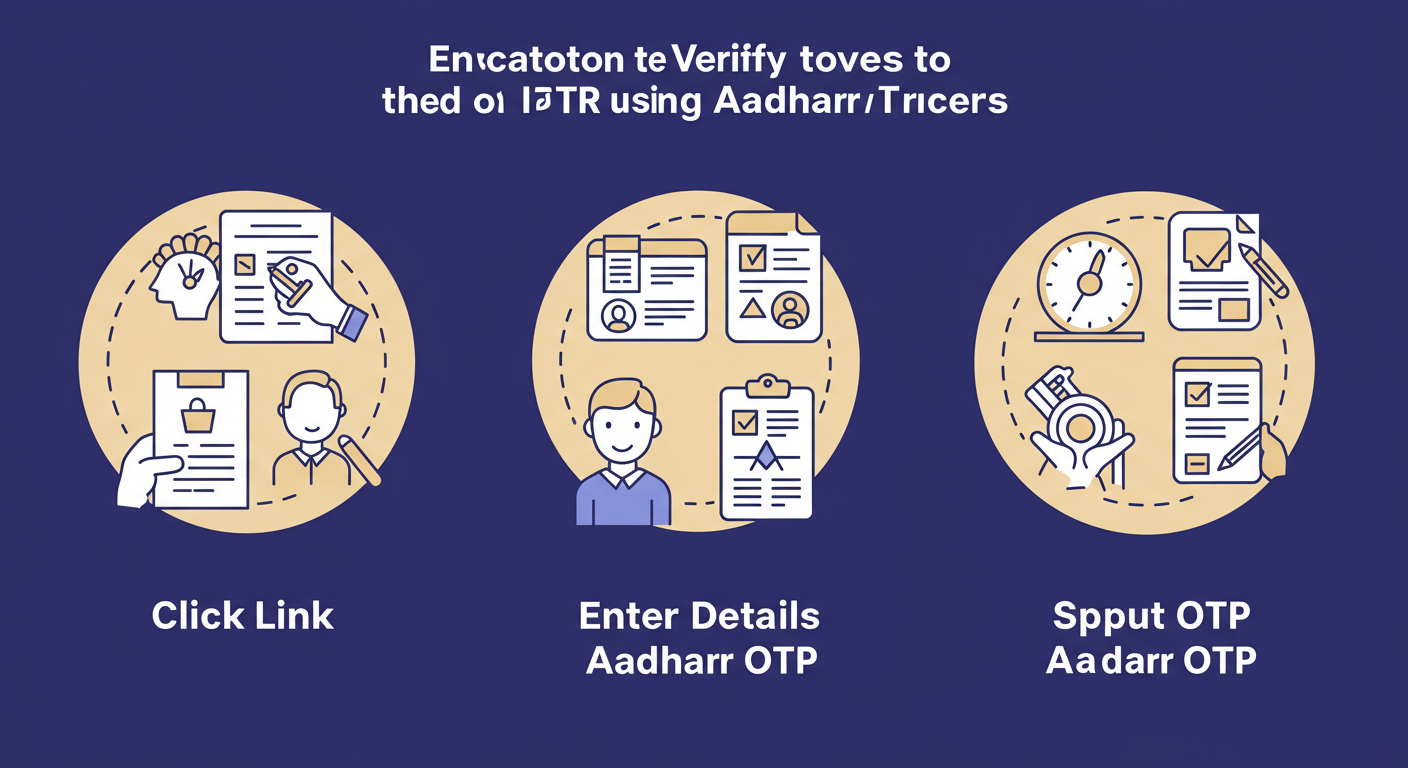
- Navigate: Go to the Income Tax e-filing portal homepage and click the ‘e-Verify Return’ quick link.
- Enter Details: Input your PAN, the Assessment Year (e.g., 2026-27 for income earned in FY 2025-26), and the ITR Acknowledgment Number you received after filing.
- Choose Method: You’ll see several verification options. Select ‘Generate Aadhaar OTP’. (This assumes your mobile number is linked to your Aadhaar).
- Verify: Enter the 6-digit OTP sent to your registered mobile number and click ‘Validate’.
- Confirm: You’ll see a success message with a transaction ID. That’s it. You’re done. Your return is now successfully verified.
⚠️ Watch Out for the Deadline Rush
Trust me on this one: the portal servers slow to a crawl in the last 48 hours before the filing deadline. While these quick links are fast, they can’t beat server overload. Plan to complete all your filing and verification tasks at least a week early to avoid the chaos. Official updates on deadlines are often posted on channels like the Press Information Bureau (PIB).
💡 Pro Tip: The “Know Your AO” Link
Ever wondered which tax office handles your file? The ‘Know Your AO’ (Assessing Officer) quick link is a hidden gem. It tells you your jurisdiction, which is crucial information if you ever need to respond to a notice or communicate with the department offline. Just enter your PAN and mobile number.
❓ Frequently Asked Questions
What are the 12 essential e-filing portal quick links for 2026?
The 12 most critical links are: e-Verify Return, Link Aadhaar, ITR Status, e-Pay Tax, Instant E-PAN, Know Your TAN, Verify Your PAN, Link Aadhaar Status, Authenticate notice/order, Know Your AO, AIS, and Form 26AS. Mastering these covers almost every common tax-related task.
What’s the difference between ‘Link Aadhaar’ and ‘Link Aadhaar Status’?
‘Link Aadhaar’ is the action link you use to initiate the process of connecting your PAN and Aadhaar. ‘Link Aadhaar Status’ is the verification link you use to check if they are already successfully linked, saving you from repeating the process unnecessarily.
Can I file my entire ITR using only the quick links?
No. Quick links are shortcuts for specific, isolated tasks. To file your full Income Tax Return (ITR), you must log into your account, select the correct ITR form, and complete the multi-section filing process. The links are best for pre-filing prep and post-filing follow-up.
What should I do if a quick link isn’t working?
During peak times or maintenance, services can be slow. First, try clearing your browser’s cache and cookies. If that doesn’t work, wait 15-20 minutes and try again. For persistent issues, check the “News & Updates” section on the portal’s homepage for any announced downtime.
Why is my refund delayed even after my ITR status shows ‘Processed’?
The most common reason, based on our experience, is a non-validated bank account. After your ITR is processed, the refund is sent to your ‘pre-validated’ bank account. If you haven’t validated it or if there’s an error (like a name mismatch), the refund will fail. Log in to your profile and ensure your primary bank account is validated and selected for refund.
Conclusion: From Overwhelmed to Empowered
The income tax portal doesn’t have to be a source of anxiety. It’s a tool, and the e filing portal quick links are the shortcuts that let you use that tool with precision and confidence.
You now have the map. You know how to prepare for filing using AIS and Form 26AS, how to pay your dues with ‘e-Pay Tax’, how to complete the process with ‘e-Verify Return’, and how to track your success with ‘ITR Status’. You’re no longer just a taxpayer; you’re an informed and efficient manager of your own financial compliance.
Here’s your next step: Don’t just read this. Go to the e-filing portal right now and use the ‘Link Aadhaar Status’ quick link. Then, click on the ‘Annual Information Statement (AIS)’ link. Take one small, concrete action today. By turning this knowledge into practice, you’ll transform your relationship with taxes for good.
Read Also:
- Avoid These 2026 Tax Filing Nightmares
- ROC Filing Guide 2026: A 7-Step Plan to Avoid Penalties
- Section 8 Company Registration: The Ultimate 2026 Guide
- Director Disqualification (Section 164): Your 2026 Guide
- Maharashtra PT Payment: The Ultimate Online Guide for 2026
- The Role of a Promoter in Business: 7 Key Functions (2026)
- 7 Essential Tax Audit Requirements in India: The 2025 Business Guide – Visual Story
- That ₹73,000 Mistake to Avoid in 2026
- Partnership Firm Registration: The Ultimate 2026 Guide
- Professional Tax Payment Online Maharashtra 2026: The Definitive Guide
- Form INC-20A Filing in 2026: The Ultimate Business Commencement Guide
- MGT-7 Due Date 2026: A Guide to Filing & Avoiding Penalties
- Limitation of Liability Clause: A 2026 Guide to Finding It
- Big Four Companies in India: The Ultimate 2026 Insider’s Guide