Ever stared at your payslip, noticed a deduction for “Professional Tax,” and just… shrugged? You’re not alone. For millions in Maharashtra, it’s a familiar but fuzzy line item. A small amount, easy to ignore. Until it isn’t.
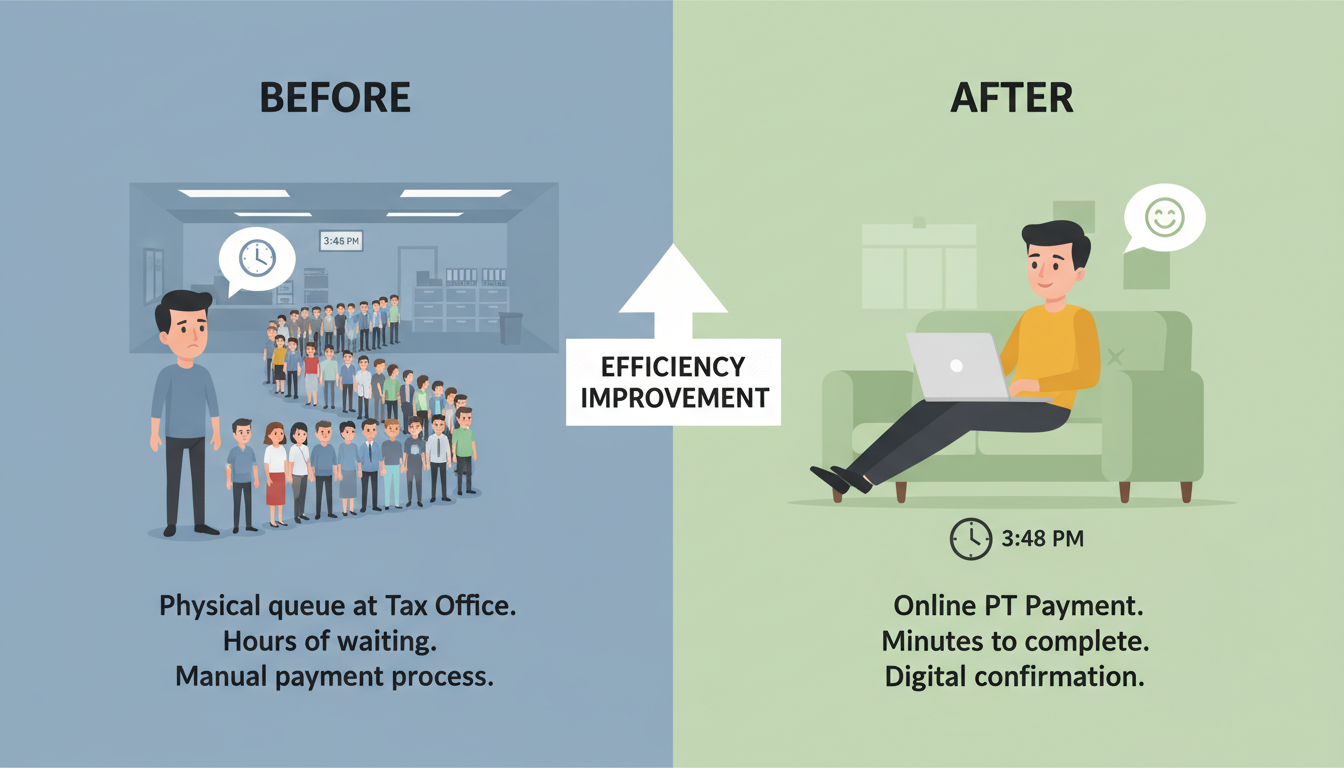
Ignoring this tiny tax can lead to surprisingly large headaches, from mounting penalties to compliance notices. But here’s the good news: settling your Professional Tax (PT) has never been easier. Forget long bank queues and confusing paperwork. The PT online payment Maharashtra portal is a powerful tool, but only if you know how to use it correctly.
This isn’t just another dry government guide. We’re going to break down the entire process, from understanding what you owe to downloading that final, satisfying payment receipt. You’ll learn the critical difference between PTEC and PTRC, sidestep common payment errors, and master your tax obligations for 2026. Let’s get this done.
What is Professional Tax (and Why Should You Care)?
Think of Professional Tax as a state-level fee for being able to practice your profession or trade within Maharashtra. It’s levied by the state government, not the central one, and it’s governed by the Maharashtra State Tax on Professions, Trades, Callings and Employments Act, 1975. It applies to almost everyone who earns a living, including:
- Salaried employees (both government and private)
- Freelancers and independent contractors
- Doctors, lawyers, architects, and consultants
- Business owners and company directors
The amount is surprisingly modest—capped at a maximum of ₹2,500 per year. So, why all the fuss? Because compliance is mandatory. Non-payment, even of a small amount, can attract interest and penalties that quickly dwarf the original tax. In our experience, it’s the small, overlooked compliances that often cause the biggest issues down the line.
The key to staying compliant is understanding which category you fall into: PTEC or PTRC. This is where most people get tripped up.
PTEC vs. PTRC: The Critical Difference You Must Know
Getting this right is half the battle. PTEC and PTRC are two different certificates related to Professional Tax, and paying under the wrong one is a common mistake. Let’s clear this up once and for all.
- PTEC (Professional Tax Enrollment Certificate): This is for individuals who are paying their own professional tax. Think freelancers, doctors, lawyers, chartered accountants, and even directors of a company. You are “enrolled” to pay your tax directly.
- PTRC (Professional Tax Registration Certificate): This is for employers. If you run a business with employees, you are responsible for deducting PT from their salaries and remitting it to the government. You are “registered” as a tax collector on behalf of the state.
Here’s a simple breakdown:
| Aspect | PTEC (For Individuals/Professionals) | PTRC (For Employers) |
|---|---|---|
| Who Needs It? | Freelancers, consultants, doctors, lawyers, CAs, company directors. | Companies, LLPs, partnership firms, sole proprietors with employees. |
| Purpose | To pay your own professional tax. | To deduct PT from employees’ salaries and pay it to the government. |
| Payment Frequency | Typically Annual. | Monthly. |
| Due Date (General) | 30th June of the financial year. | The last day of the month for which salary is paid. |
| Form of Liability | Direct liability on the individual. | Fiduciary duty to deduct and deposit. |
💡 Pro Tip
Even if you are a salaried employee and your employer is already deducting PT (under PTRC), if you have a separate side hustle or freelance gig, you are required to obtain a PTEC and pay tax on that professional income separately. Don’t assume one covers the other!

Your Step-by-Step Guide to PT Online Payment in 2026
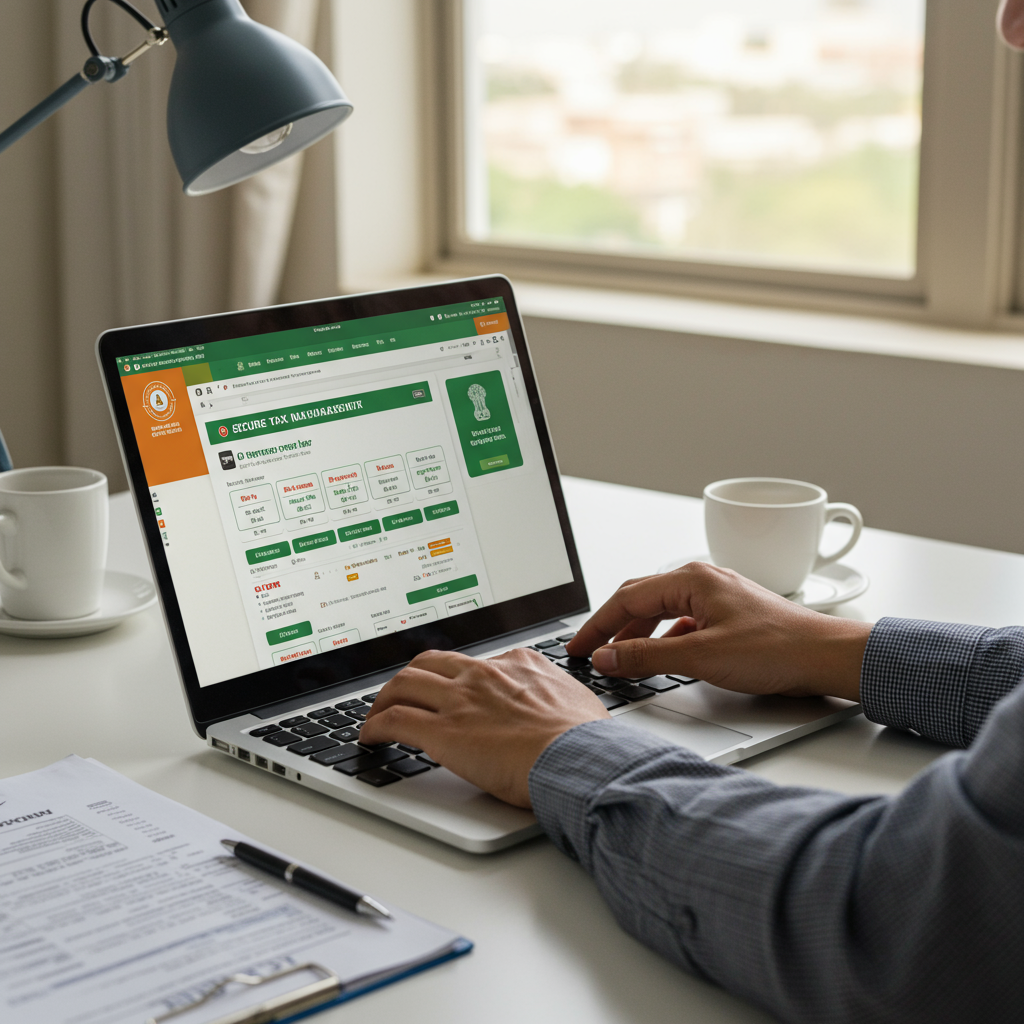
Ready to pay? The process on the Maharashtra GST Department (MGSTD) portal is straightforward once you know the steps. Grab your PTEC/PTRC number and let’s go.
- Navigate to the e-Payments Section: Head to the official MGSTD website. You don’t always need to log in. Look for a prominent button or link on the homepage labeled “e-Payments” or “Payment of Taxes under various acts.”
- Select Your Tax Type: On the e-payment screen, you’ll need to make a few selections.
- Under “Payable Tax,” choose the relevant act. It will be clearly labeled as PTEC or PTRC.
- For “ID Type,” select TIN.
- Enter your 12-digit PTEC or PTRC number carefully.
- Fill in the Payment Details: This is the most crucial step. A form will appear asking for specific details.
- Financial Year: Select the correct year you’re paying for (e.g., 2025-2026).
- Period: For PTEC, this is usually a single annual payment. For PTRC, you’ll select the specific month.
- Amount: Enter the exact tax amount. For PTEC, this is typically ₹2,500. For PTRC, it’s the total tax deducted from all employees for the month.
- Contact Info: Provide your mobile number and email to receive the payment confirmation and challan.
- Verify and Proceed: Double-check every single field. A typo here can cause issues later. Once you’re confident, click “Proceed to Payment.”
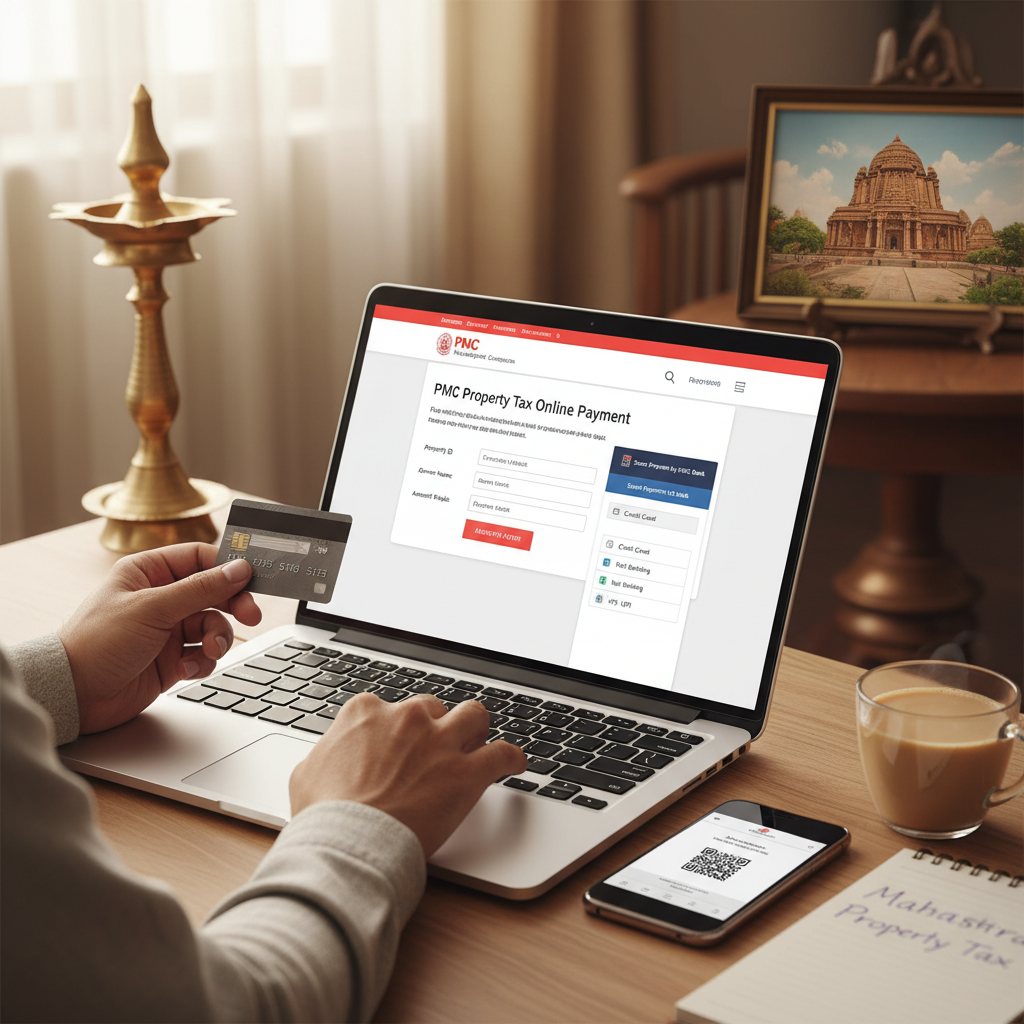
- Choose Your Payment Gateway: You’ll be redirected to a payment gateway. You can choose to pay via Internet Banking, Credit/Debit Card, or UPI. Select your preferred method.
- Authorize the Transaction: You’ll be sent to your bank’s secure login page. Enter your credentials, approve the transaction with your OTP or password, and wait for the confirmation.
- Download Your Golden Ticket (The Challan): Once the payment is successful, you’ll be redirected back to the MGSTD portal. A payment receipt, known as a challan (MTR Form 6), will be generated. Do not close this window. Download this PDF immediately and save it in a secure folder. Email a copy to yourself for backup. This is your official proof of payment.

⚠️ Watch Out
The most common error we see is selecting the wrong financial year or period. If you pay for March 2026 but accidentally select February 2026, the system will show an outstanding balance for March, even though you’ve paid. Reversing this is a bureaucratic hassle. Always, always double-check the period before clicking pay.
How Much Do You Actually Owe? Maharashtra PT Slabs 2026
The amount of Professional Tax is determined by your gross monthly income. It’s not a percentage; it’s a fixed slab-based amount. For employers calculating PTRC, this table is essential. For individuals under PTEC, you typically pay the maximum if you’re actively earning.
Here are the current professional tax slabs for salaried individuals in Maharashtra:
| Monthly Gross Salary | Professional Tax Payable |
|---|---|
| Up to ₹7,500 (For Male employees) | Nil |
| Up to ₹10,000 (For Female employees) | Nil |
| ₹7,501 to ₹10,000 (For Male employees) | ₹175 per month |
| Above ₹10,000 (For both Male and Female) | ₹200 per month for 11 months, and ₹300 in the last month (February). |
| Total Annual Tax | ₹2,500 |
As you can see, the structure ensures that the total annual tax never exceeds the ₹2,500 limit mandated by the Constitution of India. You can find more details on national tax structures in resources provided by organizations like the OECD’s Centre for Tax Policy.
🎯 Key Takeaway
Professional Tax in Maharashtra is a simple, mandatory compliance. The key is to identify whether you need a PTEC (for yourself) or a PTRC (for your employees), pay on time using the official online portal, and always save your payment challan as proof. 7 Critical GST Return Due Dates Every Business Owner Must Know (2025 Guide)
Troubleshooting Common Payment Glitches
What happens when things go wrong? While the online system is reliable, glitches can happen. Based on hands-on testing and client feedback, here’s how to handle the most common issues. 7 Essential Steps to Master the GST Notice Reply Process in 2024
“My payment was debited, but the challan wasn’t generated. What do I do?”
This is the number one panic-inducing problem. Do not pay again immediately.
- Wait 24 hours: Often, it’s a reconciliation delay between the bank and the GST portal. The challan may generate automatically overnight.
- Check Payment Status: Use the “Know Your Payment Status” feature on the portal. You can enter your bank reference number to check if the payment was received.
- Contact Support: If the challan still isn’t available after 48 hours, contact your bank to confirm the transaction status. Then, raise a grievance on the MGSTD helpdesk portal with your transaction details.
⚠️ Watch Out
Using public or unsecured Wi-Fi for tax payments is a security risk. Always use a secure, private internet connection. Also, be wary of phishing websites that mimic the official portal. The correct URL is mahagst.gov.in. Bookmark it to be safe.
💡 Pro Tip
Set a calendar reminder for your PT due dates. For PTEC, set a reminder for the first week of June. For PTRC, set a recurring monthly reminder for the 25th of each month. Procrastination is the main reason people end up paying penalties.
❓ Frequently Asked Questions
What is the penalty for late payment of Professional Tax in Maharashtra?
Late payment of PT attracts interest at a rate of 1.25% per month of delay on the unpaid amount. Additionally, a lump-sum penalty can be levied, which can be equal to the amount of tax due. It’s far cheaper to just pay on time.
Can I make a single PT online payment for the entire year in advance?
Yes, for PTEC holders, the payment is typically made for the full year. For PTRC holders, while the liability is monthly, the portal may offer an option to pay for multiple months or the entire year in advance. This can be a great way to ensure compliance and avoid missing monthly deadlines.
Are there any exemptions from Professional Tax in Maharashtra?
Yes. According to the Act, exemptions are available for senior citizens (above 65 years), members of the armed forces, and parents of children with significant physical or mental disabilities. It’s best to consult the official taxation laws in India or a professional for specific eligibility.
I lost my PTEC/PTRC number. How can I find it?
You can easily find your PT number on the Mahagst portal. Look for a “Know Your Taxpayer” or a similar search option. You can typically retrieve your details by entering your PAN (Permanent Account Number).
My business has no employees this month. Do I still need to do something for PTRC?
Yes. Even if you have no employees for a particular month and therefore no tax to remit, you are still required to file a ‘NIL’ return for that month to maintain compliance. Failing to file a NIL return is considered non-compliance.
Conclusion: Take Control of Your Tax Compliance
Professional Tax might be a small part of your financial life, but managing it efficiently is a sign of good financial hygiene. The PT online payment Maharashtra system has removed all the friction, putting you in complete control.
You now have the knowledge to distinguish between PTEC and PTRC, a clear, step-by-step process to follow, and the foresight to avoid common pitfalls. There’s no reason to dread this task any longer.
Your next step is simple: Block 15 minutes in your calendar, visit the portal, and clear your dues. Experience the ease and peace of mind that comes with being a proactive, compliant professional in 2026.