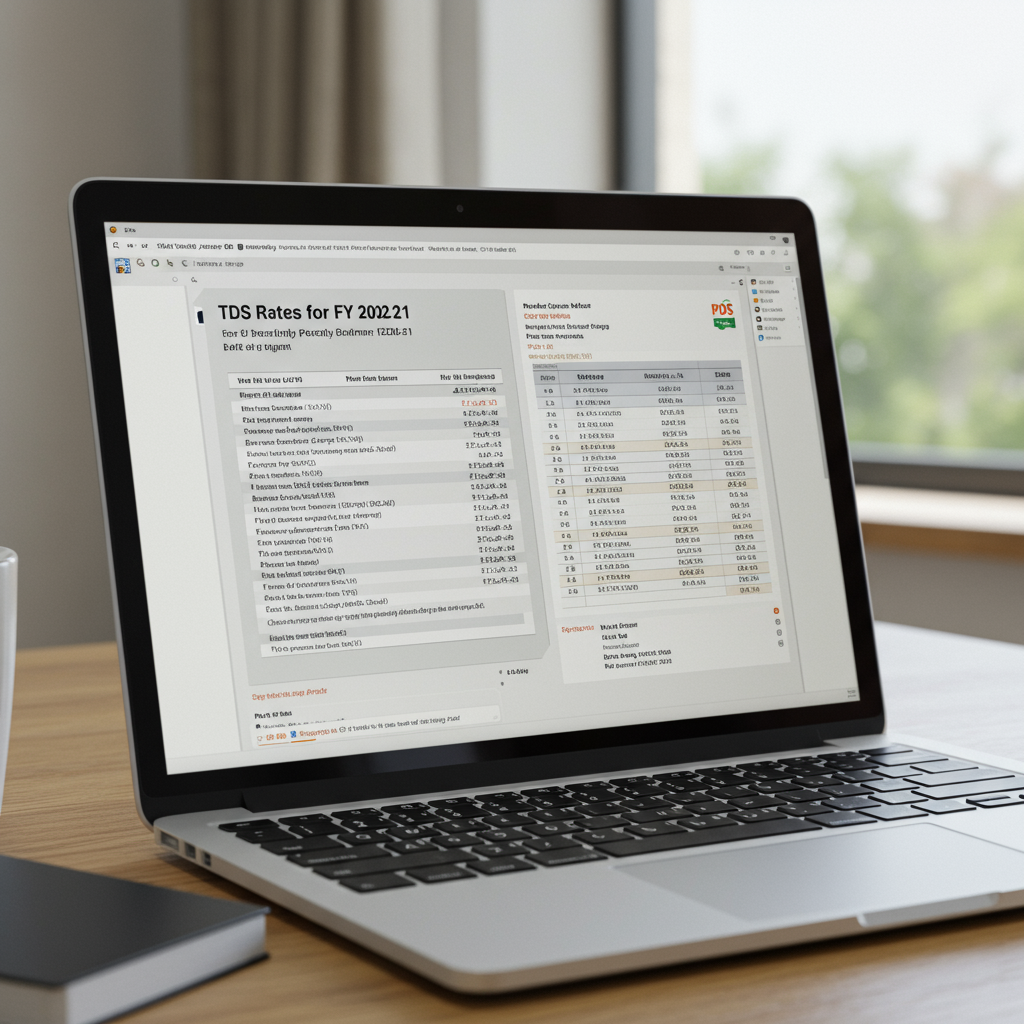
Understanding the Mandate of TDS Return Filing
TDS, or Tax Deducted at Source, is a crucial component of India’s tax administration system. It mandates that certain payers (deductors) must withhold a portion of the payment made to a payee (deductee) and deposit it directly with the government. While depositing the tax is the first step, the subsequent and equally critical compliance requirement is the submission of the TDS return. If you are responsible for withholding tax, mastering the process of TDS return filing online is non-negotiable for smooth operations and avoiding penalties.
The Income Tax Department relies heavily on these returns to reconcile the tax credits claimed by the deductees. A failure to file accurately or on time can lead to significant financial repercussions, including high late filing fees and interest charges. Simply put, compliance ensures that the tax credit reaches the rightful recipient quickly and efficiently.
The Quarterly Process of TDS Return Filing Online
TDS returns are not filed annually; they are a quarterly obligation. This structure ensures a steady flow of tax revenue to the government and provides taxpayers (deductees) with timely proof of deduction, which they need when filing their annual income tax returns. Successfully navigating the quarterly cycle requires meticulous record-keeping and adherence to strict deadlines.
Key Steps Before Initiating TDS return filing online
Before you even think about submitting the forms, several preparatory steps must be completed. Skipping these steps is the primary cause of rejection or processing delays:
- TAN Registration: You must have a valid Tax Deduction and Collection Account Number (TAN). Without this, you cannot deposit TDS or file returns.
- TDS Deposit: Ensure all tax collected during the quarter has been deposited using the appropriate Challan 281 within the prescribed due dates.
- Data Collation: Gather all details pertaining to payments made, tax deducted, PANs of deductees, and challan details.
- KYC Verification: Verify the PAN of all deductees. Incorrect or invalid PANs lead to higher TDS deduction rates and error notices.
As a deductor, whether you are dealing with salaries, rent, professional fees, or Section 194C provisions related to contractor payments, accuracy is paramount when preparing for TDS return filing online.
Essential Forms for TDS Return Filing
The type of payment made determines the specific form you need to use for TDS return filing online. Using the wrong form is a guaranteed way to receive a defect notice from the Income Tax Department. There are four primary forms used for quarterly returns:
Form 24Q
Used for reporting TDS deducted on salary payments (Section 192). This is the most common form for employers. It requires details of salary payments and the corresponding tax deductions.
Form 26Q
Used for reporting TDS deducted on payments other than salary made to residents. This covers payments like interest, rent, professional fees, and commissions (Sections 193 to 194LA, excluding 192).
Form 27Q
Used for reporting TDS deducted on payments made to non-residents (foreign companies or foreign individuals). This form handles various payments under Section 195 and others.
Form 27EQ
This form is utilized for reporting Tax Collected at Source (TCS). TCS is collected by sellers from buyers on specific transactions, such as the sale of scrap or certain minerals.
How to Choose the Correct Form
The decision tree for selecting the correct form is straightforward: identify the nature of the payment and the residency status of the deductee. For instance, a company deducting tax on interest paid to a resident vendor must use Form 26Q. A government office deducting tax on employee salaries must use Form 24Q. This careful segregation ensures the tax department can efficiently track deductions based on the relevant section of the Income Tax Act.
Step-by-Step Guide to TDS Return Filing Online
The process of TDS return filing online primarily involves using the utilities provided by the government, specifically the Return Preparation Utility (RPU) developed by the Tax Information Network (TIN-NSDL).
- Download the RPU: Download the latest version of the RPU from the official TIN-NSDL website. This Java-based utility allows you to prepare the electronic statement offline.
- Prepare the Data File: Input all necessary details into the RPU, including deductor details, challan details (CIN), and deductee details (PAN, amount paid, tax deducted).
- Validate the File: Use the ‘Validate’ function within the RPU. The utility checks for structural and logical errors. If errors exist, the RPU generates an error file detailing the corrections needed.
- Generate the FVU File: Once validated successfully, the RPU generates a .fvu (File Validation Utility) file. This is the file you will submit.
- Submission (e-Filing): The FVU file must be submitted electronically through the Income Tax e-Filing Portal or via a designated TIN Facilitation Centre.
- Verification: If filing electronically, you must log in to the e-Filing portal, navigate to the ‘e-File’ menu, and upload the generated FVU file using your Digital Signature Certificate (DSC) or Electronic Verification Code (EVC). Filing using a Digital Signature Certificate is mandatory for certain entities like companies.
- Receipt Generation: Upon successful upload and processing, an acknowledgment receipt (Token Number) is generated. This confirms your compliance.
The accuracy of the challan data is paramount during this stage. Any mismatch between the details reported in the return and the details recorded in the OLTAS (Online Tax Accounting System) database will lead to a ‘Challan Mismatch’ error, requiring immediate correction through the TRACES portal.
Deadlines and Penalties for Late TDS Return Filing
Adhering to quarterly deadlines is essential for seamless compliance. The deadlines are set shortly after the end of each financial quarter:
Quarter 1 (April – June)
Deadline: July 31st
Covers deductions made between April 1st and June 30th.
Quarter 2 (July – September)
Deadline: October 31st
Covers deductions made between July 1st and September 30th.
Quarter 3 (October – December)
Deadline: January 31st
Covers deductions made between October 1st and December 31st.
Quarter 4 (January – March)
Deadline: May 31st
Covers deductions made between January 1st and March 31st. Note the extended deadline for the final quarter.
Failing to meet these deadlines triggers stringent penalties under the Income Tax Act, 1961. Section 234E mandates a late filing fee of Rs. 200 per day until the return is filed. However, this penalty is capped at the total amount of TDS deducted for that quarter. Furthermore, if the delay is substantial, the Assessing Officer may levy a penalty under Section 271H, ranging from Rs. 10,000 to Rs. 1,00,000, especially if the delay exceeds one year or if there is incorrect information provided (like a wrong PAN or challan details).
“Timely compliance with TDS return filing is not just a procedural formality; it is the backbone of establishing the tax credit trail for the deductee. Delays create unnecessary burdens for both the taxpayer and the tax administration.”
Common Mistakes to Avoid During TDS Return Filing
Even experienced professionals sometimes stumble over minor errors that lead to return rejection or deficiency notices. Avoiding these common pitfalls will streamline your TDS return filing online process:
- Mismatch in Challan Details: The amount, BSR code, date of deposit, and TAN reported in the return must exactly match the details in the bank records (OLTAS). Even a single digit error can invalidate the challan.
- Incorrect PANs: Always verify the PAN of the deductee before reporting. If the PAN is invalid or not provided, the deduction rate defaults to 20%, and the credit will not reflect in the deductee’s Form 26AS.
- Delay in Form 16/16A Generation: Deductors must issue Form 16 (for salary) or Form 16A (for non-salary payments) within 15 days of filing the quarterly return. Delays here inconvenience the deductee.
- Failure to File Correction Statements: If you realize an error after submission, you must promptly file a correction statement through the TRACES portal. Ignoring errors is never advisable.
Ensuring Accuracy and Generating Form 16/16A
After successfully completing the TDS return filing process, the most crucial step is reconciliation. The TRACES (TDS Reconciliation Analysis and Correction Enabling System) portal is the official platform provided by the Income Tax Department for this purpose. Deductors must log in to TRACES to check the status of their filed returns and verify that the challan amounts have been fully matched.
Once the return is processed and validated by the system, the deductor can generate Form 16 (for Form 24Q) or Form 16A (for Forms 26Q and 27Q). These forms serve as the tax credit certificate provided to the deductee, confirming the amount of tax withheld and deposited on their behalf. Without the correct and validated certificate, the deductee cannot claim the tax credit in their annual return.
For detailed guidance on ensuring timely compliance and navigating the complexities of quarterly submissions, always refer to expert resources dedicated to TDS Return Filing.
It is important to remember that the responsibility of the deductor does not end with depositing the tax; it concludes only when the return is filed correctly, the credit is reflected in the deductee’s 26AS, and the necessary certificates (Form 16/16A) are issued. For official guidelines and regulatory updates, always consult the primary source, such as the official Income Tax e-Filing portal.
The government continually updates the procedural requirements, particularly regarding the utilities used for filing. Staying updated with the latest Return Preparation Utility (RPU) version is vital to ensure compatibility and successful submission. You can find essential updates and resources on the official TIN-NSDL website.
Conclusion
TDS return filing online is a mandatory, quarterly compliance task that demands accuracy and timeliness. By understanding the specific forms (24Q, 26Q, 27Q), adhering to the crucial deadlines, and utilizing the RPU and TRACES systems effectively, deductors can ensure seamless compliance. Proactive preparation, meticulous verification of PANs and challans, and prompt issuance of Form 16/16A are the cornerstones of a successful TDS cycle, ensuring that both the deductor and the deductee remain compliant and penalty-free.
FAQs
The TDS deposit is the act of paying the tax deducted to the government treasury using Challan 281, which typically must be done by the 7th of the following month. TDS return filing is the subsequent quarterly process of submitting a statement (Form 24Q, 26Q, etc.) detailing who the tax was deducted from, the amount paid, and the corresponding challan details. Both steps are mandatory.
If you discover errors (such as wrong PAN, incorrect challan details, or amount mismatch) after the initial submission, you must file a Correction Statement. This correction must be done through the TRACES portal. You will need to download the consolidated file for the relevant quarter, make necessary changes using the RPU, and then upload the revised FVU file back to the e-Filing portal.
While the Income Tax Department strongly encourages electronic filing for everyone, it is mandatory for government deductors and corporate deductors. Non-government deductors who have 10 or more deductee records in a statement are also required to file electronically. However, given the ease and efficiency, nearly all deductors opt for TDS return filing online.
Section 234E levies a late fee of Rs. 200 per day for the delay in filing the quarterly TDS return. However, the total penalty amount cannot exceed the total amount of TDS required to be deducted for that specific quarter.
The TRACES portal is critical for reconciliation and post-filing activities. Deductors use it to view OLTAS challan details, check the status of filed returns, download consolidated files for corrections, and generate Form 16/16A certificates for deductees. It acts as the central hub for managing the entire TDS compliance life cycle.
Read Also:
- Mastering GST Interest: A Step-by-Step GST Interest Calculation Example Guide
- Maximizing Efficiency: Your Complete Presumptive Taxation Filing Guide for FY 2024-25
- The Complete Guide to ITR e Verification Steps: Methods, Benefits, and Troubleshooting
- LLP vs Private Limited: The Definitive Guide to Choosing Your Business Structure in India
- Long Term Capital Gain Tax Changes in Budget 2024
- 11 Best Tax Saving Investments India: The Ultimate 2025 Guide to Wealth Creation – Visual Story
- Section 194Q TDS: The Ultimate Guide for Businesses (2026)
- Blogs